


AE 2022 keeps crashing on startup // Win 11
Hey there,
my AE 2022 keeps crashing when trying to start the program.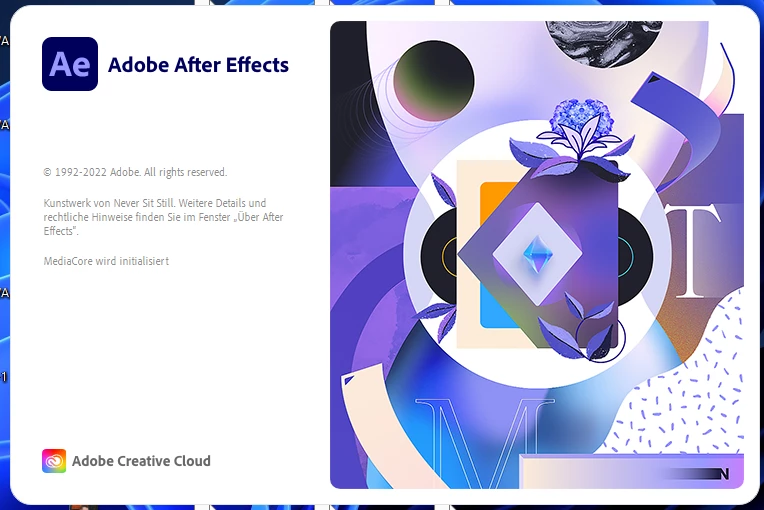 I do not get any further than this. My AE 2020 is starting without any problems - but switching to an old version can't be the solution for this?
I tried everything from checking my graphics driver to reinstalling. Nothing seems to fix this problem.
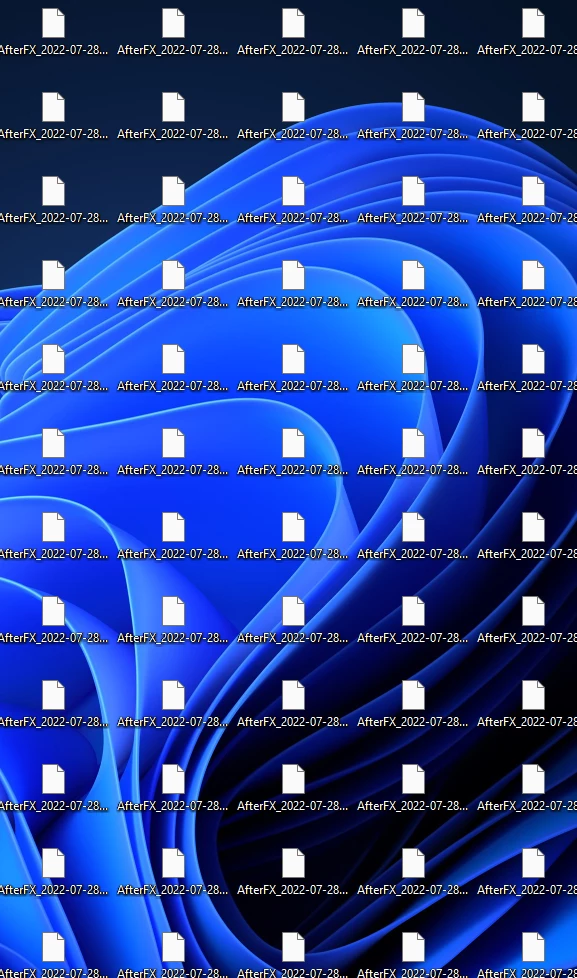
I also get hundreds of crash files everytime I start AE 2022 (I uploaded one to workupload since it cant be attached to this post, Link to one of my Crash Files ).
My log folder on the other hand is completly empty (-> AppData\Roaming\Adobe\After Effects\22.5\logs).
It's driving me nuts. I pay a lot of money every month and I am not able to use a working AE version since 2020... It's one of my most used programs and I am forced to use an old version....
 AdChoices