
Participant
July 17, 2023
Answered

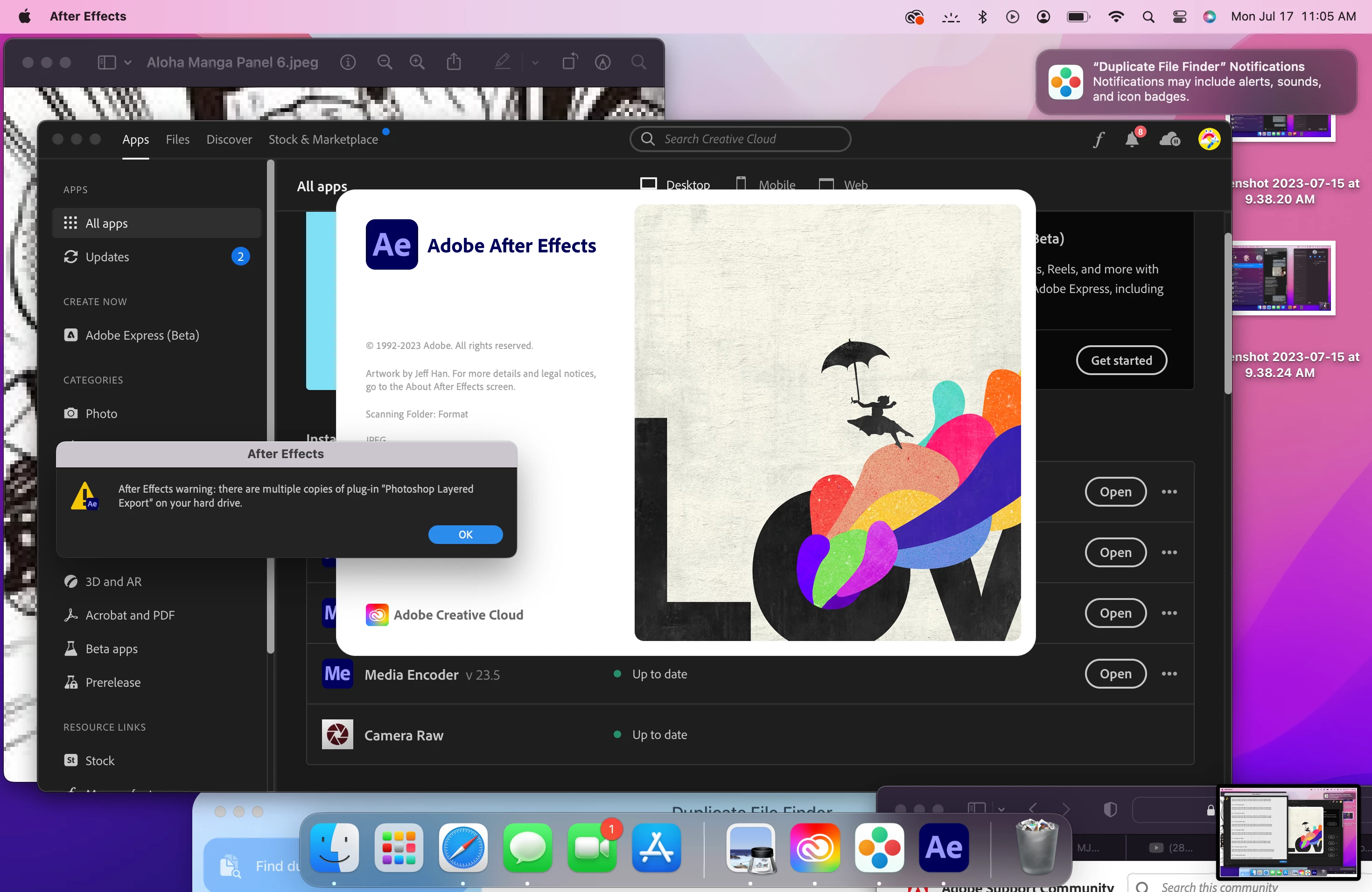
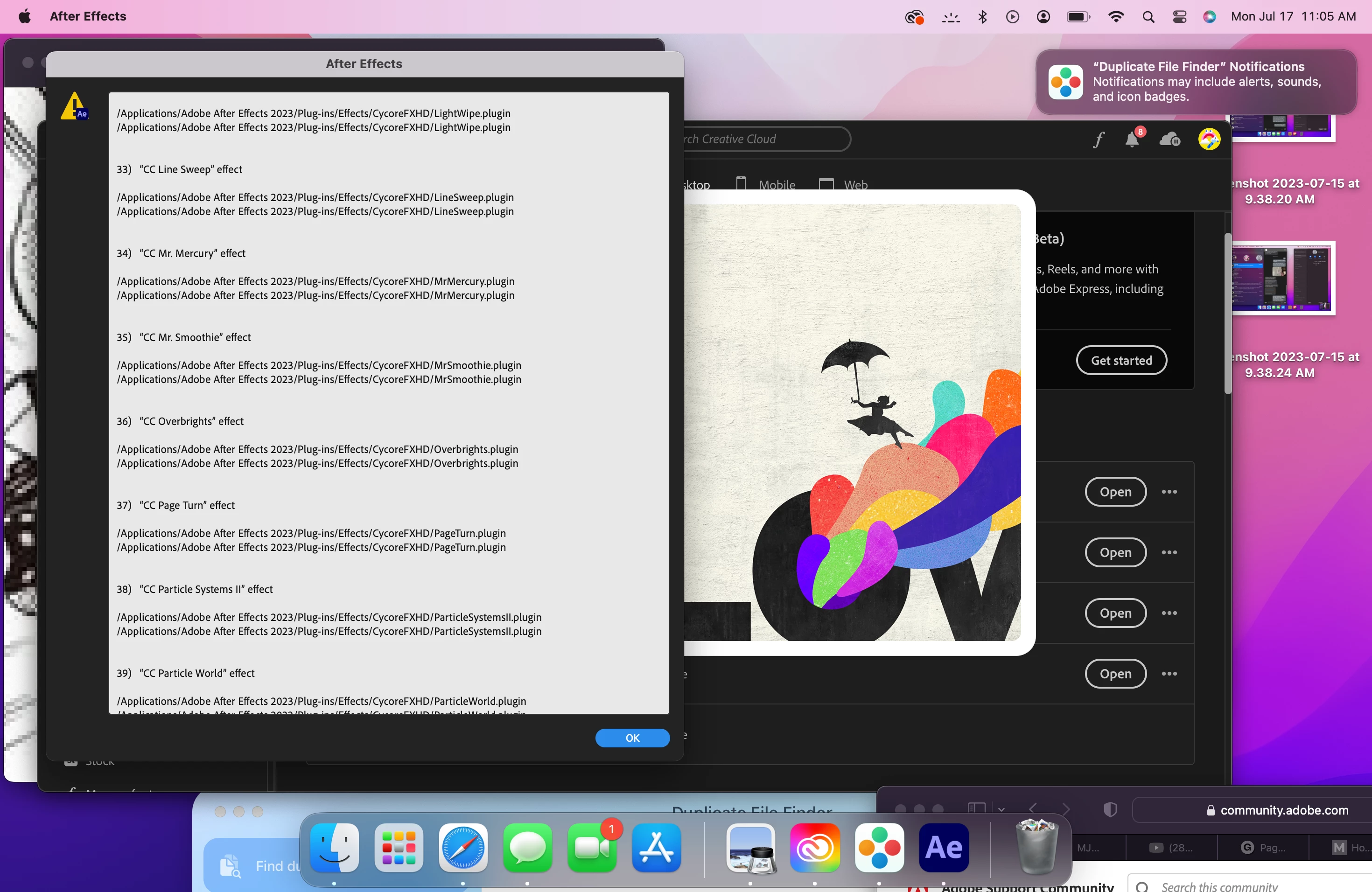
AE 2023 download, says I have duplicate files even after I deleted them all.

  • July 17, 2023
  • 1 reply
  • 288 views

I really want to upgrade to 2023, but it keeps telling me this. I downloaded duplicate file removers and removed all the duplicate plugins, but it still shows this. Im stuck... im getting really tired of this. Back in november, a adobe customer servicer tried to help me but it ended with me having to go back to 2022. I have a file that i need to use that only runs on 2023. I dont even know where hard drive is and what it is...
This topic has been closed for replies.
Correct answer Mila31129644kl9a

I had to delete all of my ae, and I redownloaded it and it fixed it.

1 reply

Ishan Y
Community Manager
Community Manager
July 17, 2023

Hey Mila,

This must be frustrating. Are you able to access the directory mentioned in the screenshot you shared? Can you load After Effects, or does it close after the splash screen? Do you see the Startup Repair Options if you keep the Command + Shift + Option keys pressed and launch After Effects? Let us know. We're here to help!


Thanks,

Ishan

Mila31129644kl9aAuthorCorrect answer
Participant
July 28, 2023

I had to delete all of my ae, and I redownloaded it and it fixed it.