The inconsistencies are there because neither application was originally developed by Adobe.
And if I had to make a choice -- make AE work better or make AE work more like PP -- I'm voting for "better".
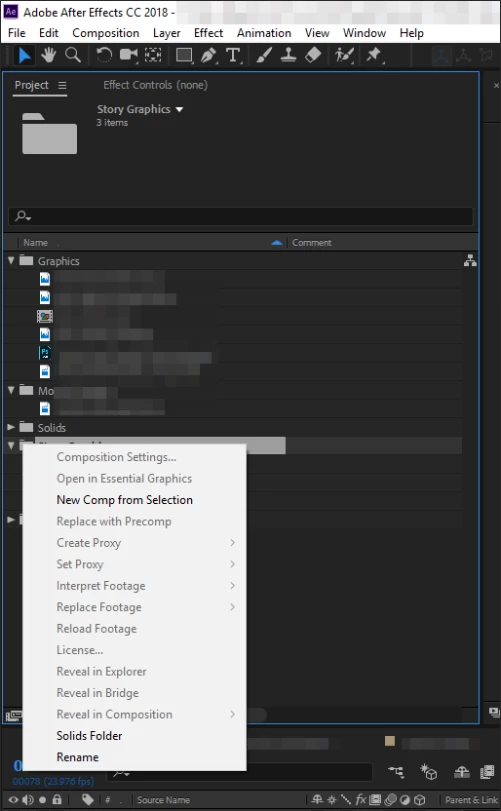
Select the folder or bin in After Effects or Premiere Pro, press Ctrl/Cmnd + i and search your folders for the files you want and they go directly into that folder or bin. It is faster and more accurate than right-clicking and drilling through the menu. Anybody can memorize that keyboard shortcut. Selecting a Folder in AE and using Ctrl/Cmnd + N to create a new comp also puts that comp in the folder. Just by using keyboard shortcuts or, as I'll explain in a moment, dragging folders into your projects you can save a bunch of dragging and renaming time.
In either app, you can select a folder and drag it in and the folder name and all the files will come right into After Effects or a Bin will be created in Premiere Pro. That's an even faster way to work.
I have another suggestion for you. Develop a consistent file structure and use it for every project. I've been using the same file and asset naming structure since I started making films in 1969. It was taught to me by a man that had made about 400 films in his 30-year career. If I'm working on Act 2 Scene 46 take 10 the original footage is in a folder that corresponds to that project, that production day and that scene. If I want all of the footage from that scene in PPro or in AE I just drag the folder into the app and folder (bin) names are preserved. There's no need to create or rename anything. Anybody on the project can look at the call sheets or the script log, the director's notes or any other record for that production and find the folder and the footage in seconds. Once you get used to a specific file structure your work will go a lot faster.
It's not that your feature request is a bad idea, it's just that there is an easier way to do what you want to do already in the app.

 AdChoices