Participant
October 16, 2025
Question

AE crashing while it launches

  • October 16, 2025
  • 1 reply
  • 187 views

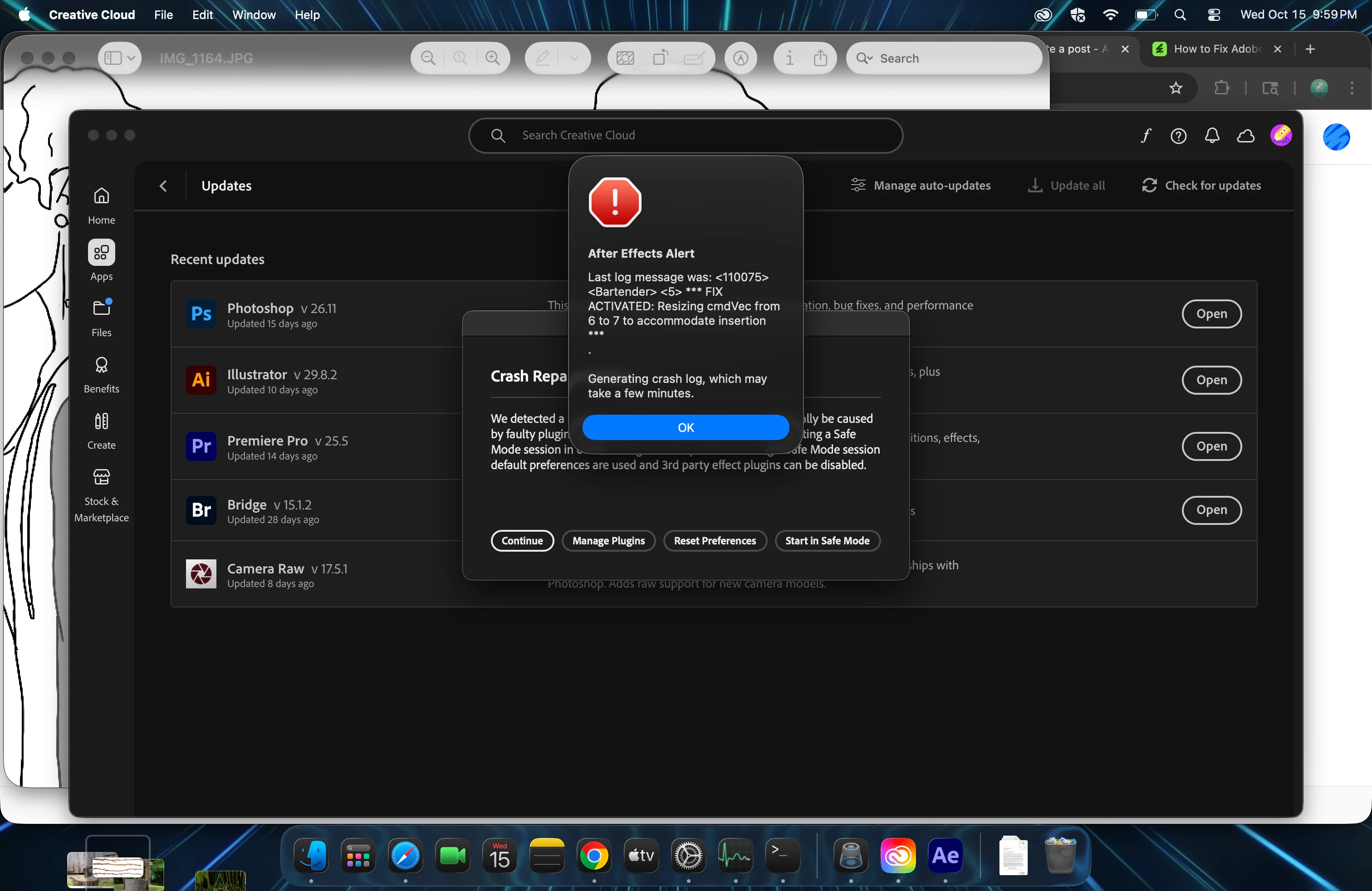
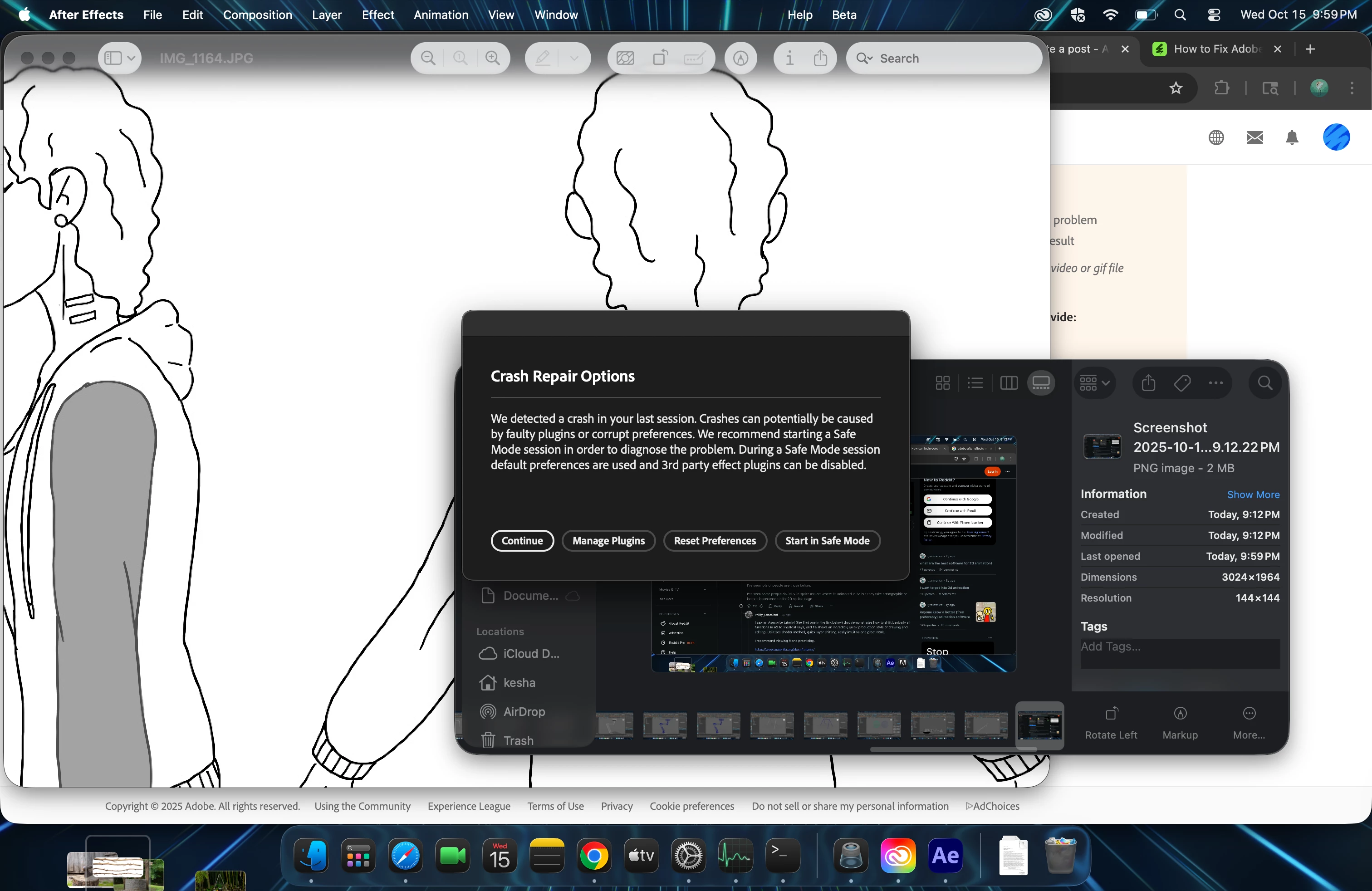
Trying to Launch AE after install to Tahoe. All of my other applications work. Upon launch I get a message about possible corrupted plug-ins and if I want to start in Safe Mode. I cannot even select safe mode as it just spins so I force stop the application. I uninstalled and re-installed, same problem.
   

1 reply

nishu_kush
Legend
October 16, 2025

Sorry to hear about the crash, Kesha.


Try this: go to HD/Library/Application Support/Adobe/Common/Plugins/7.0/MediaCore and remove (or move to a different location to keep a backup) all the files and folders except dummy.txt and try to launch After Effects. Everything (except dummy.txt) in this folder is part of a third-party plug-in. If removing the files and folders helps, then it's one or more of your third-party plug-ins that are causing the issue. 

Note: macOS has two different libraries. System Library and User Library. You need to go to the System Library to access this location.

Let me know how it goes.


Thanks,
Nishu

Participant
October 17, 2025

I went to the folder and there's only the dummy.txt file. I relaunched AE just to see and it still is crashing with the same messaging.