Participant
October 16, 2025
Question

AE crashing while it launches

  • October 16, 2025
  • 1 reply
  • 187 views

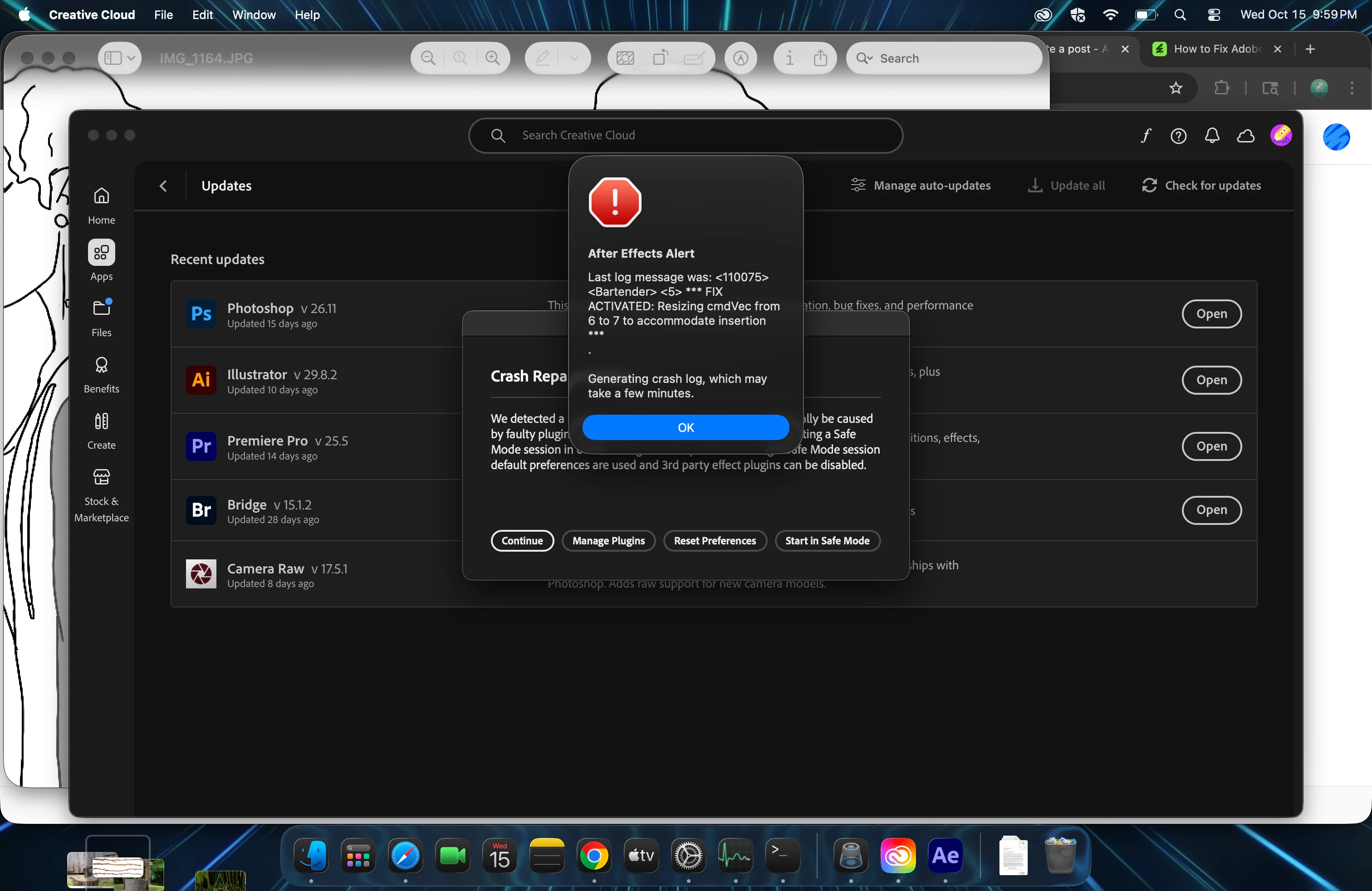
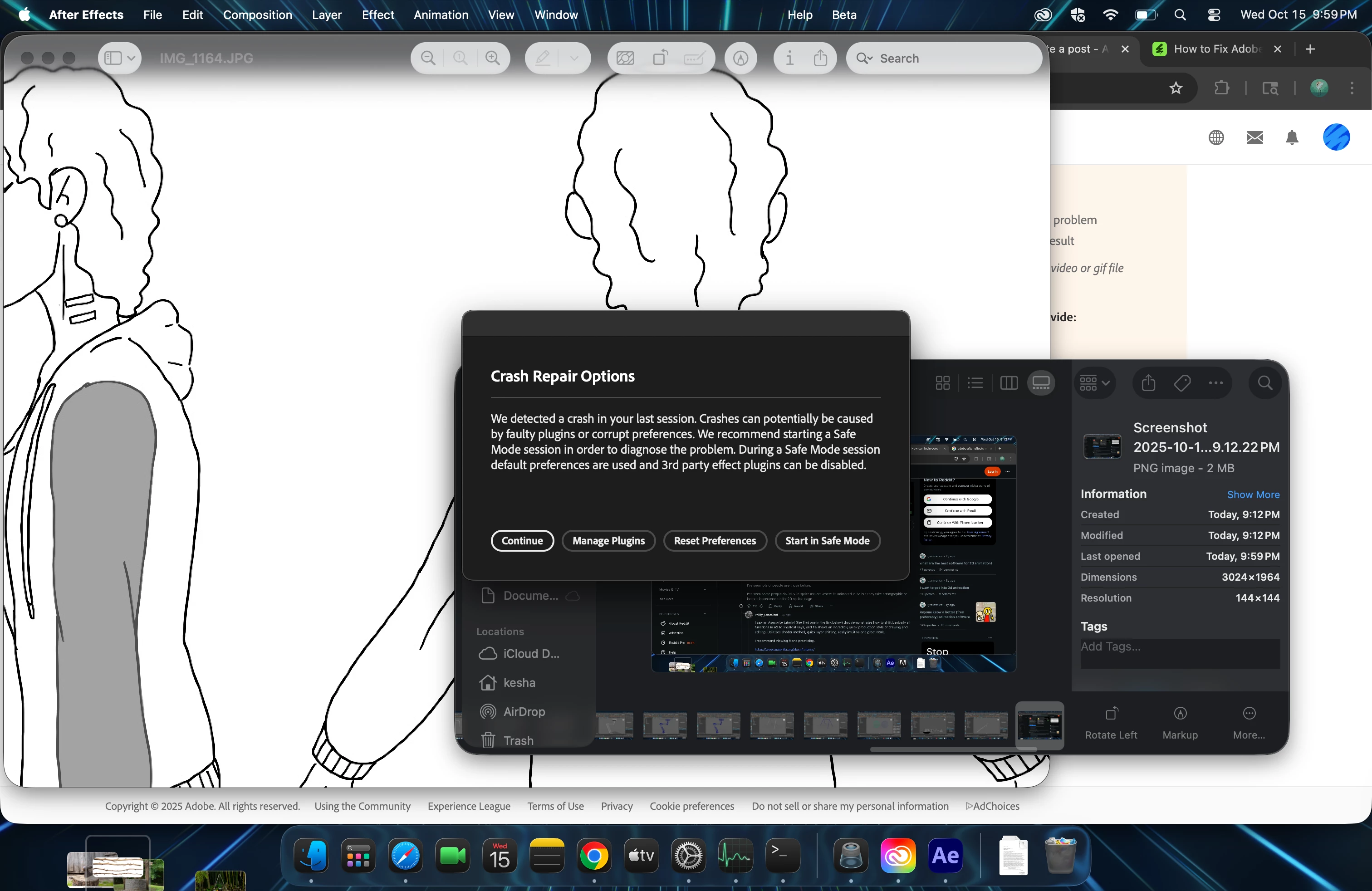
Trying to Launch AE after install to Tahoe. All of my other applications work. Upon launch I get a message about possible corrupted plug-ins and if I want to start in Safe Mode. I cannot even select safe mode as it just spins so I force stop the application. I uninstalled and re-installed, same problem.
   

1 reply

nishu_kush
Legend
October 16, 2025

Sorry to hear about the crash, Kesha.


Try this: go to HD/Library/Application Support/Adobe/Common/Plugins/7.0/MediaCore and remove (or move to a different location to keep a backup) all the files and folders except dummy.txt and try to launch After Effects. Everything (except dummy.txt) in this folder is part of a third-party plug-in. If removing the files and folders helps, then it's one or more of your third-party plug-ins that are causing the issue. 

Note: macOS has two different libraries. System Library and User Library. You need to go to the System Library to access this location.

Let me know how it goes.


Thanks,
Nishu

Participant
October 17, 2025

Installed Version 25.4.0 (Build 86) and it came up in safemode so there is something wrong with Version 25.5 and with my Mac which hasnt changed besides Tahoe 26.0.1 but an older version of AE works with it. 

nishu_kush
Legend
October 22, 2025

but the newest beta is 25.6.0 and the current AE version is 25.5.0


Thanks for giving that a try. It appears that the issue you're experiencing with the latest version has been resolved in beta and will be included in the next update. Ensure that you update After Effects when version 25.6 (official) becomes available for download.

Let me know if there are any other questions. 


Thanks,
Nishu