
Participating Frequently
February 26, 2017
Answered

AE keeps importing the same file.

  • February 26, 2017
  • 10 replies
  • 23202 views

Hello,

I've lately been importing Illustrator files into After Effects for animation. I've been running into an issue where I'll upload one file, and then every file I upload afterwards is that same first file. Sometimes saving the file in a different folder, or drastically changing its name helps.

I've reinstalled AE/restarted my computer. This has been a problem for a few weeks.

Thanks for any help!

Deric
Correct answer ambitious_Journey0D4D

Hey everyone I found a solution to your problem.

I had the same situation when using Premier 2018 when I tried to import slide from a presentation and had the same problem. The original file was PDF so I had to turn it into jpg to use it in premier.  After restarting my computer and trying again all the steps described nothing worked. So I brought the exported jpgs and re-exported them again in resolution matching my sequence settings. After that I was able to import all my images normally.

Seems like Premier and After effects don't like Illustrator files.

10 replies

Known Participant
June 19, 2025

Adobe is the WORST. Year in and year out, I'm fighting more bugs than the world's busiest immunologist.

Participant
August 25, 2021

August 2021 and I am getting the same problem from images 'exported for screens' from Illustrator.  I have 8 different jpegs, and they all raster as image 6 in AE.

Participant
April 15, 2021

This still happenning i am importing form illustrator as compostition and keep importing me as some previuos sequencial ai file name

Participant
April 15, 2021

As previuos mentioned it work finw with the drag to ae mechanism, but is houl be fixed by this time

Participating Frequently
February 18, 2021

It's 2021 and this problem still persists - cannot import JPEGS exported from Illustrator into After Effects. They import as duplicates of the first frame.

In the latest release of AI and AE, however, PNG's seem to work for me. 

Participant
July 24, 2020

hello,


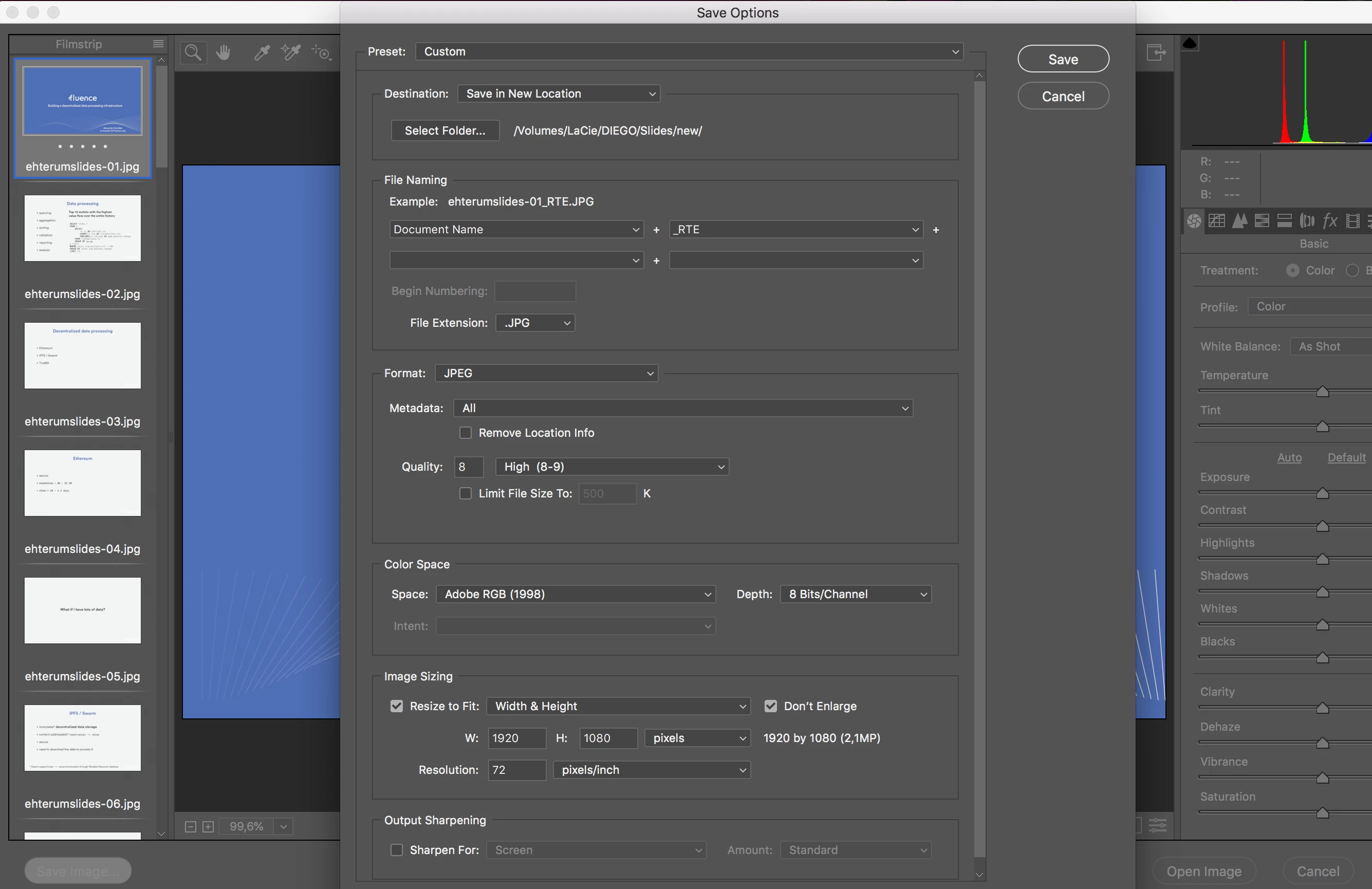
It happens when you export JPGs from Illustrator using the "Export for screens" feature. All images exported output as the same. When you export PNGs, it doesn't help


Adobe screws up again!

Known Participant
March 19, 2021

Remove the metadata from the JPGs with an external tool. This helped in my case.

ambitious_Journey0D4D
ambitious_Journey0D4DCorrect answer
Participant
October 4, 2018

Hey everyone I found a solution to your problem.

I had the same situation when using Premier 2018 when I tried to import slide from a presentation and had the same problem. The original file was PDF so I had to turn it into jpg to use it in premier.  After restarting my computer and trying again all the steps described nothing worked. So I brought the exported jpgs and re-exported them again in resolution matching my sequence settings. After that I was able to import all my images normally.

Seems like Premier and After effects don't like Illustrator files.

Participant
October 21, 2020

Here is how I corrected this problem.

I would get the same image opening up for all files when I tried to export jpgs from Illustrator, but if I open the jpgs in photoshop and resave, they open up correctly in AE. 

Participant
May 25, 2022

THIS worked for me, none of the others didn't.

Participant
February 12, 2018

I was having the same issue. What solved for me was to stop using cmd + i.

Instead, I dragged the file straight into the timeline.

trần xuânl36362891
Participant
January 26, 2022

it works! thanks!

Participating Frequently
June 9, 2017

I am having this same issue importing Illustrator layered files as comps.  Even though each AI file has a unique name, a different number of layers etc. AE thinks each new imported file is a duplicate of the first one I imported.

MacOS Sierra 10.12.5, AE CC 2017 14.2, Illustrator CC 2017 21.2

MacPro late 2013, 12-core, 64Gb. SSD drives

jsolterbeck
Known Participant
August 14, 2017

Bumping this, discovered similar behavior with psd files, OS X 10.12.6, AE 14.2.1.34.  Drag and drop works, but importing as a comp creates the same file over and over, regardless of order.

Lawn Care Ninja
Inspiring
February 26, 2017

What happens when you click and drag the file into AE? Instead of clicking import and importing, try clicking the file in Windows Explorer and dragging it into AE. Does it still happen?

Participating Frequently
February 26, 2017

Just tried it, it works fine when I drag the file into AE.

However, I also tried it with Illustrator files that had multiple layers. Since it had layers, it prompted me about importing as footage or a composition. Sure enough, it duplicated the first import.

These were also named Untitled 1 and 2. I noticed that by dragging them in, at least the file is named correctly in AE. If I were to import from AE, the name would be duplicated as well. 

Lawn Care Ninja
Inspiring
February 26, 2017

Maybe upload those files to a file sharing site and share them here. I could then try them on my machine.

Community Expert
February 26, 2017

Your description of the problem does not give many details. Upload a file isn't really the right term to use. I think you mean Import a file.

If your copies of After Effects and Illustrator are up to date (not the latest but the most current build for the version you are using) and you have already purged all memory and cache try this:

  1. Reboot your machine
  2. Create two new illustrator files with a square in one file and a circle in the other
  3. Name the files test 1.ai and test 2.ai and same them both to a new folder
  4. Open After Effects and from the Menu choose File>Import
  5. Select test 1.ai and select Import as footage from the import options
  6. Select the imported file in the Project Panel and choose File>New Composition from selected
  7. From the Menu select File>Import and choose test 2.ai and import the file as footage
  8. Double click the test 1.ai file in the Project Panel to see if it opens properly in the footage panel
  9. If it opens properly then in the footage panel drag the file from the Project Panel to the comp you made from test 1.ai and see if you have both a square and a circle in the comp panel

If this works then you are experiencing user error and you need to carefully review your workflow and verify the files by opening them in Illustrator. If it doesn't work then let us know and give us complete workflow details and uncrossed screenshots of your project with the appropriate footage selected in the Project Panel and the appropriate layers selected in the timeline with their modified properties revealed so we can help you get to the bottom of this problem.

Participating Frequently
February 26, 2017

Here are "Untitled 1" and "Untitled 2" in Illustrator.

Both saved to the same folder.

I import Untitled 1 into a new AE project.

The file Imports correctly.

I import Untitled 2.

Untitled 1 is duplicated instead.

This wasn't an issue until about a month ago.

Thank you again.

Participant
October 30, 2019

Hi, I have been having the same problem for long time now, and i used to rename all my files in a non-sequence way to solve it, but i was searching online today to try to find another solution and i saw your post. Just wanted to drop you a note i am not sure if it will help you as it did at my side a while ago.

Instead of importing by double clicking, or by using file/import. only drag the files into AE. but you have to make sure you have the settings as below:

Usually Ae setting comes by default with the below:
Drag import multiple items as: footage.
So i changed it to: Composition-Retain layer size

This solved my problem. I am not sure if I am late dropping this in.