SpectacularKevin
Inspiring
April 22, 2021
Answered

AE Lights: Radius and Falloff Distanc not working

  • April 22, 2021
  • 2 replies
  • 1775 views

I've been pretty puzzeled as to what the radius and falloff distance options do.

I'd imagine it adjust the size and distance of your light; however, when I play with these options, nothing seems to happen. 


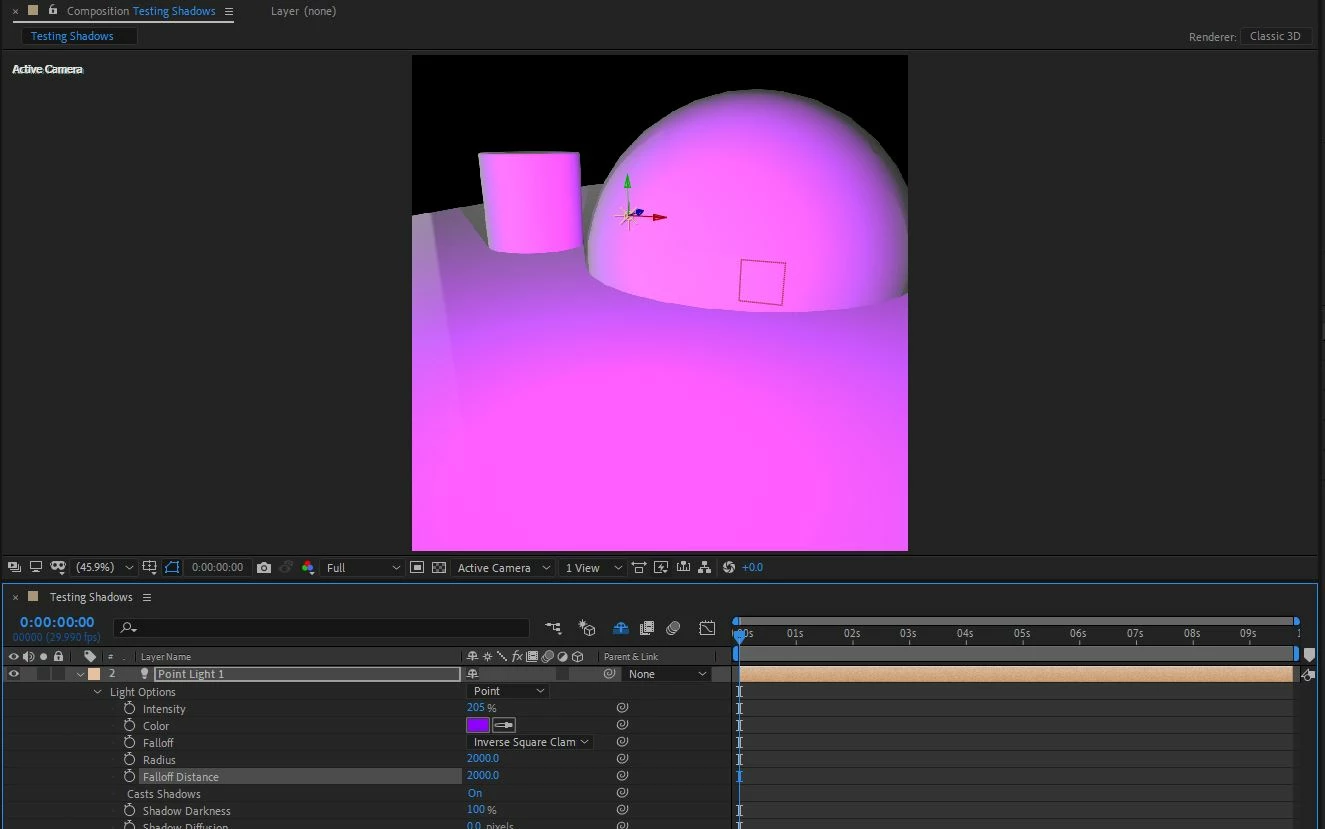
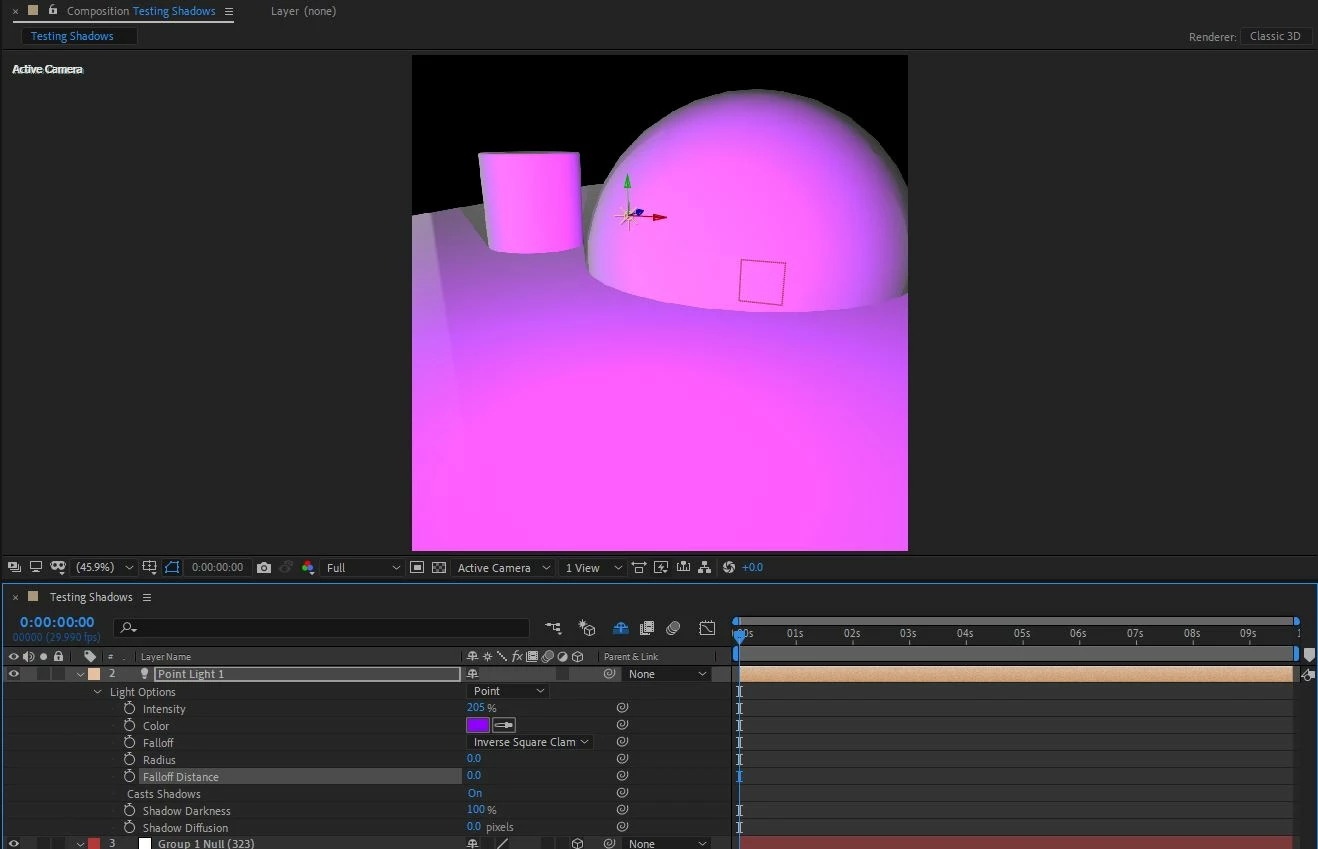
Here are two pictures of the spot and point light with different radius and falloff distance settings and they still look the same. My "fast preview" is set to Off (Final Quality) so I can't imagine it's an issue there.
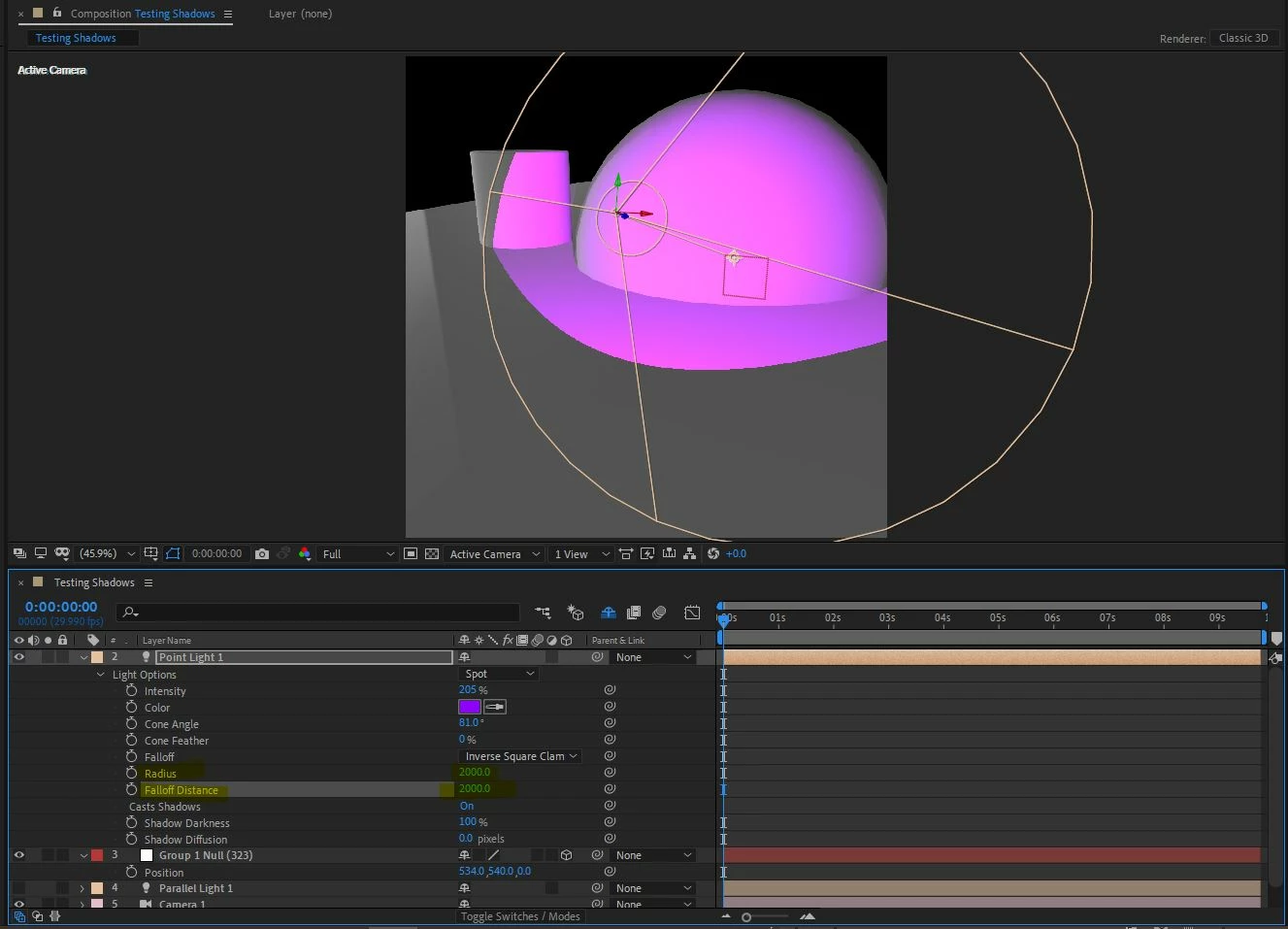
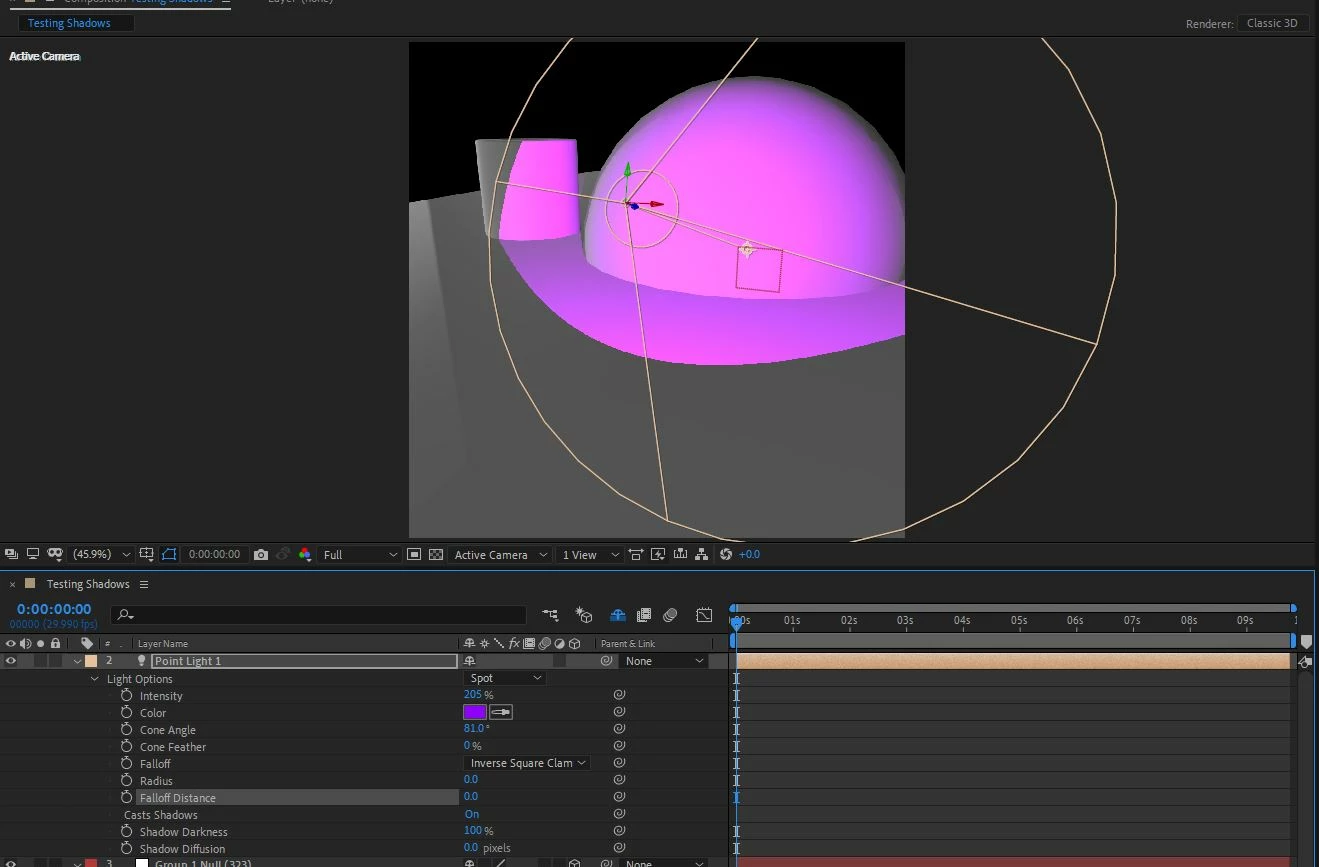


This topic has been closed for replies.
Correct answer Rick Gerard

How are you creating that geometry? It doesn't look like flat 3-D layers. Everything is working fine for me.

2 replies

Community Expert
May 1, 2021

Have you gone through the tutorials on the Video Copilot website for Element 3D? You have to set up the rendering and the camera before they interact with AE's comp camera. I don't have time to generate screenshots for you right now but the workflow is fully covered in the tutorials.


Rick GerardCommunity ExpertCorrect answer
Community Expert
April 22, 2021

How are you creating that geometry? It doesn't look like flat 3-D layers. Everything is working fine for me.

SpectacularKevin
Inspiring
April 23, 2021

I am using a plugin called Element 3D. It works when I use 3D After Effects geometry. Maybe it just doesn't work with E3D.


I am still trying to figure out what Falloff Distance does though. It seems like at 0 or 10,000 nothing changes. 


Participant
April 5, 2022

Hey bro did you find any solution for this issue i am dealing with this same issue light falloff and radius not working just for element 3d bcoz i tried it on simple 3d text layers its working fine but not working on element 3d can you plz tell me the solution if you got it...!