
Exit
  • Global community
    • Language:
      • Deutsch
      • English
      • Español
      • Français
      • Português
  • 日本語コミュニティ
  • 한국 커뮤니티
0

AE rendering suddenly so slow

Community Beginner ,
Jan 01, 2019 Jan 01, 2019

Hello,

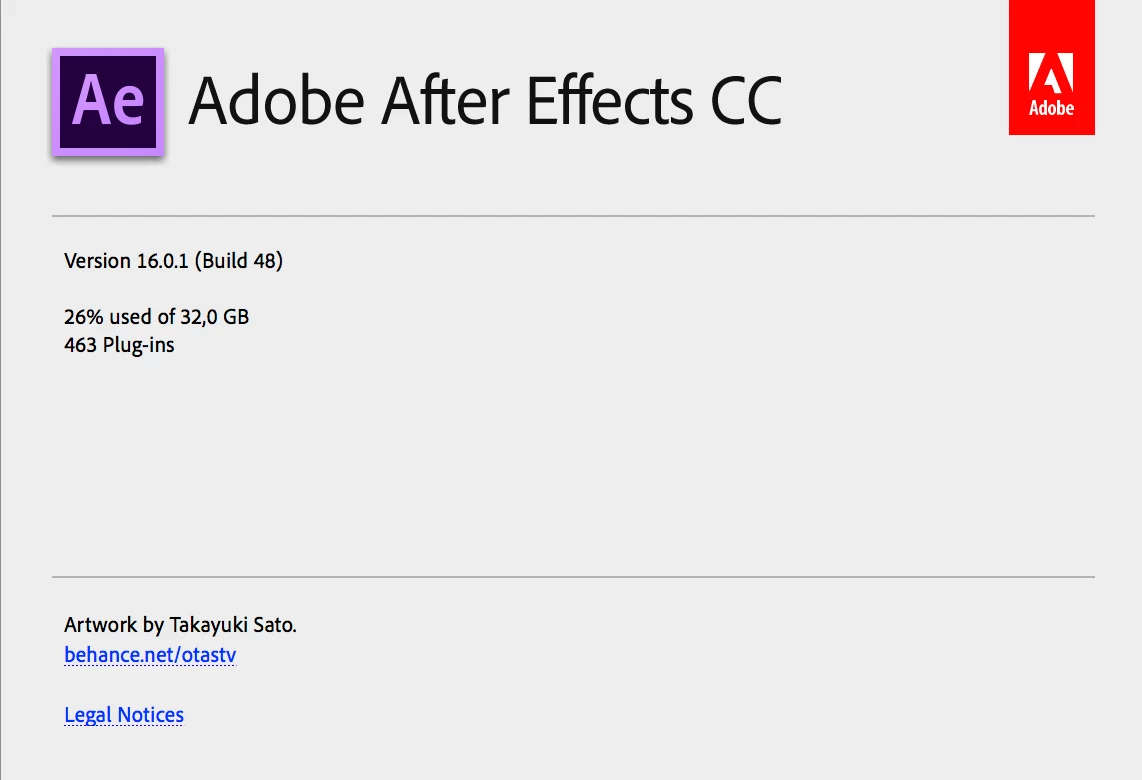
I have a new problem with latest After Effects. Suddenly, on my iMac Pro rendering became so slow. I didn't make any changes in settings, 4K time-lapse (20 seconds sequence) project about two weeks ago rendered in less than a minute, now saying that rendering will take 57 minutes!?

What's going on?

Thanks in advance

BR to all of you, and happy new year!
Screen Shot 2019-01-01 at 14.20.47.png

5.6K
Translate
Report
Community guidelines
Be kind and respectful, give credit to the original source of content, and search for duplicates before posting. Learn more
community guidelines

correct answers 1 Correct answer

Community Beginner , Jan 02, 2019 Jan 02, 2019

Nope, now is everything OK. I have no clue what was causing a problem...

Translate
Adobe Employee ,
Jan 01, 2019 Jan 01, 2019

Hi skipper_ri,

Sorry for the trouble. Have you updated the OS or any other related program/third party plugins?

Try fixing the permissions & clear the old media cache and check if it fixes the issue.

Here are the steps: fixing permissions problem that impedes start of Adobe applications | Creative Cloud blog by Adobe

FAQ: How to clean (delete or trash) media cache files?

Let us know the status.

Thanks,

Vidya

Translate
Report
Community guidelines
Be kind and respectful, give credit to the original source of content, and search for duplicates before posting. Learn more
community guidelines
Community Beginner ,
Jan 02, 2019 Jan 02, 2019

Dear Vidya,

Thank you for the concern and answer. Strange, yesterday, after rendering first sequence, with time trouble, every single sequence after that rendered under 3 minutes. I didn't even restart my iMac.

Frankly, I have no clue what's going on with AE. Other programs work fantastic.

Thank you.

BR

Translate
Report
Community guidelines
Be kind and respectful, give credit to the original source of content, and search for duplicates before posting. Learn more
community guidelines
Community Expert ,
Jan 02, 2019 Jan 02, 2019

when you open many application on your iMac your RAM come full, so AE start goes slow and slow because their are no enough RAM, so when you want to render it's better to close all the application running in the background, also you can install some memory cleaner app to free your ram before render.

Translate
Report
Community guidelines
Be kind and respectful, give credit to the original source of content, and search for duplicates before posting. Learn more
community guidelines
Community Beginner ,
Jan 02, 2019 Jan 02, 2019

Hello OussK,

Actually, that's not true in my case, on my iMac. Right now, everything is so smooth, I'm working in AE, Lightroom, LRTimelapse, Safari and Mail, and have no problem with rendering.

BR

Translate
Report
Community guidelines
Be kind and respectful, give credit to the original source of content, and search for duplicates before posting. Learn more
community guidelines
Community Expert ,
Jan 02, 2019 Jan 02, 2019

So to be clear, did you still have this issue with a specific sequence?

Translate
Report
Community guidelines
Be kind and respectful, give credit to the original source of content, and search for duplicates before posting. Learn more
community guidelines
Community Beginner ,
Jan 02, 2019 Jan 02, 2019

Nope, now is everything OK. I have no clue what was causing a problem...

Translate
Report
Community guidelines
Be kind and respectful, give credit to the original source of content, and search for duplicates before posting. Learn more
community guidelines
Adobe Employee ,
Jan 02, 2019 Jan 02, 2019

Glad it is working fine now, skipper_ri. Thanks for letting us know the status.

Vidya

Translate
Report
Community guidelines
Be kind and respectful, give credit to the original source of content, and search for duplicates before posting. Learn more
community guidelines
Community Beginner ,
Dec 17, 2020 Dec 17, 2020

I've been having issues with Finder (Mac) and Ae slowing down when rendering TIFF sequences. Say... the estimated time to completion is 20 min, but I come back in 10 and the ETC is now 2 hours. In regards to Finder, files don't show. I have to restart Finder to find the image sequences, and even mounted drives. So... the problem was solved for me after disabling most of the iCloud features on Mac. That solved the problem immediately. After Effects was using only 30% of the ram, so definitely not a ram issue. Hope this helps!

Translate
Report
Community guidelines
Be kind and respectful, give credit to the original source of content, and search for duplicates before posting. Learn more
community guidelines
Community Expert ,
Dec 18, 2020 Dec 18, 2020
LATEST

That's right, it happens with me on OneDrive, cause the Finder to run to the maximum, and use 100% from the CPU. especially if you are trying to save directly to the cloud, so it's better to stop the syncing or save to a noncloud folder

Translate
Report
Community guidelines
Be kind and respectful, give credit to the original source of content, and search for duplicates before posting. Learn more
community guidelines