Answered
After effect composition panel splits into two
Hello,
I am using after effect 2020. Suddenly composition panel splits into two part. I do not understand how does this happen.
I want one compotation panel like old times. please help :'(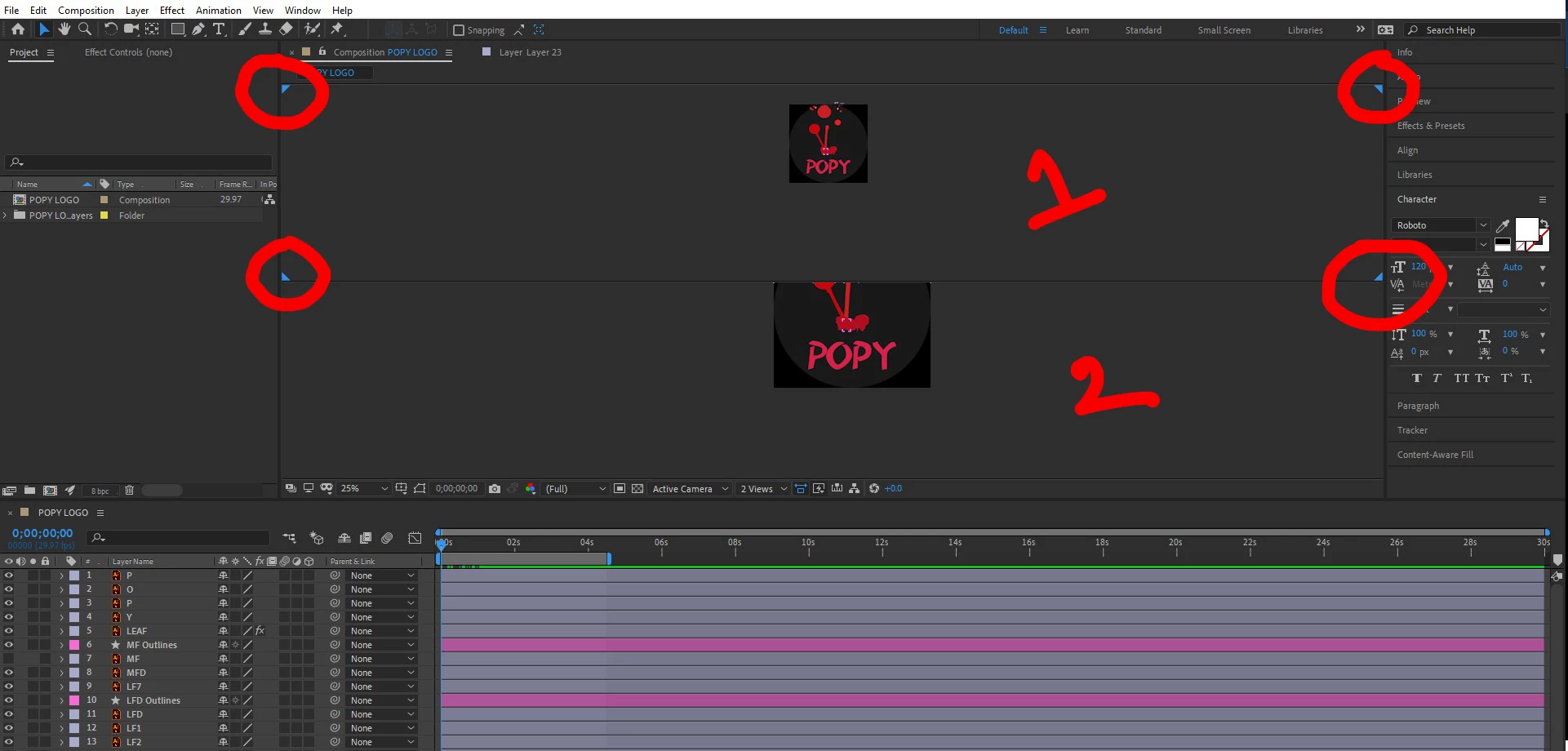

Hello,
I am using after effect 2020. Suddenly composition panel splits into two part. I do not understand how does this happen.
I want one compotation panel like old times. please help :'(
You can also right click in the Comp panel and choose a single view.
You can also double click on a workspace to reset it or go the Window/Workspace/Reset Current Workspace.
Already have an account? Login
Enter your E-mail address. We'll send you an e-mail with instructions to reset your password.
 AdChoices