
After Effect User Presets folder cant sync with google drive on my MAC
I’m using Google Drive for Desktop on my Mac.
I have set my Documents folder to sync with Google Drive.
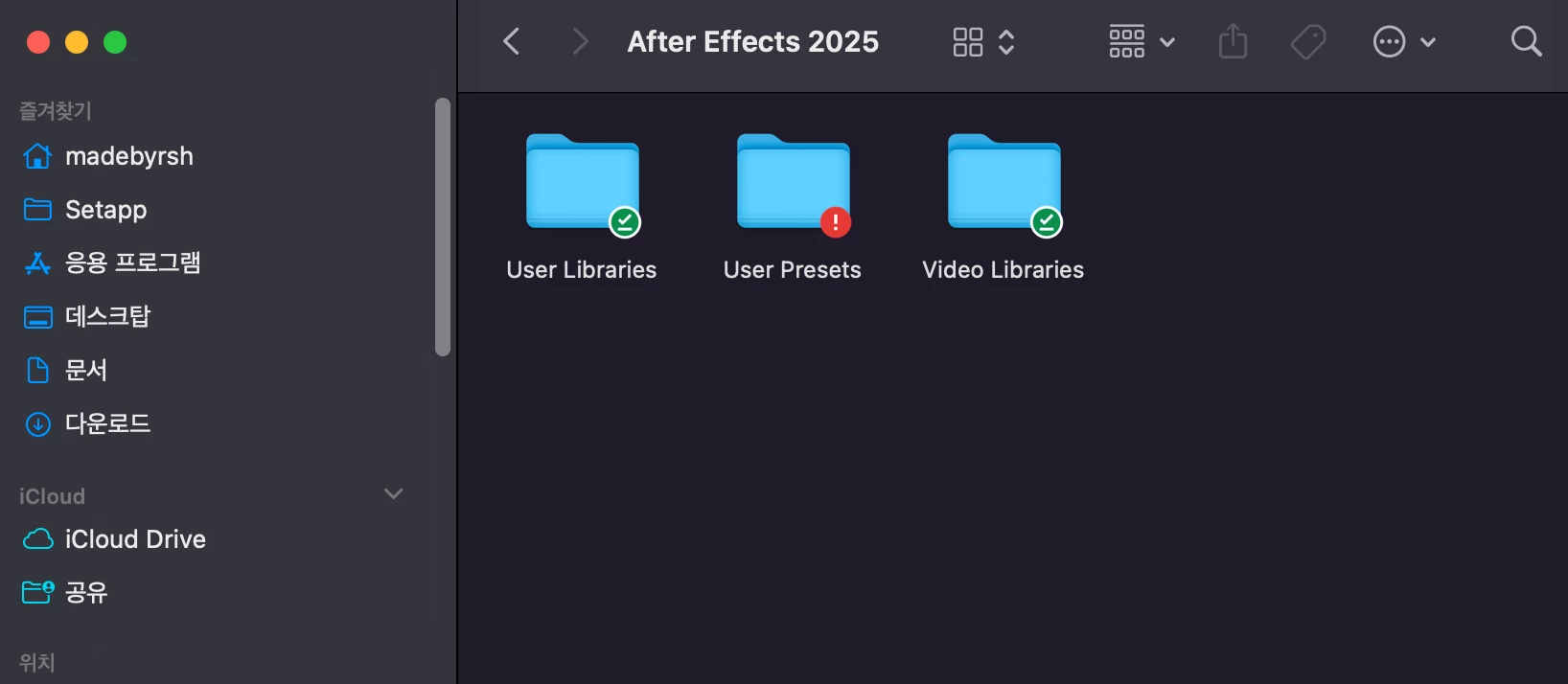
All folders within the Documents folder sync perfectly, except for the After Effects folder, which shows a ”!” error and fails to sync.
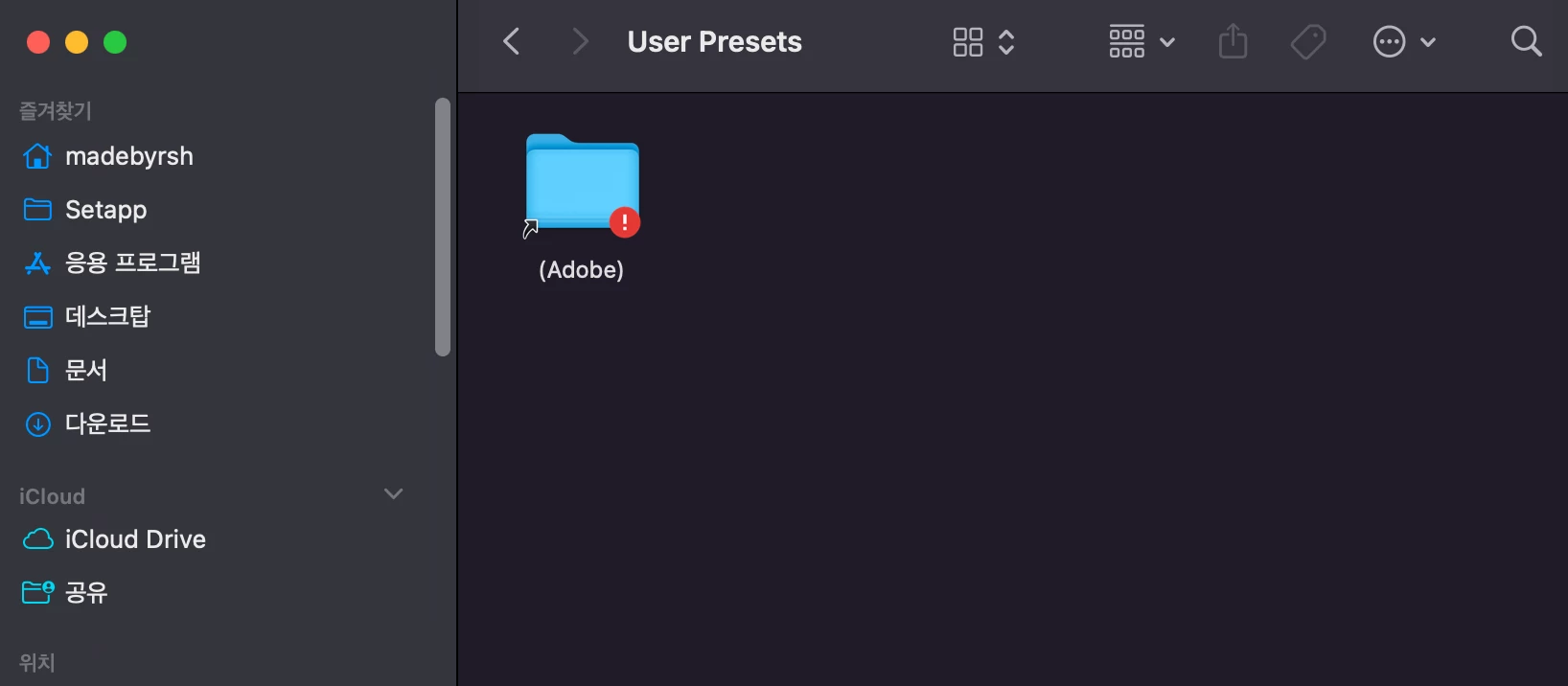
The issue occurs specifically with this folder:
Documents/After Effects 2025/User Presets/(Adobe)
Troubleshooting attempts:
• I have uninstalled and reinstalled After Effects.
• I have completely removed and reinstalled Google Drive for Desktop.
• However, the issue persists.
How can I get this folder to sync properly?
My After Effects folder on my Macbook Pro
(Documents/After Effects 2025/User Presets/(Adobe)) won’t sync on Google Drive for Desktop, showing a ”!” error. Other folders sync fine. I reinstalled After Effects and Google Drive, but the issue persists. How can I fix this?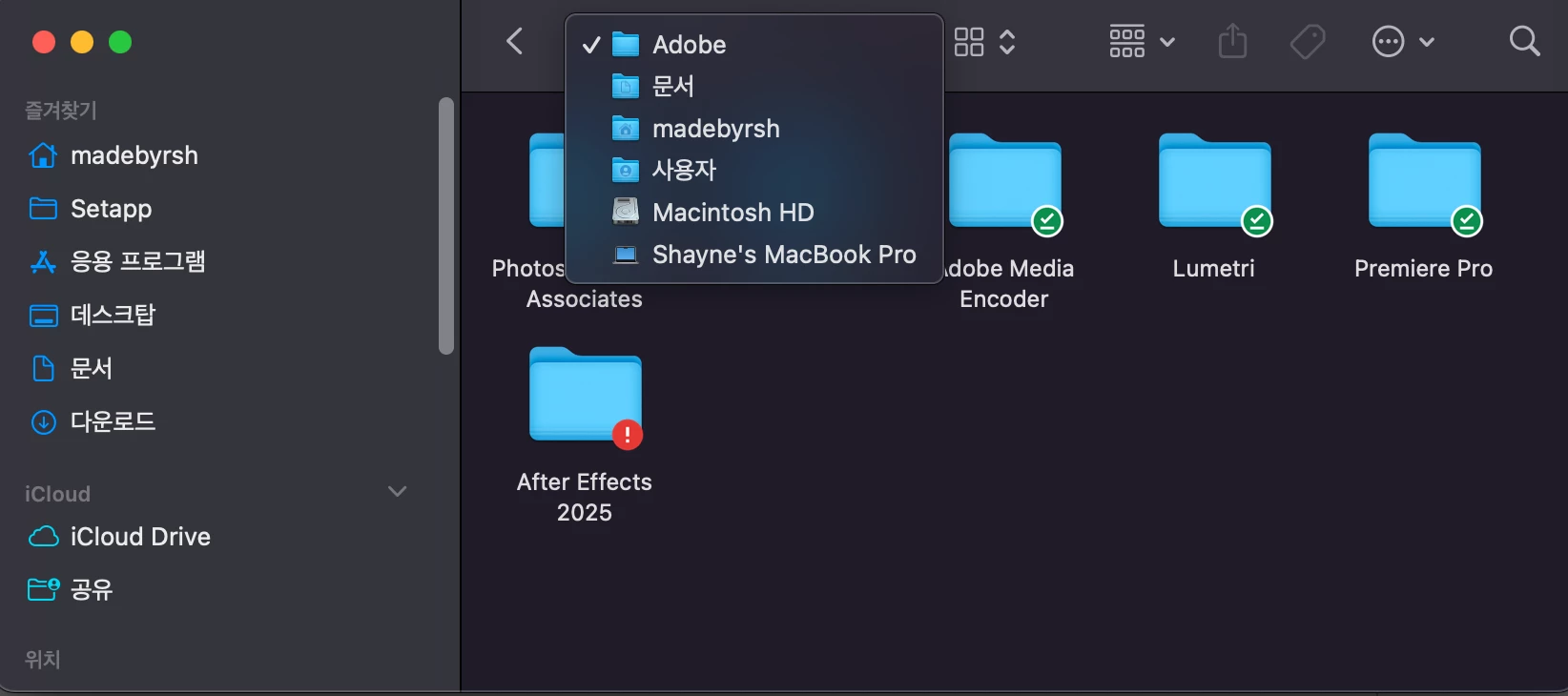
 AdChoices