

Rameez_Khan
Legend
May 19, 2020
Question

After Effects 17.1 is here!

  • May 19, 2020
  • 15 replies
  • 20479 views

Today, we're releasing After Effects 17.1 which is available for download from the Creative Cloud desktop application. We're excited to announce tapered shape strokes, concentric shape repeater, ProRes RAW import support, and more. For more details, visit https://helpx.adobe.com/after-effects/using/whats-new.html


After Effects 17.1 New Features


- Tapered shape strokes

 

Tapered shape strokes add smoothness to your shapes and let you create interesting animations. With tapered strokes, you can adjust where the taper begins or ends, adjust the roundness of your taper, create waves, and use other modifications such as dashes and trim paths to create different looks. Check out the feature in more detail here.


Download the sample file to create this write-on effect with tapered strokes.



- Concentric shape repeater
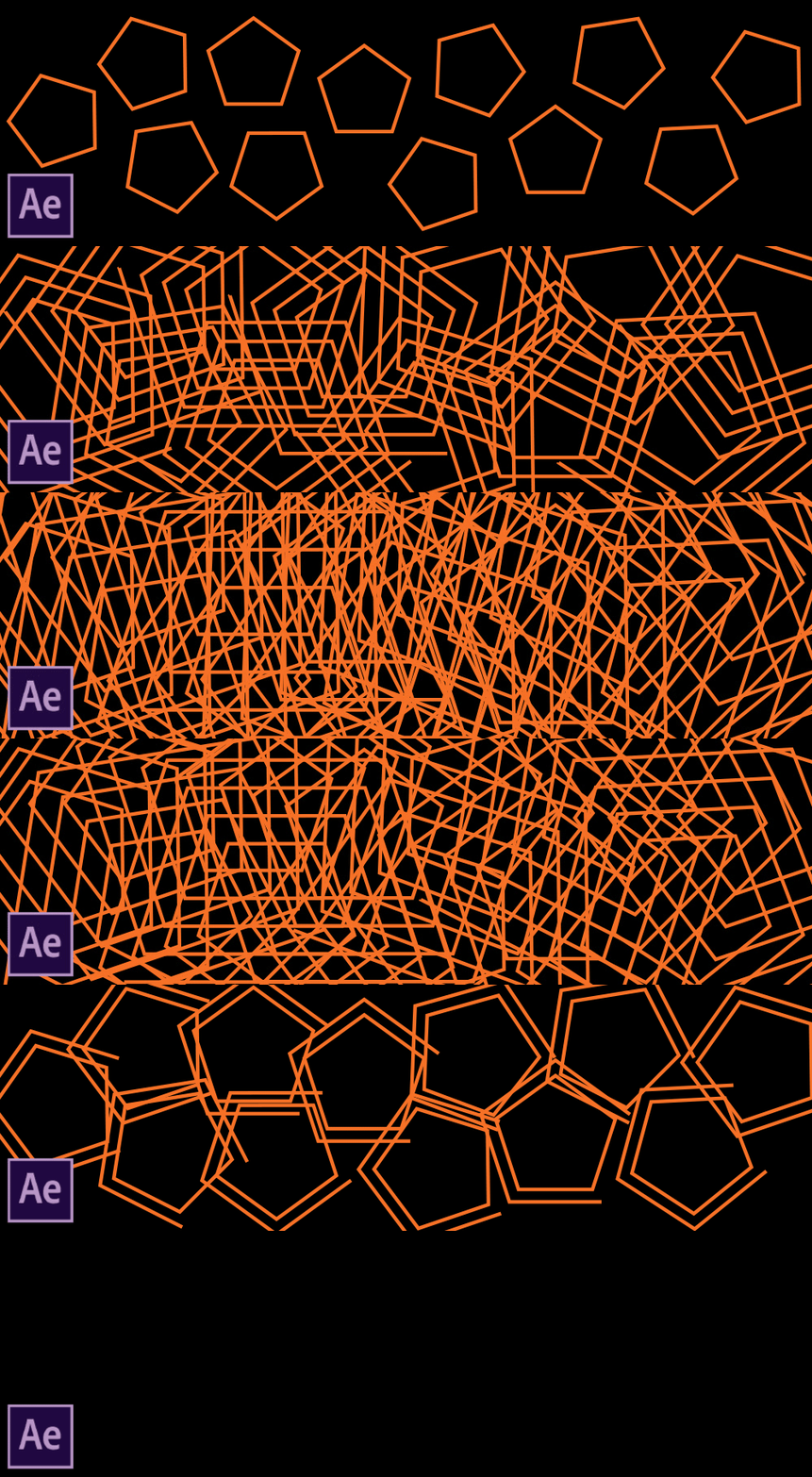
 

Concentric shape repeater lets you create geometric patterns and concentric duplicates of shapes, animate their position, create nesting or expanding animations, and apply other shape customization features. Check out this feature in more detail here.


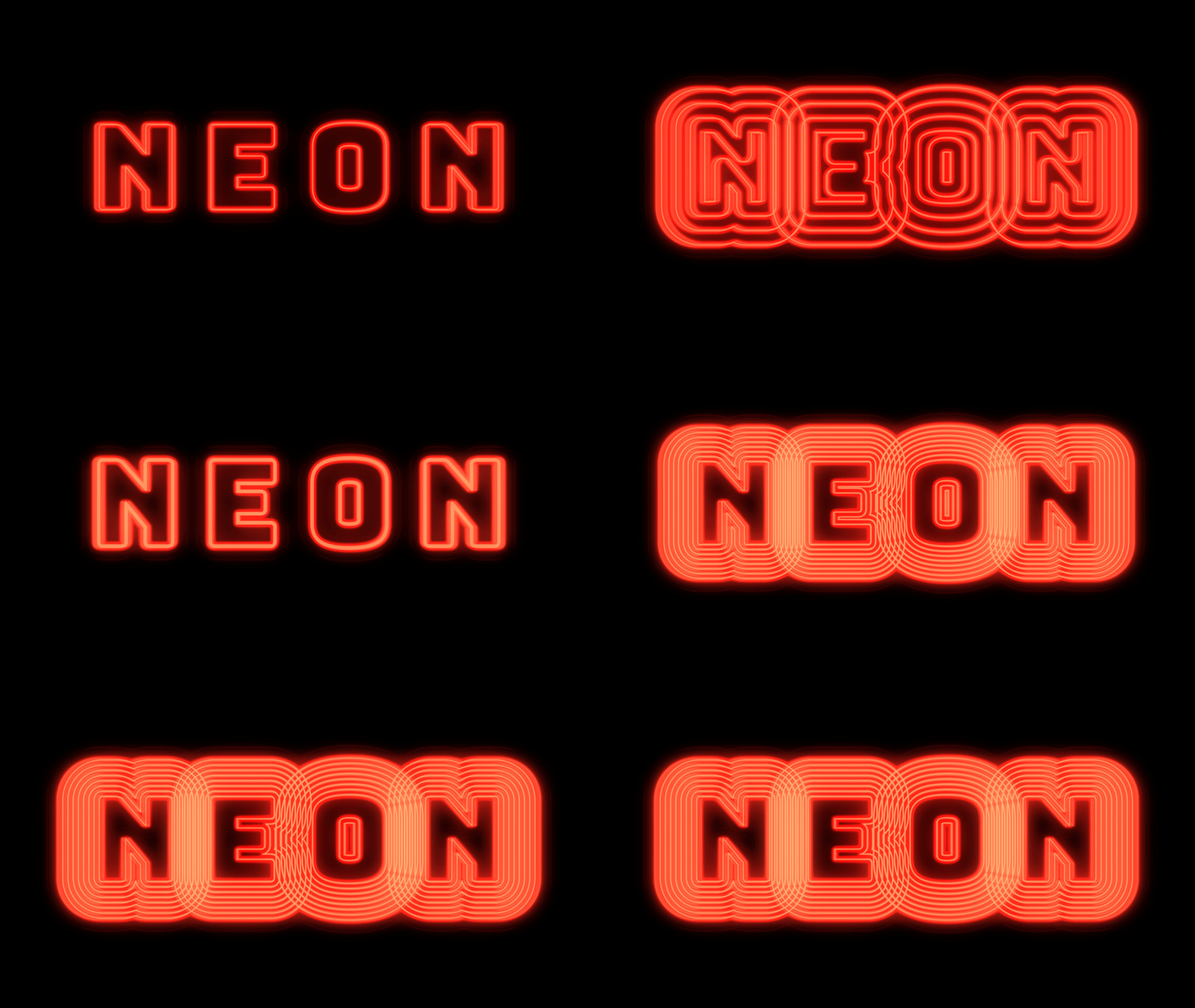
Download the sample file to play with concentric shape repeaters of letters shown below.


 - ProRes RAW import support

- Automatically update audio devices (macOS only)

- Copy media to a shared location

- Enable collaboration on cloud documents


How do I update After Effects?
To update After Effects, open the Creative Cloud desktop application and click Update.


What should I do if I don't see the update in my Creative Cloud desktop application?
Click Help > Check for Updates from the Creative Cloud desktop application to refresh it.


This topic has been closed for replies.

15 replies

Participant
May 22, 2020

Awful update. It does not recognize my GPU and it's going terribly slow. Plus the fact that my export are getting errors and messed up frames.

FlyingFourFun
Inspiring
May 24, 2020

I am also havign issues with the GPU not being recognized (Titan XP) - it was working flawless prior to this update.  Nvidia case was opened also;  seems to only happen with the May 16th nVIDIA Studio Driver and the May 20th Aftereffects update.   Waiting on response from either Adobe/nVidia as this is for sure a bug between them and how the driver interacts with After Effects...  so much for beign on the "studio" driver path and it getting any level of testing...  this bug should have been easy to find before publishing.

Participant
May 26, 2020

As someone said in this post " It's so wonderful to be a paying betatester... "

frankiedl
Participating Frequently
May 22, 2020

Since I updated I get constant crashes even with the most common and simple operations.

frankiedl
Participating Frequently
June 2, 2020

I've updated my Nvidia drivers to their latest and most of the problems are sorted. There are still some GPU issues (it just overloads and AE prompts a message saying it can't use GPU) but it's a lot more stable. Also C4D (for those using it) is way more stable with this latest Nvidia (not studio) driver.

Rameez_Khan
Legend
June 16, 2020

Good to know that! Other users have also reported that their issues were resolved by updating their Nvidia driver.


-Rameez

Participant
May 21, 2020

Great, but after updating this morning, rendering has some issues, it's cropping me text layers... like small jump/cuts on a certain area... don't know if it's After Effects or some codec from Media Encoder, but I think I will have to go back one step, I have an important project running.

Rameez_Khan
Legend
June 16, 2020

Hey javierp82162588,


Sorry that happened! Were you able to render at all?

Let us know if you still need assistance.


Thanks,

Rameez


Participating Frequently
May 21, 2020

After updating to this version - I have some issuies with CTI (current time indicator) - it was OK before update

Working on AE project that is linked comps to premiere pro. The issue is that CTI stops working after a couple of previews (doesnt matter with space ot with numpad 0)  - I can't see where I am on timeline - and to fix that I need to restart AE. 


Also thumbnails on Project panel isn't working despite there is no V on setting in Preferences->Display (disable thumbnails..)


WIN 10, latest studio driver, 2 x 2080 TI, 128 gb ram


Rameez_Khan
Legend
June 16, 2020

Hi Hocok,


This could be related to your GPU driver. Can you update to driver version 446.14 and see if that resolves the problem?


Thanks,

Rameez

Participating Frequently
June 16, 2020

Hi Rameez,

I'am using studio driver, not game ready - because they work better for all my applications...

I see that I have some new updates ready in CC. Will check them


Also in new projects, that were created on an updated version of AE don't see same CTI problems yet

Will update if it returns

Thanks

Known Participant
May 21, 2020

great news that we finally have tapered strokes!  It's a pity you can't apply a random noise to the width or make custom adjusts  along the path, similar to how color gradients are applied.  The wave effect is nice for now, but looks too uniform.  This is still great news and a much welcomed addition!