

After Effects 18.0 is here!
Hi friends,
Today, we're releasing After Effects 18.0 which is available for download from the Creative Cloud desktop application. We're excited to announce that this release introduces several enhancements such as Media Replacement in Motion Graphics templates and Essential Properties, Real-Time 3D Draft Preview, 3D Ground Plane, Improved Composition Toolbar, performance improvements, and bug fixes. For more details, visit the What's New page.
After Effects 18.0 Enhancements
1. Media Replacement in Motion Graphics templates and Essential Properties:
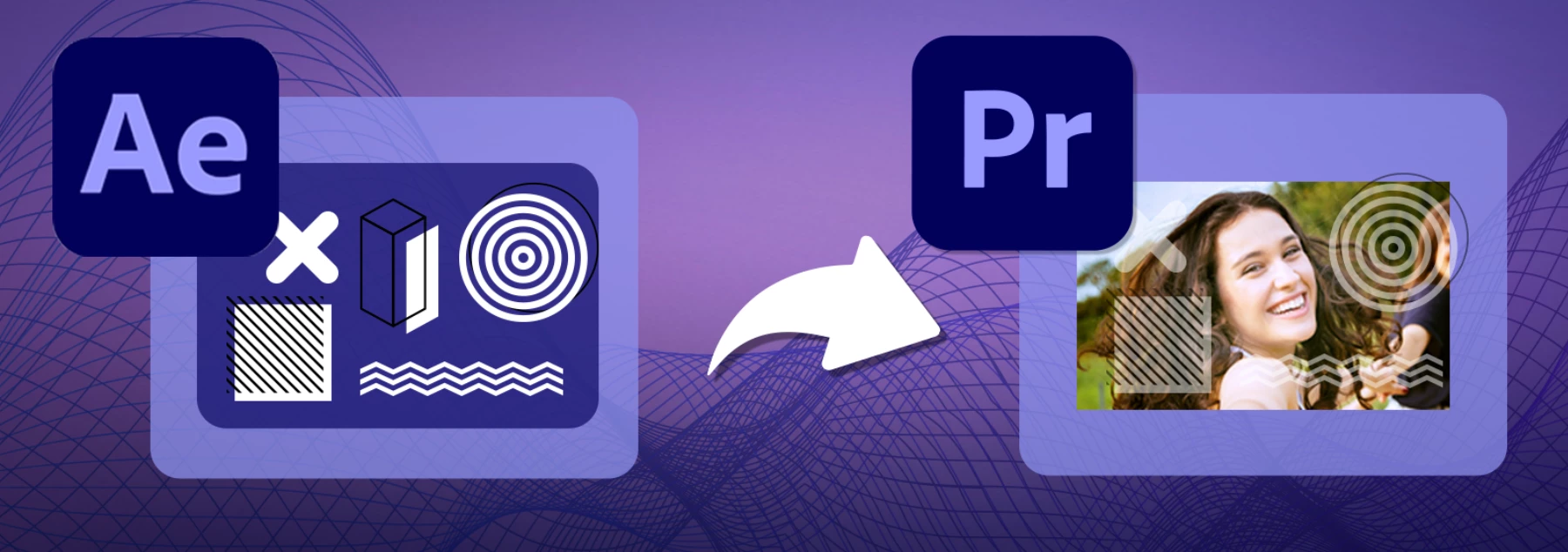
MOGRTs now support replaceable media such as videos and images allowing you to generate multiple variations of a template using Essential Properties. Editors can use them in Premiere Pro to swap logos, create social media graphics, animated slideshows, or dynamic transitions between video clips. For more details, visit this article.
Try out the sample project!
Download the sample MOGRT and follow the steps given in the article linked above to play around with the feature.
2. Real-Time 3D Draft Preview:
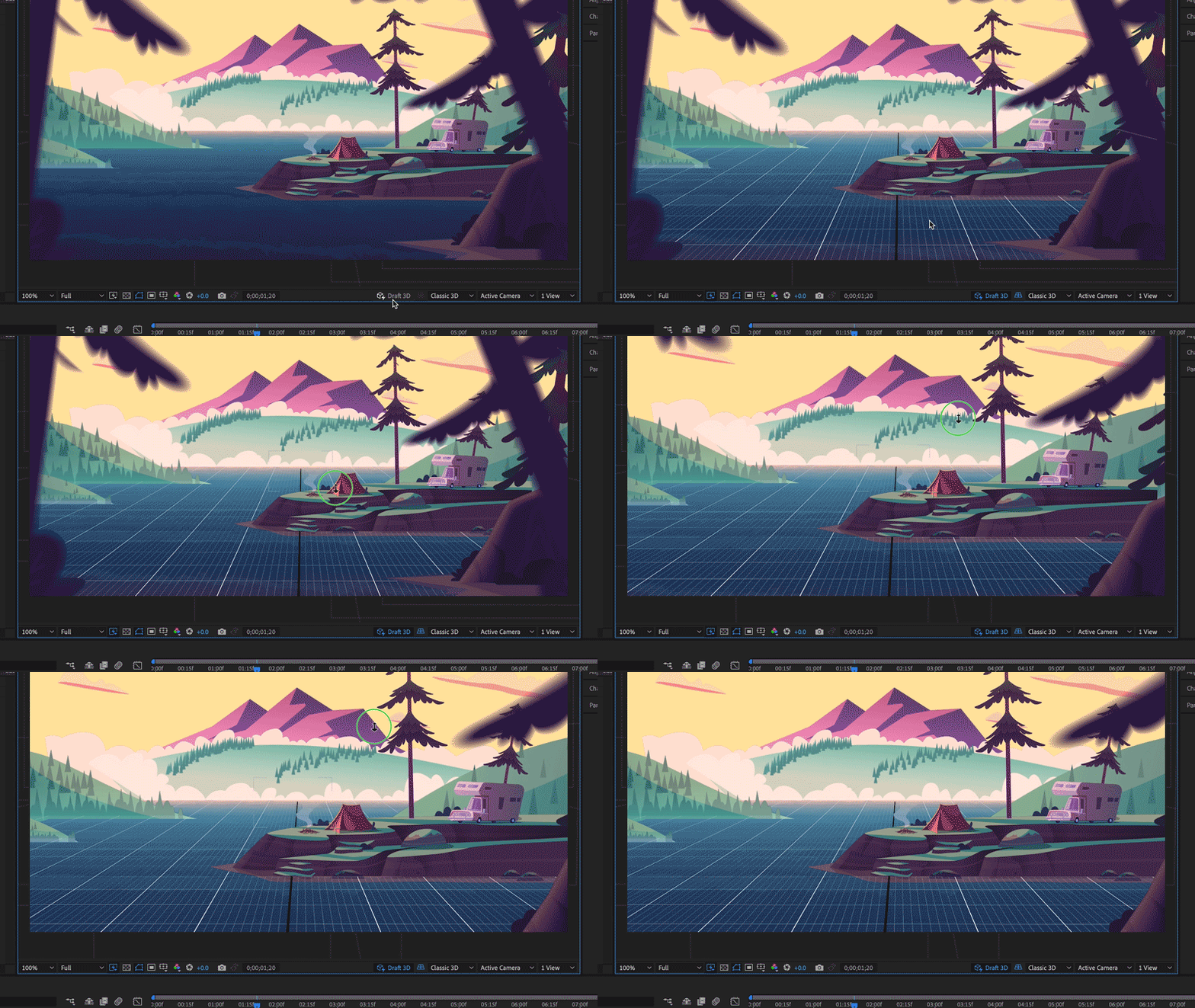
Leverage the Real-Time 3D Draft Preview that uses the faster Real-Time Engine (RTE) renderer to preview in real-time the changes you make to your 3D scenes. It is an engine built to assist animation workflows by speeding up real-time playback in heavy scenes. The renderer utilizes the GPU and unlike other renderers in After Effects, it is only intended for draft quality and not the final output. For more details, visit this article.
3. 3D Ground Plane:
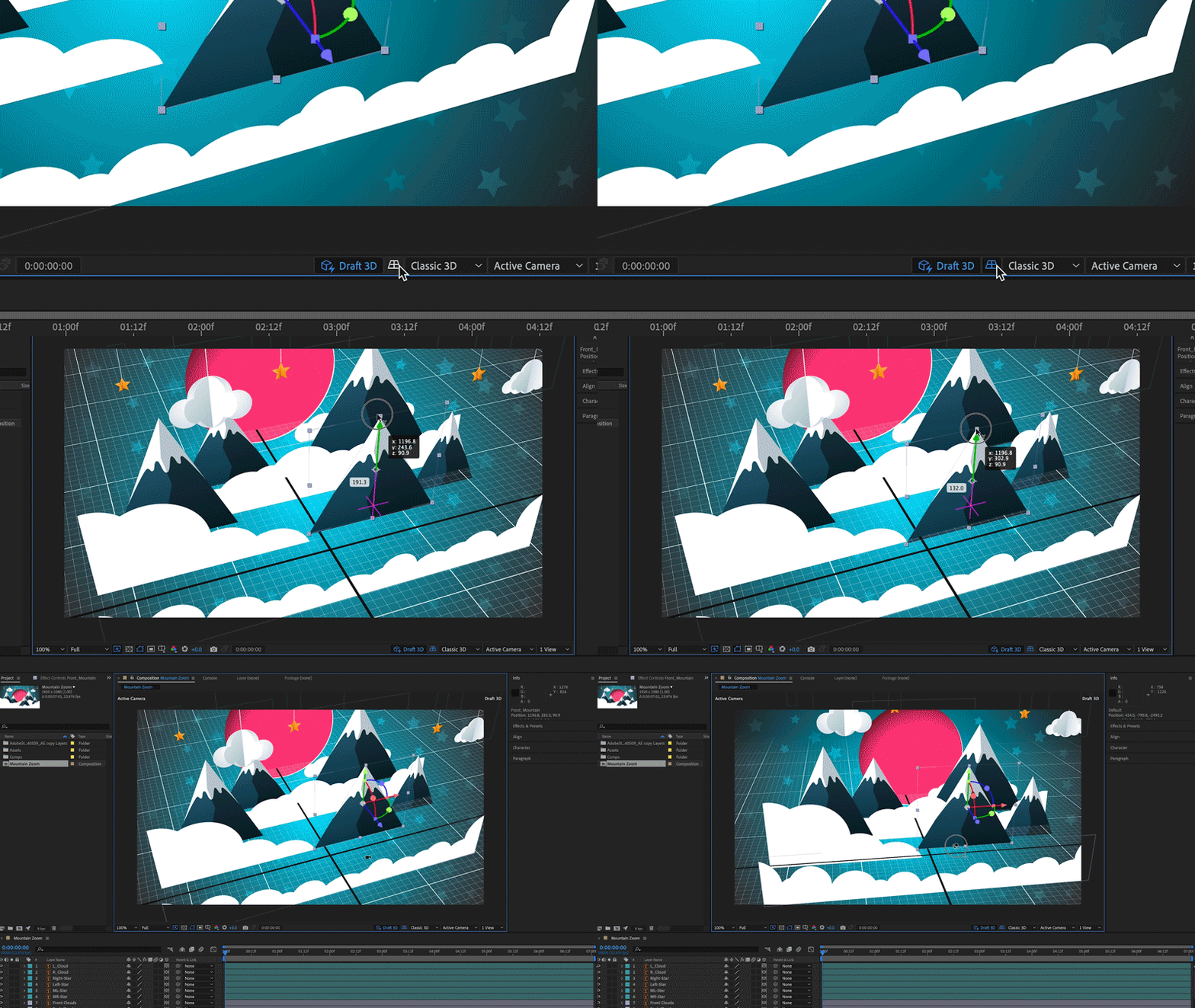
A ground plane is a horizontal plane of projection that gives you a sense of perspective and space within your 3D scene. It has a dedicated toggle button that appears in the Composition panel toolbar. This enables designers to orient their designs in space, providing a horizon line and vanishing point. You can toggle a grid on and off for accurate orientation and use snapping to align objects in space or in relation to each other. The Ground Plane button only appears when using the new Draft 3D preview mode. For details, visit this article.
4. Improved Composition Toolbar:
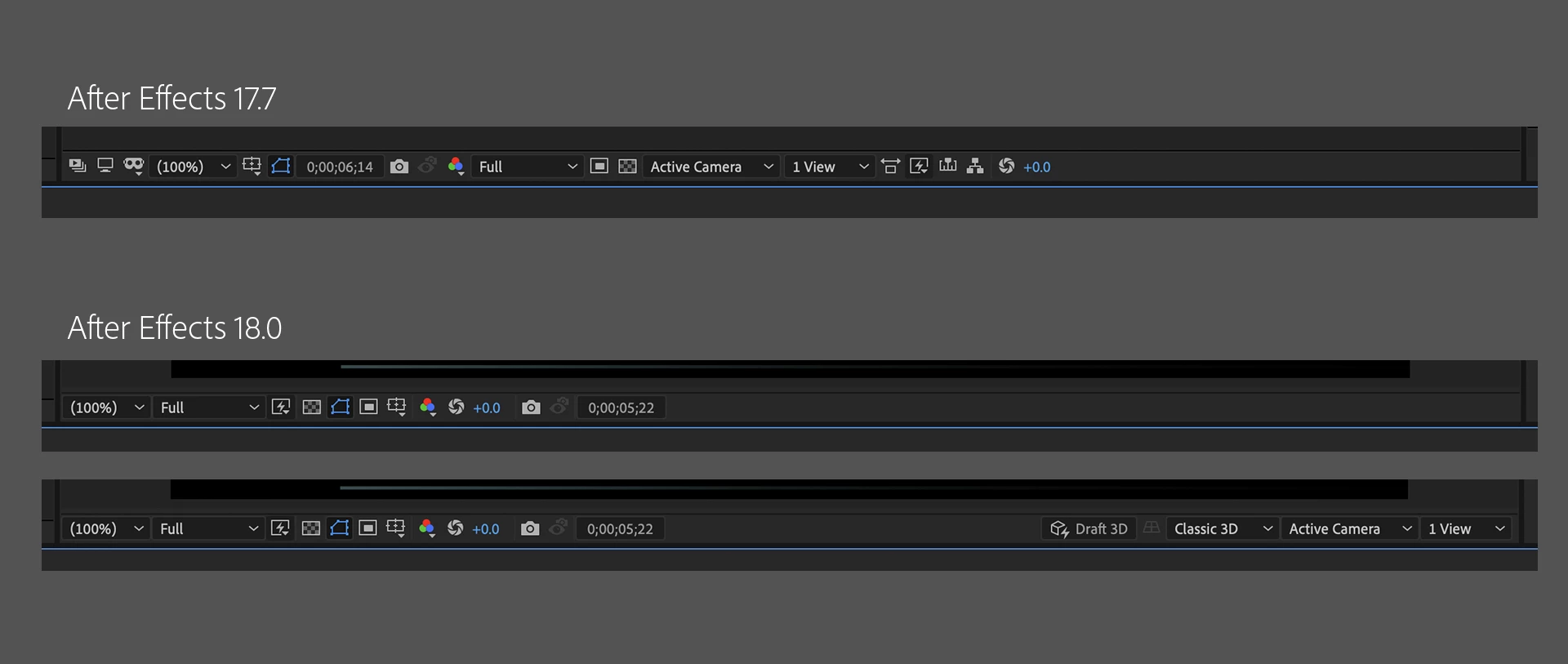
With the improved composition panel toolbar, work faster and without distraction when creating and designing 3D scenes within After Effects. The UI and placement are the same as the default composition toolbar at the bottom of the Composition panel when you work with 2D assets. Once you add 3D content to your scene, the Composition panel containing the 3D menu is displayed. After Effects adds more 3D controls to the Composition panel toolbar and controls that are not needed for your current workflow move out into the Composition menu. For details, visit this article.
4. Team Projects performance improvements:
Cloud-based collaboration is more fluid and efficient. After Effects artists can now share and receive changes to Team Projects faster. Searches are now at least twice as fast, thanks to more efficient indexing.
Currently in Beta
Multi-Frame rendering:
The After Effects Beta includes new Multi-Frame Rendering support for export via the updated Render Queue. When fully implemented, Multi-Frame Rendering will allow After Effects to take advantage of multi-core CPUs for improved export and preview rendering performance. Check out this page to learn more.
Bug-fixes in After Effects 18.0
After Effects 18.0 contains a lot of bug fixes. For details, visit the Fixed Issues page.
How do I update After Effects?
Open the Creative Cloud desktop application and click the Updates tab on the top-left. Find After Effects in the list and click Update.

What should I do if I don't see the update in my Creative Cloud desktop application?
Click Help > Check for Updates from the Creative Cloud desktop application to refresh it.
 AdChoices