Xeanium
Participating Frequently
January 21, 2022
Question

After Effects 2022 is distorting scene

  • January 21, 2022
  • 2 replies
  • 351 views

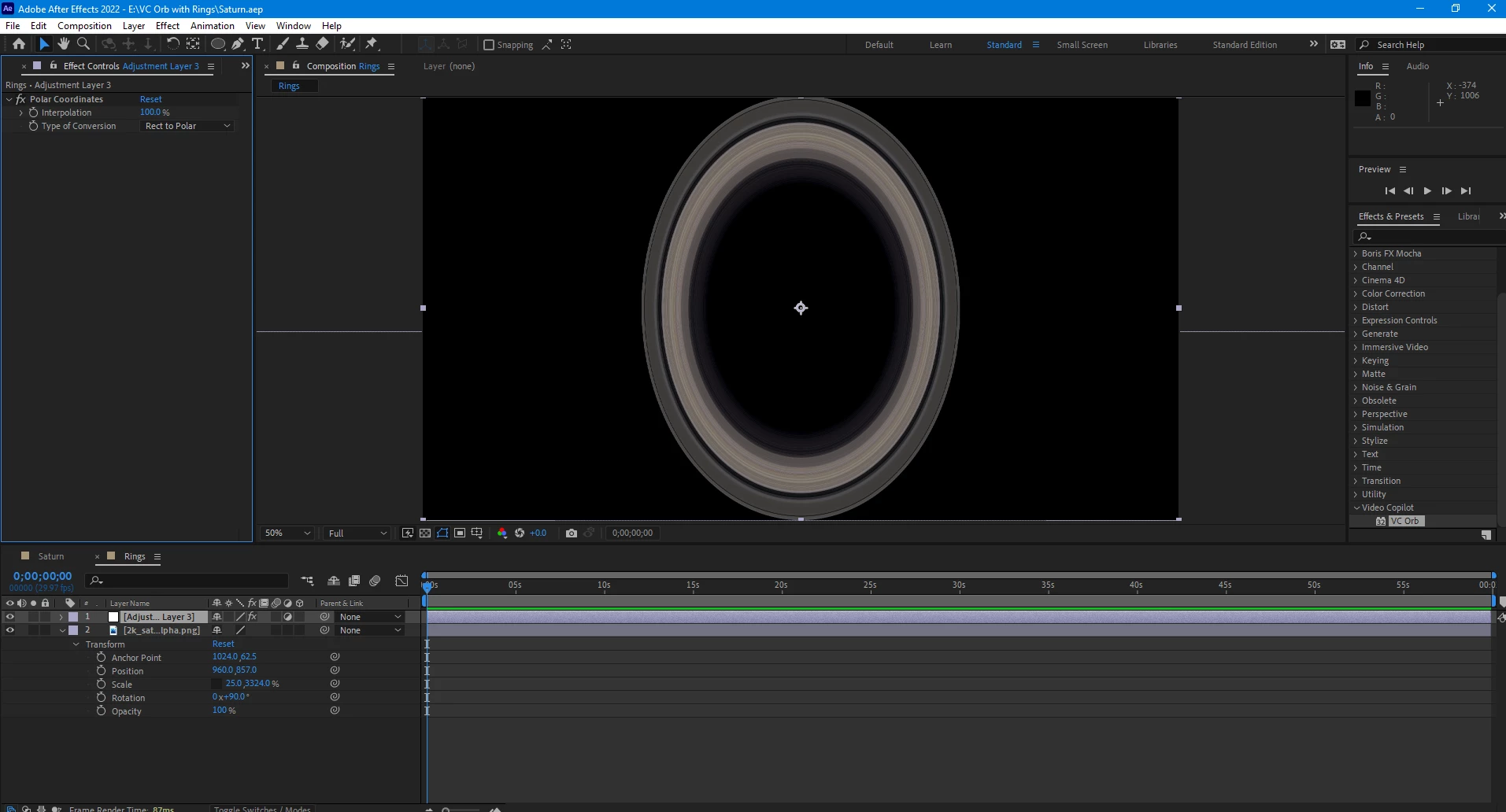
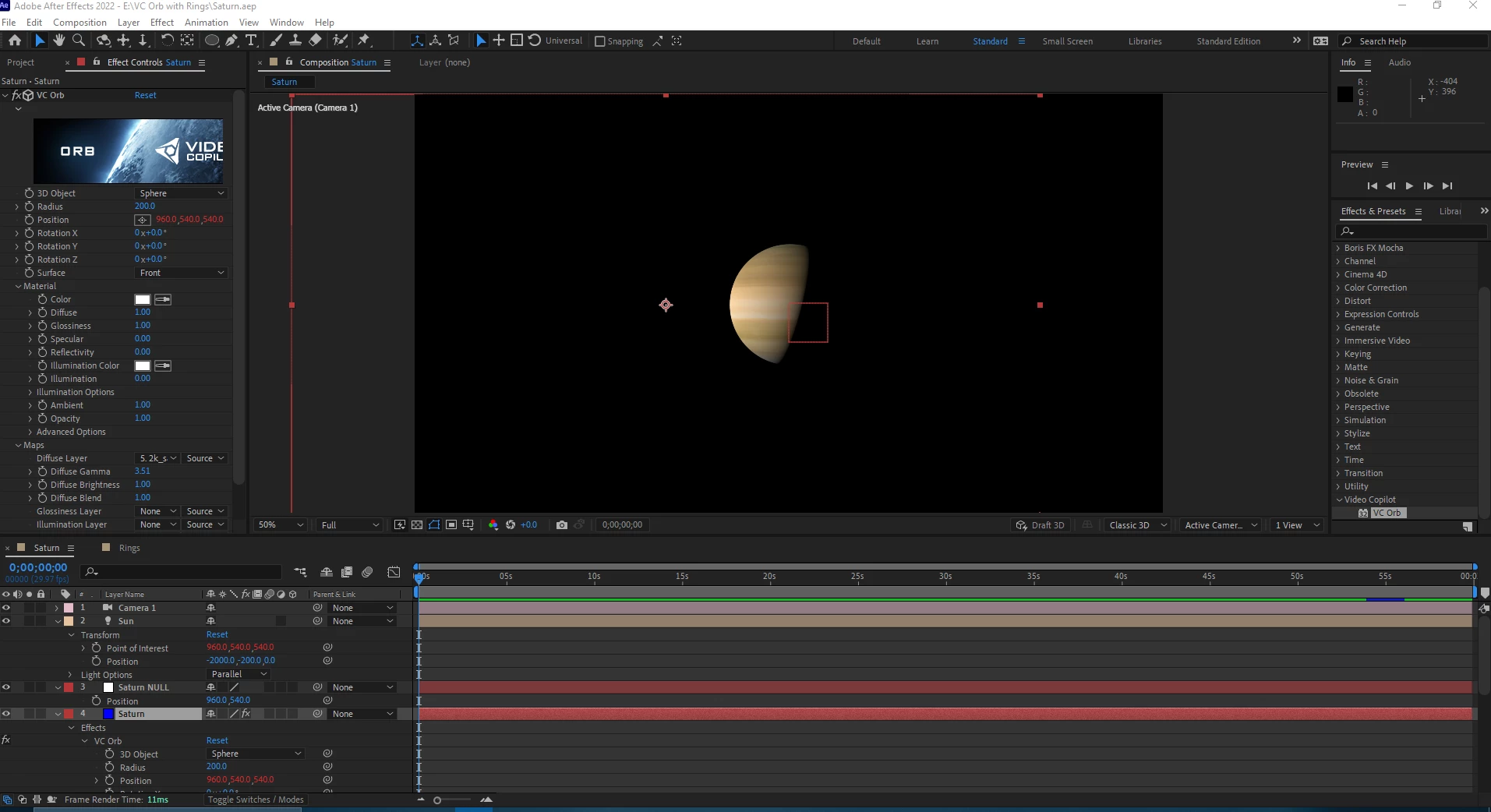
Hello there, I'm experiencing an issue in After Effects 2022. When I place something into the scene or viewport its either distorted or off center. Does anyone know why this is happening and how possibly how to work around this. I'm trying to the VC Orb Plugin and simple adjustment layers to create a realistic planet saturn for upcoming project. Any advice or solutions would be greatly appreciated. 
This topic has been closed for replies.

2 replies

Kyle Hamrick
Community Expert
Community Expert
January 22, 2022

VC Orb uses a Solid layer, on which you apply the effect. If your first screen shot, I can see that the solid has been moved - notice the bounding box hanging off the left side of your frame? Twirl open the Transform properties for that layer and reset them. 


In the second image, are the rings supposed to be round (viewed from above)? I can see you've changed the scale so it's very squished on X, which would explain that. 

Xeanium
XeaniumAuthor
Participating Frequently
January 23, 2022

Thanks, I'll try to edit the transformation properties. The rings are supposed to round when viewed form both above and when looking straight on at angle.  The end result of the project is to produce a video of an the image listed below. The width and height is supposed to be 1080 pixels by 1080 pixels. The comp size overall for both scenes is 1920 x 1080.

Mylenium
Legend
January 22, 2022

You are not working with ccorrectly sized layers. That's all there is to it. I suggest you refer to the Orb tutorials as well as using a square solid for the rings.


Mylenium

Xeanium
XeaniumAuthor
Participating Frequently
January 23, 2022

Thanks, I'll try it