
After Effects CC 2018 will not open (error 48 :: 27)
Hi everyone. I've seen this error message come up on other threads, but I still have not been able to resolve this issue myself. This just randomly started happening to me around June 1 or so (not sure if it's the issue or not, but I noticed it started happening after I updated to macOS 10.13.5).
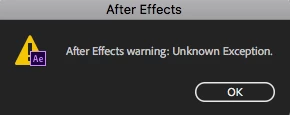
When I click to start After Effects CC 2018, it looks like it's going to open, but then a window pops up saying "After Effects warning: Unknown Exception"
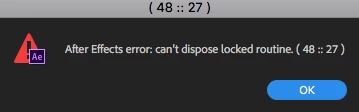
When I click OK, I get a second pop-up saying "After Effects error: can't dispose locked routine (48 :: 27)
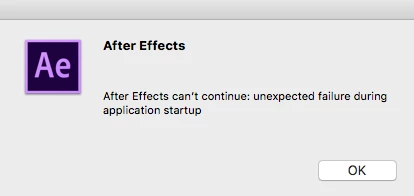
I need to click OK about 10 times before I get to a third pop-up that says "After Effects can't continue: unexpected failure during application startup"
I've searched the Adobe forums and Google and found this appears to be a more common error than I would like, but nothing I've tried works. I've done the obvious steps already, uninstall/reinstall AE, I've never installed 3rd party plug-ins so there are none to remove.
If it helps, I have a 2011 iMac with 16GB of RAM that still runs beautifully. I've not had an issue running AE or any Adobe software before this started roughly 1-2 months ago. I don't use AE a ton, but need it right now for a few projects. Any help would be GREATLY appreciated. Thanks!
 AdChoices