

CREAM Motion
Known Participant
November 15, 2018
Question

After Effects CC 2019 - SLOW, LAG & CRASH REPORT

  • November 15, 2018
  • 3 replies
  • 3890 views

Hello I am reporting very annoying user experience in After Effects CC 2019.

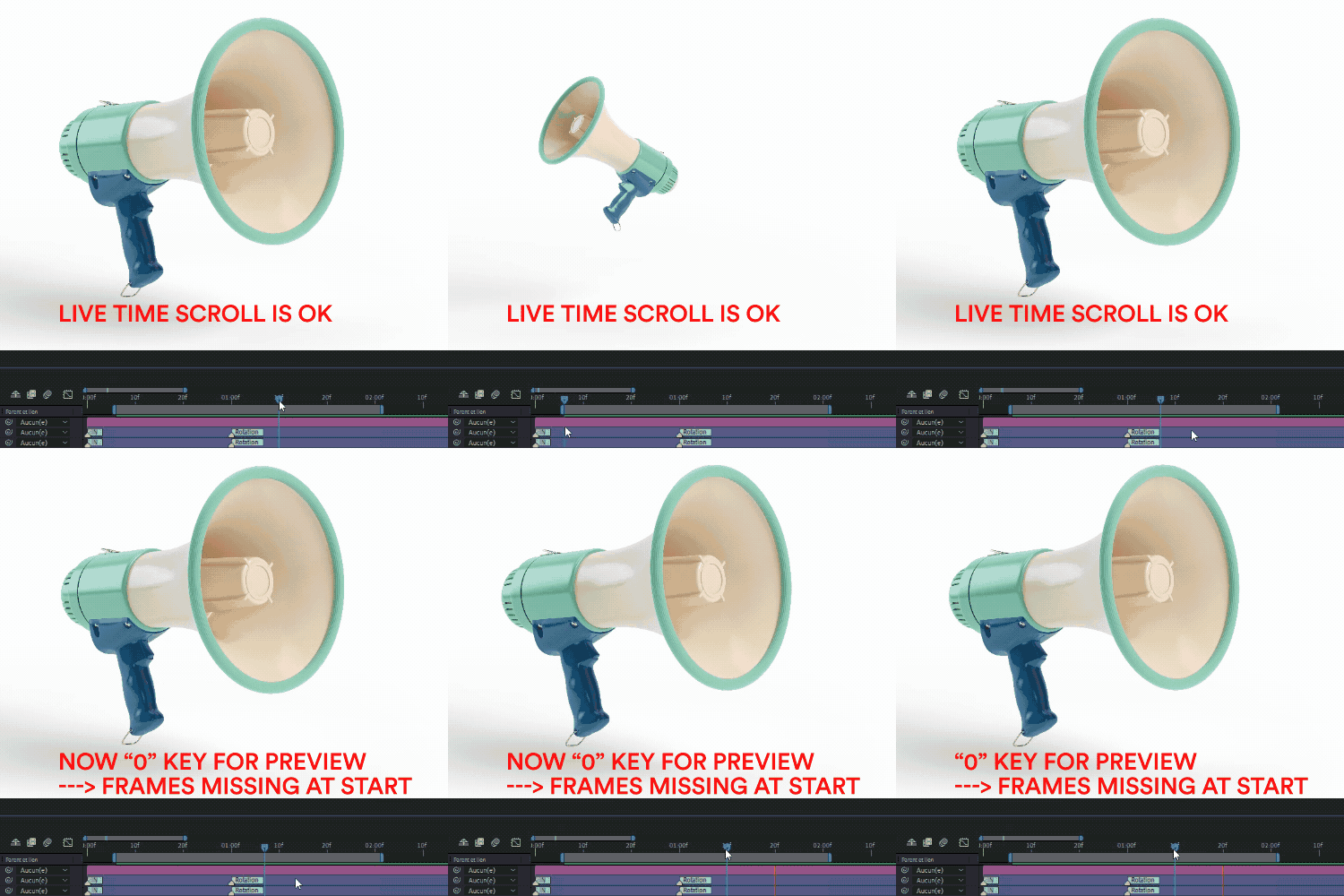
- First one is the preview ("0" key) wich has some missing frames and lags and the beginning of the sequence. This is very frustrating because you cannot see if your animations starts as you desired. The live scrolling is okay but preview is a mess on the first second.
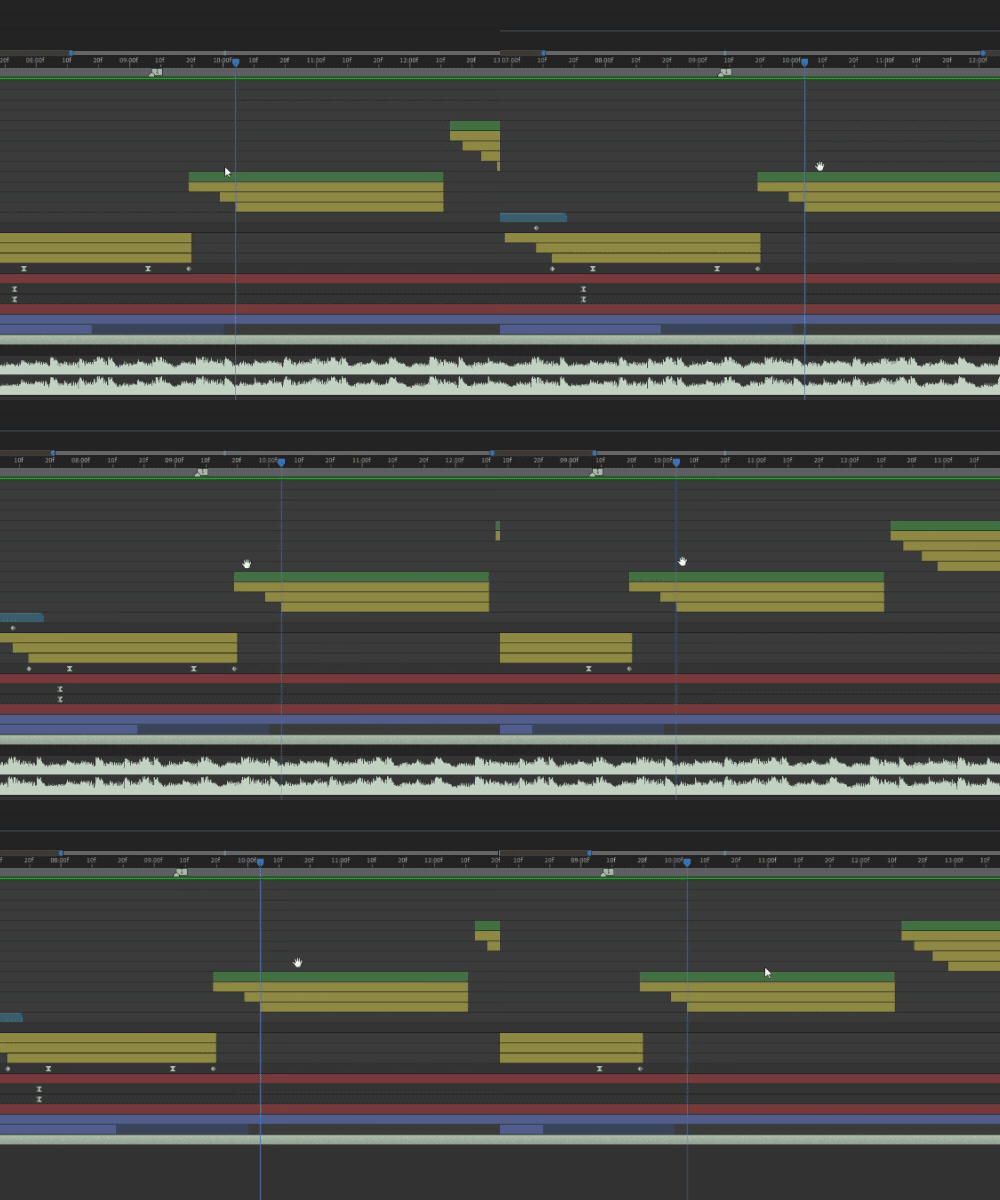
- Second problem is the interface fluidity while showing the audio signal, it is so slow and impossible to work with !
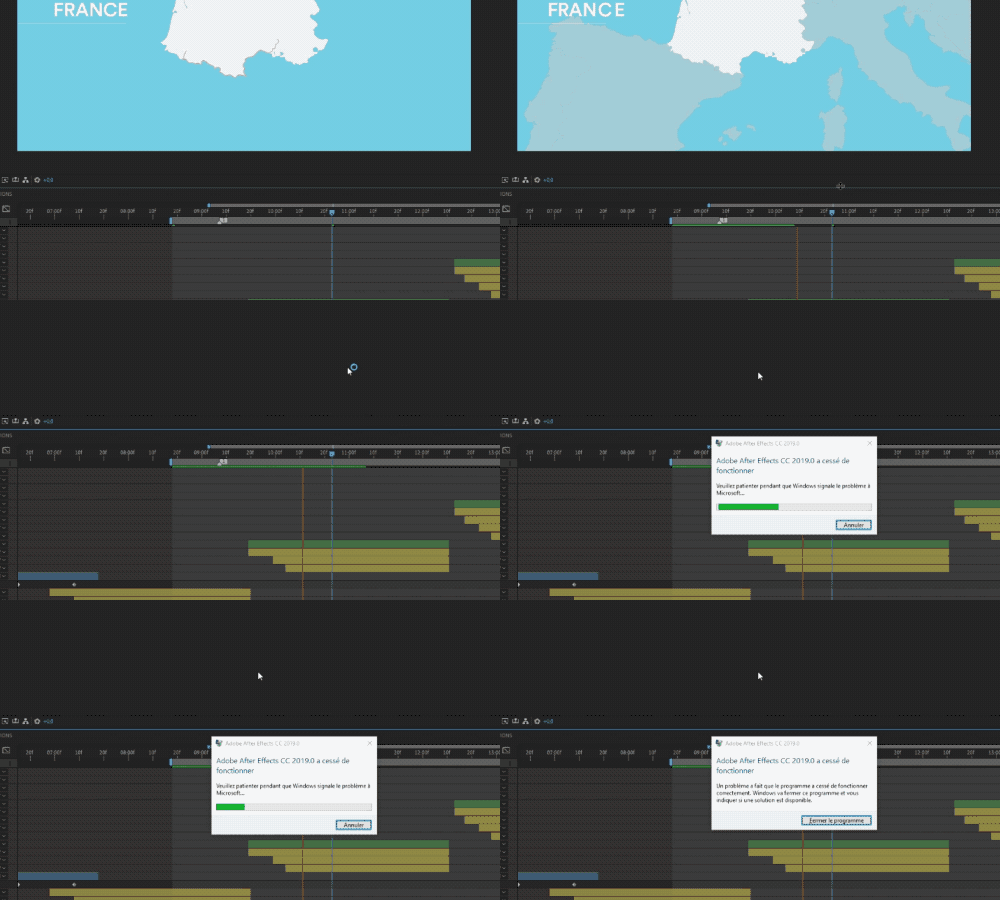
- Crash Reported if you try to resize interface while previewing :
My Workstation specifications :

- Windows 10 PRO 64 bits - Updated 14/11/2018
- Intel i7-5960X
- 32 Go Memory
- Graphic card : 780 Ti - Drivers updated 15/11/2018
- After Effects 16.0.0 (build 235)

This topic has been closed for replies.

3 replies

SimeonVeld
Participating Frequently
June 15, 2022

we're living in 2022 now and this is still a problem...

Participant
April 29, 2019

Having same issues here.

Just migrate from a MacPro to a Windows and the lag on the Windows it's unbearable.

It happens only on a few spots, but mainly on the timeline, as you mentioned.

System:

Windows 10 Pro

Intel Core i7-5930K 3.50GHz

64GB Ram

GeForce GTX 980

After Effects 16.1.1

CREAM Motion
Known Participant
November 17, 2018

No one ?
Please Adobe Support find a solution.
- Is it a Nvidia driver problem ?
(updated yesterday for my 780 ti)
- Or a windows 10 Pro issue ? (brand new install)
- SSD issue ?
- Double monitor issue ?

I love After Effects and I sell a lot of templates on Envato for it but I starting to look for other solutions...

the_dudes
Inspiring
November 26, 2018

CC19 is a messy clusterfuck. It crashes so often, it makes me believe this is some amateur software. Plus it wants to collect about 50 Gigabyte of data when crash reporting. Damn terrible UX and product quality checking. I keep using CC18 until this mess gets solved.

Community Expert
November 26, 2018

Turn off hardware acceleration for the UI.