
After Effects Content Aware Fill looking blurry and smudgy
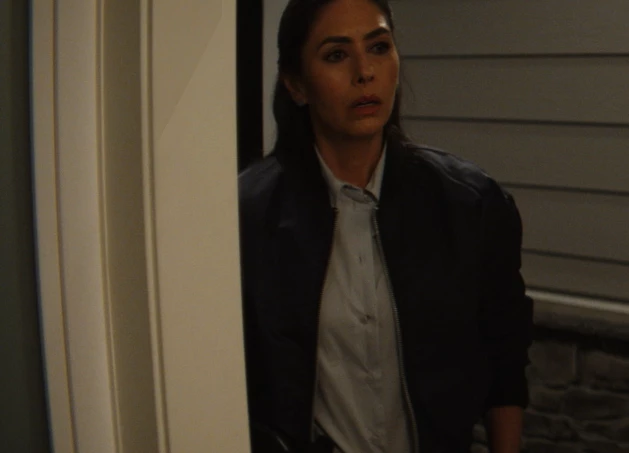
Hi, I am currently using After Effects 22.4. I need to remove a boom shadow on the door frame in a shot with some slight movement. In the past I would just painted it out with the clone stamp and then parented it to the tracked movement. Having seen the results on YouTube videos of Content Aware Fill, I decided to give it a try. I have attempted different settings for 2 days now. The fills are always smudgy and blurry on such a smooth and evenly lit surface. And it failed to reproduce any edges - a fin-like pattern of lines are created instead. When I masked the area as multiple patches of similar paints with no edges or lines, they still look low-resolution and smudgy and noisy. And the tone is always darker in the top half within the fill.
The project is set as 32bpc, and so is the Content-Aware Fill settings. A frame right before the shadow comes in is set as a reference frame. Masks are feathered between 8 and 14%; Alpha Expansion between 5 and 10. Object as the Fill Method seems to have the better results, same goes to transparency grid for the masks. Light correction was tried - Moderate has blended in the fill better than Slight and Strong.
The tutorials I watched have accomplished way more complex shots in great results. I am sure I am just missing a simple step or setting here or there. Can someone point it out to me, please? I have attached the reference frame and some of the better results here. 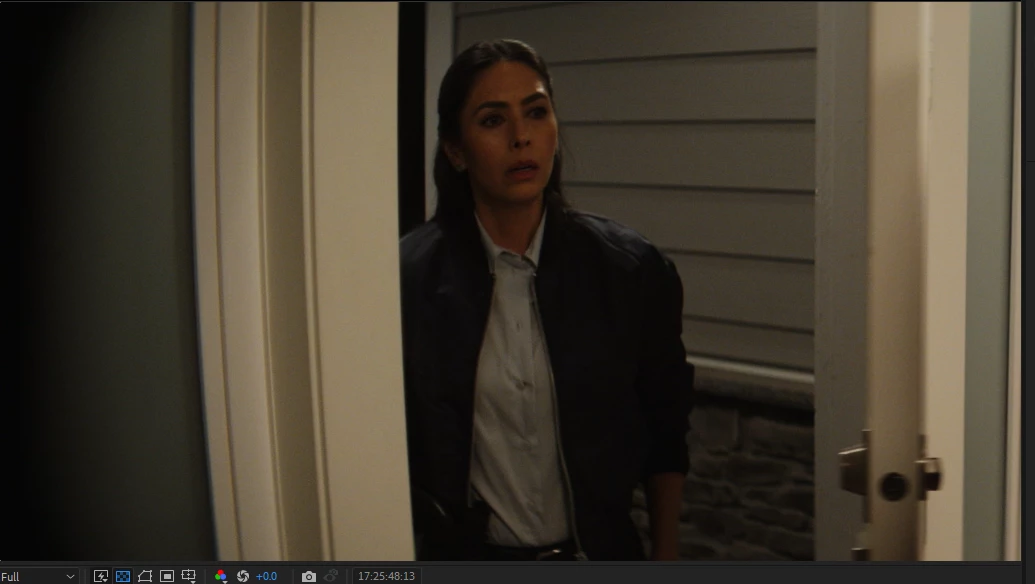
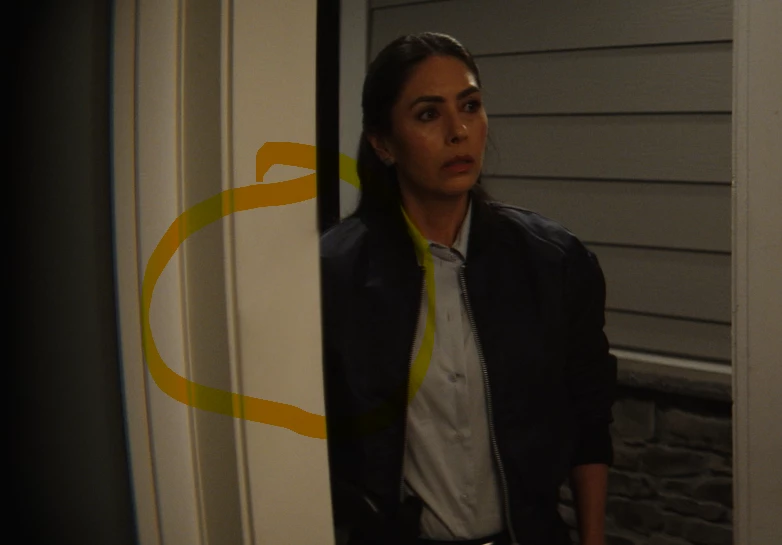
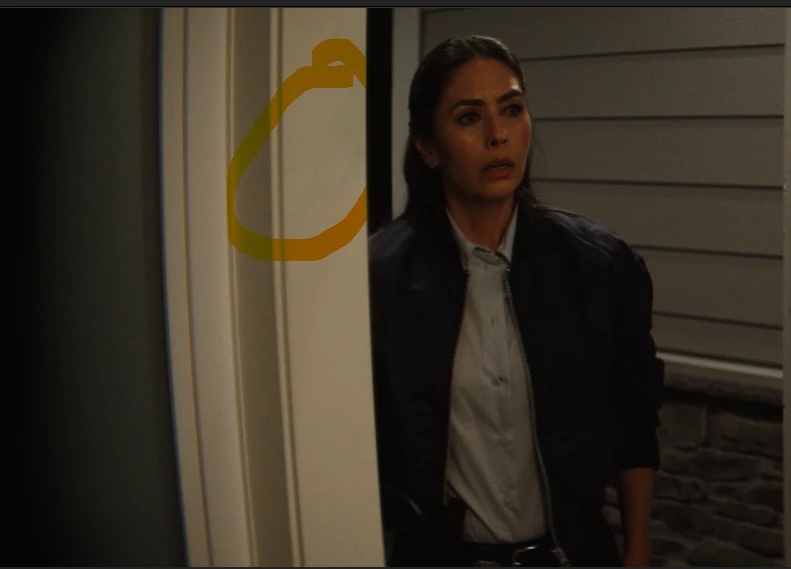
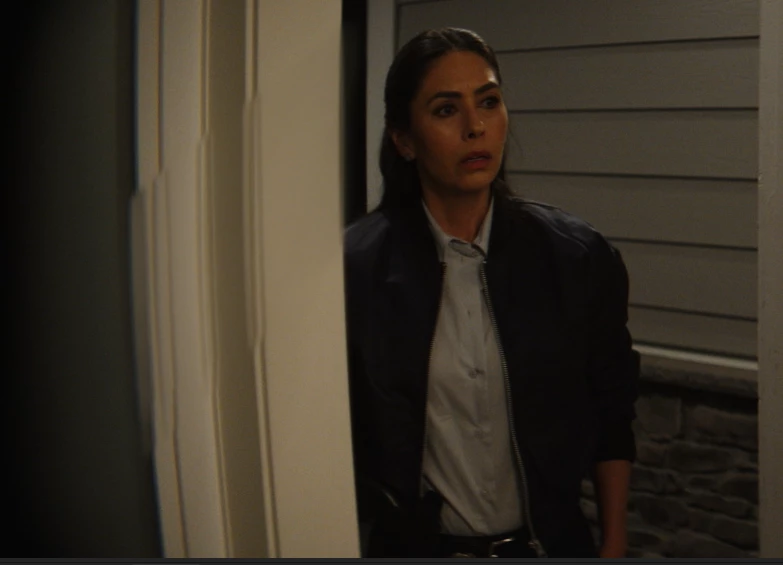
 Thank you!
 AdChoices