J092416
Participant
August 10, 2022
Question

After effects directional blur text

  • August 10, 2022
  • 3 replies
  • 1094 views

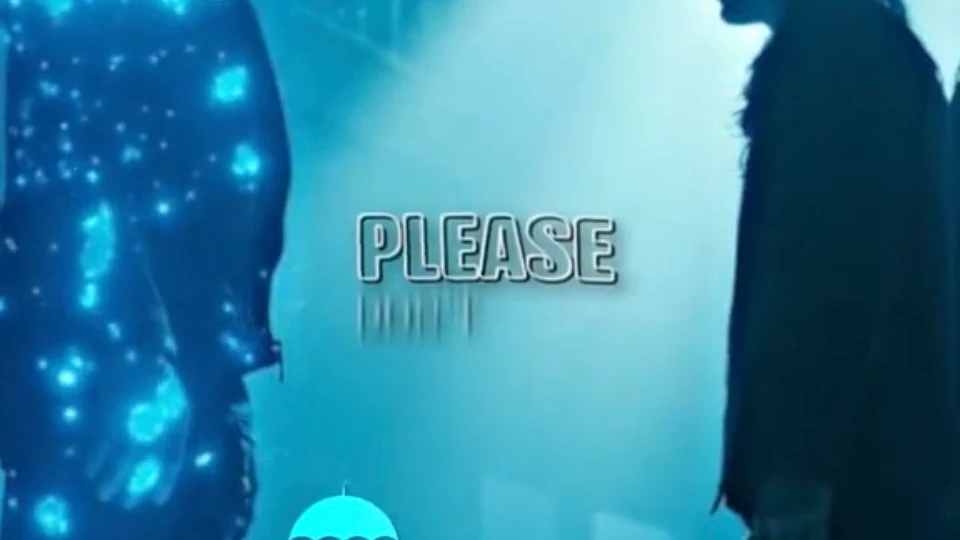
I'm trying to recreate the text effect below where it fades up by word but instead a regular fade if it's a directional blur I can't find a tut anywhere plz lmk!! 
This topic has been closed for replies.

3 replies

ShiveringCactus
Community Expert
Community Expert
August 11, 2022

Here's another option I thought I'd mention - which really depends on the amount of control you want:


  • Search in Effects and Presets for the included preset Blur by Word
  • This uses text animators to control everything all on one layer.  The blur option sets the blurring for vertical and horizontal and can be separated.

Community Expert
August 11, 2022

You need two copies of the layer you want to transform using Directional Blur. Pick the time when you want the transition to end and set the out-point for the first word using Alt/Option+ ].


Move the CTI (current time indicator) to the left to the time when you want the transition to start and set a new in-point for that layer using Alt/Option + [.


Apply Radial Blur to the first text layer.  With the CTI set to the in-point of the second layer, set the Direction to  90º, and set a keyframe for Blur Length to 0. Also, set an opacity keyframe at the same point with a value of 100%. Now move to the out point of the First text layer and set the Blur Length to something big like 250 or even 500, then set the Opacity to 0%.


Move to the second Text layer, Add the Directional Blur effect, or just copy it and paste it to the second layer, then a keyframe for blur length to 0 and opacity to 100%. Return to the in-point of the second Text layer and set the blur length to the same value you used for the first text layer, then set the Opacity to 0%.


All done. It should take you about 5 minutes. You can then add the other layers. 


Your comp will look like this:

and it will act like this:


I uploaded a sample comp.

Quick Tips For After Effects


You should also spend some time with the User Guide. This is a very basic workflow that only involves a couple of keyframes to complete the transition between two layers. 

Jqke
Legend
August 11, 2022

There is an effect called 'Directional Blur' in Effects & Presets. Drag it on, change the angle so it goes upwards, and animate the radius.


This explains the Directional Blur effect in more detail https://youtu.be/7BUnCtU9ARY


For keyframing, there are a million tutorials from editors on YouTube. Just search "directional blur after effects"

~Jake