
Participant
April 2, 2021
Question

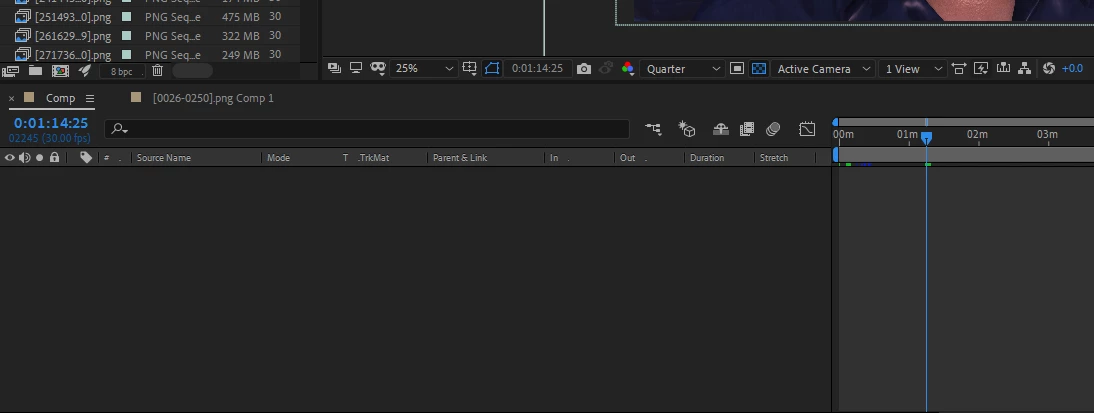
after effects empty timeline

  • April 2, 2021
  • 1 reply
  • 906 views

i've reinstalled after effects 2020 then opened a very important project that i didn't finish yet and i need do delete and change many things in what i did inside it
it's working well but the time line is empty  the layers and pictures are hidden maybe
This topic has been closed for replies.

1 reply

Jose Panadero
Community Expert
Community Expert
April 2, 2021

Be sure that your quick search filed is completely empty. Even a "space" character can do dissapear all the layers in your timeline. Check attached image.


Participant
April 2, 2021

No ,it's empty

nishu_kush
Community Manager
Community Manager
April 2, 2021

Hi gawafae82960480,


Thanks for writing in. What are your system specifications (CPU, GPU, RAM, OS)? Also, how many layers you were working with in this Composition? You could try disabling the Hardware Accelerated Composition, Layer, and Footage Panels in After Effects Preferences > Display.

Let us know if it helps.


Thanks,

Nishu