Participant
April 17, 2020
Question

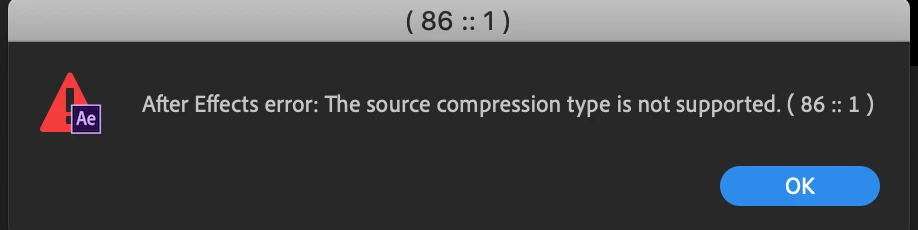
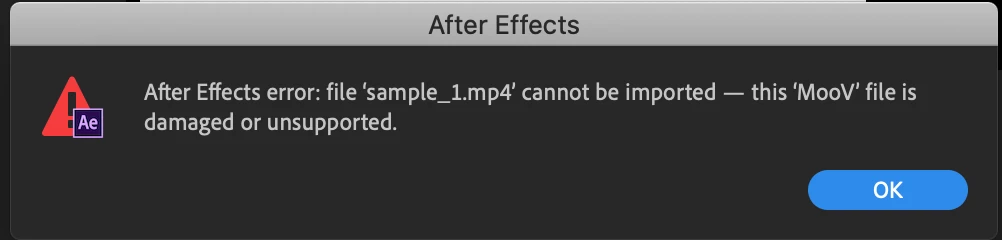
after effects error can not be imported, this mov files is damgaed or unsupported

  • April 17, 2020
  • 1 reply
  • 3077 views

Hi there, 


As many people have experienced this, I will try my best to explain this with my English. I have this same situation; I export c4d to mp4 files and import it to AE, and then it says that "after effects error can not be imported, this MOOV files is damaged or unsupported" 


I tried to uninstall the 17.0.5, and my currently on 17.0.4.  If anyone have any idea how to fix this, please advise, thank you so much! (I am on mac)


This topic has been closed for replies.

1 reply

nishu_kush
Community Manager
Community Manager
April 17, 2020

Hi there,


Thanks for reaching out.

This issue was reported in version 17.0.5. However, this was not an issue in the 17.0.4 release. Could you try to import this file in Premiere Pro or some other application to verify if the file is not corrupted?

This issue has been resolved in the 17.0.6 release. You can try installing this version and see if it works for you.

Let us know how it goes.


Thanks,

Nishu

OussK
Community Expert
Community Expert
July 14, 2021

I totally understand that you need to import this mp4 file, but always there is a solution, it may take a few extra steps but it can help, like try to transcode your mp4 to a better post-production video file like ProRez .MOV, also it's always better to export from Cinema 4D an image sequence (tiff or png) instead of mp4 file, with image sequence you should not face any trouble.