
After Effects error: Crash in progress. GPU Sniffer crashes, prog won't start
Hello Adobe Forums!!! First timer here posting, have been using Adobe products for years. First real issue I couldn't solve with a few quick Google searches. So here is my issue:
I start up Adobe After Effects and get this almost instantly-
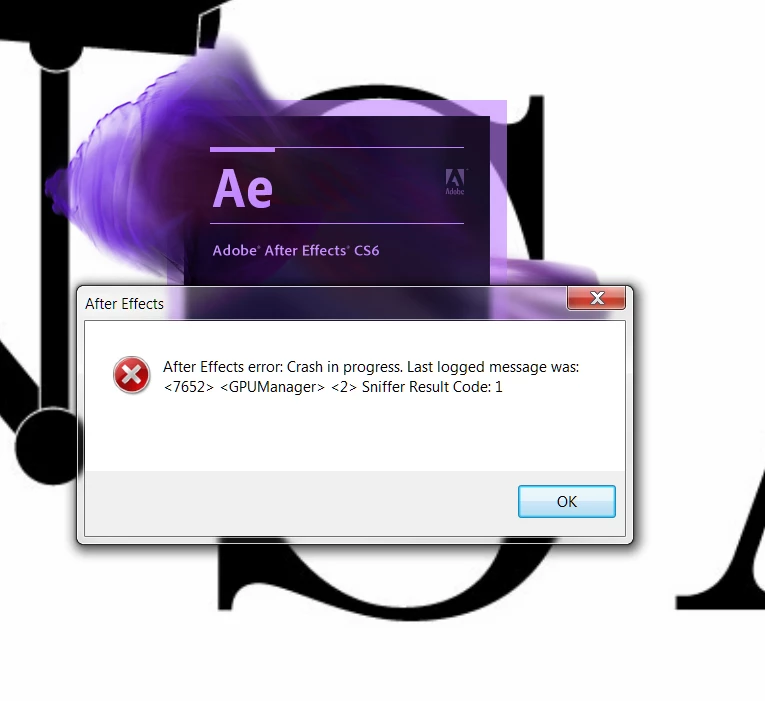
When I click ok I get this:
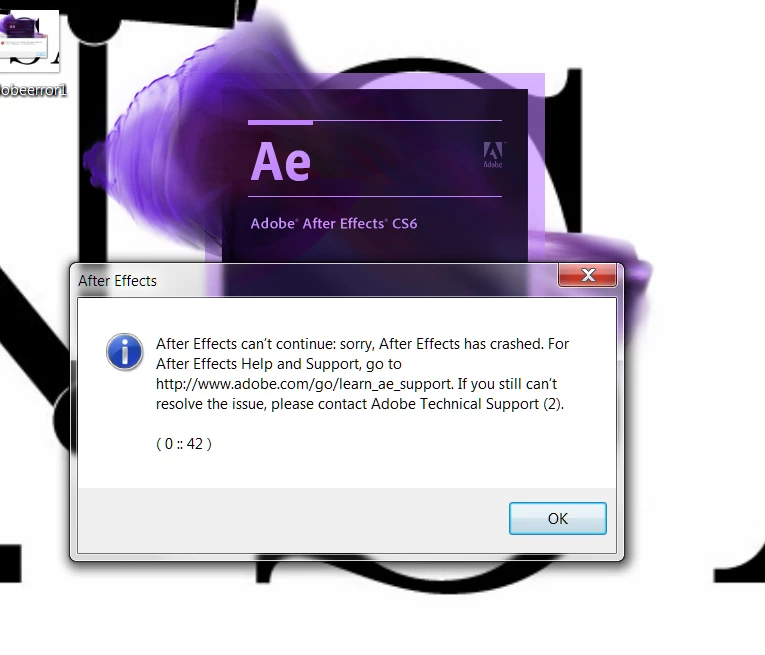
When I click ok here, I get this:
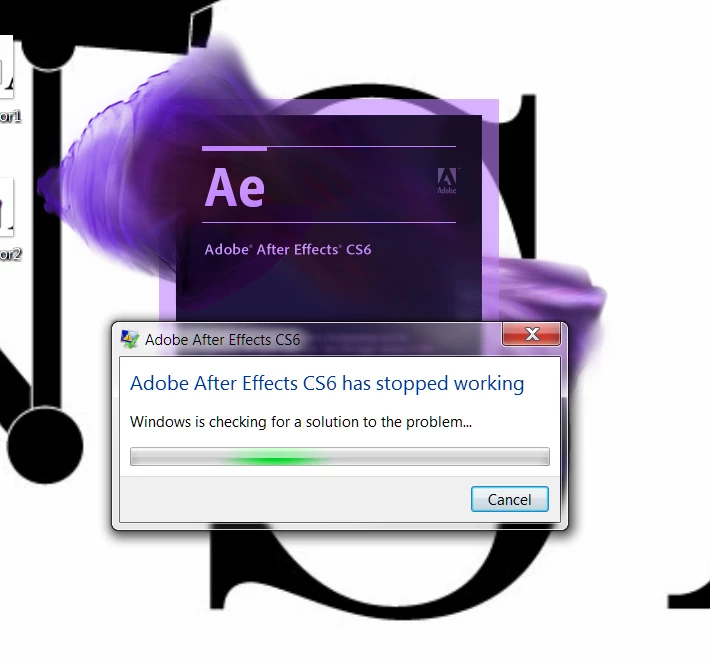
My computer specs are as follows:
I7 - 2670QM 2.2ghz - Asus ROG G74s
12GB Ram
nVidia GEFORCE GTX 560M 3GB
I never had an issue until yesterday. Granted, I haven't started the program up in a few weeks, so it could have started earlier. Anyway, I got into an online chat with Adobe with a rep named Devendra, and they had me roll back graphic drivers, still failed. They had me delete the 11.0 file in AE, still failed. I killed the firewall, still failed. I uninstalled and reinstalled, still failed. Not sure what else to do.
The only thing I have installed lately is a WACOM tablet, but I have had it installed before with no issue.
I don't know if AE has a crash log, if you can tell me where it is, I will post it here also. Thanks!
 AdChoices