
Question
After Effects graphics change to wrong colors in Premiere Pro
Hello,
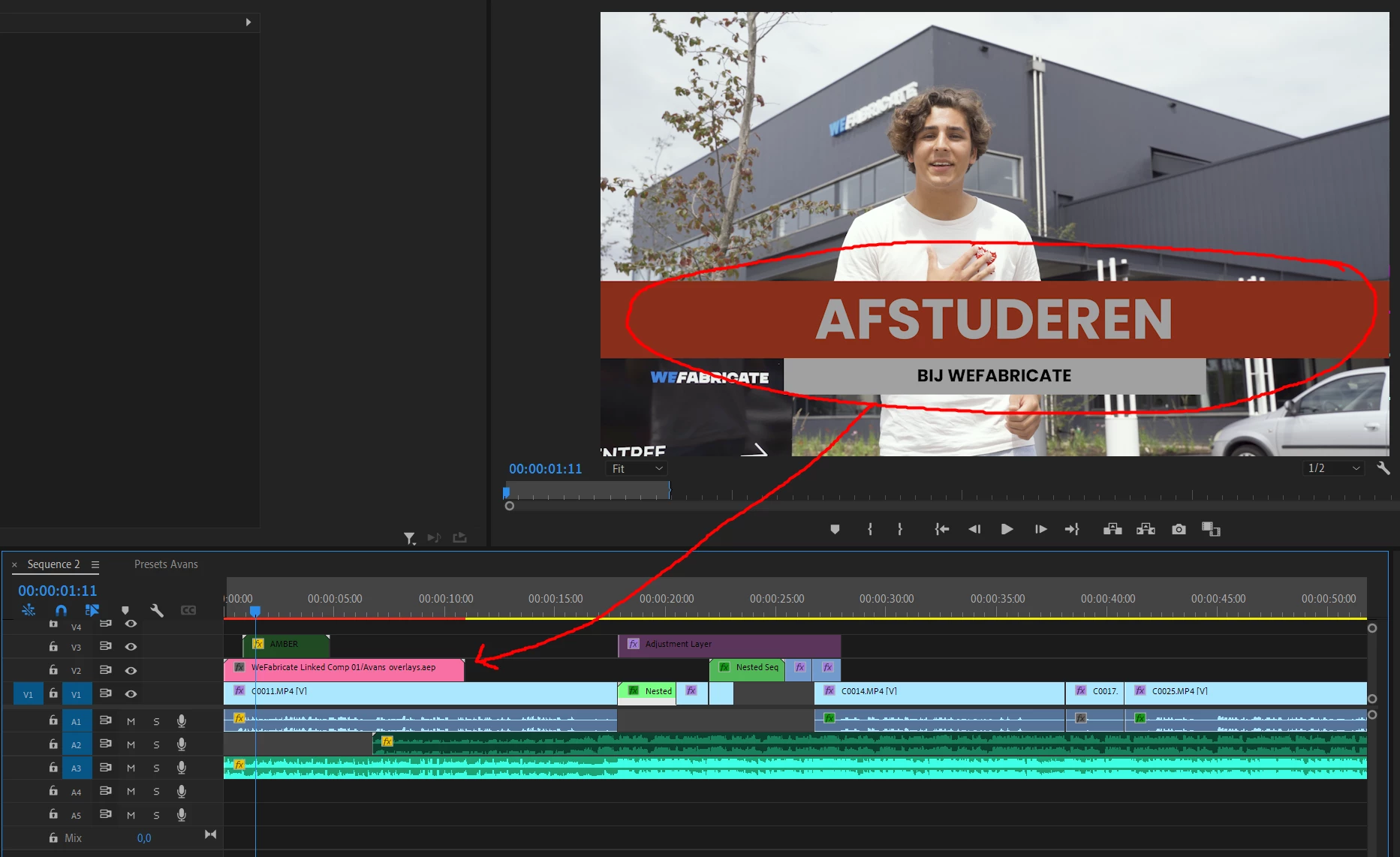
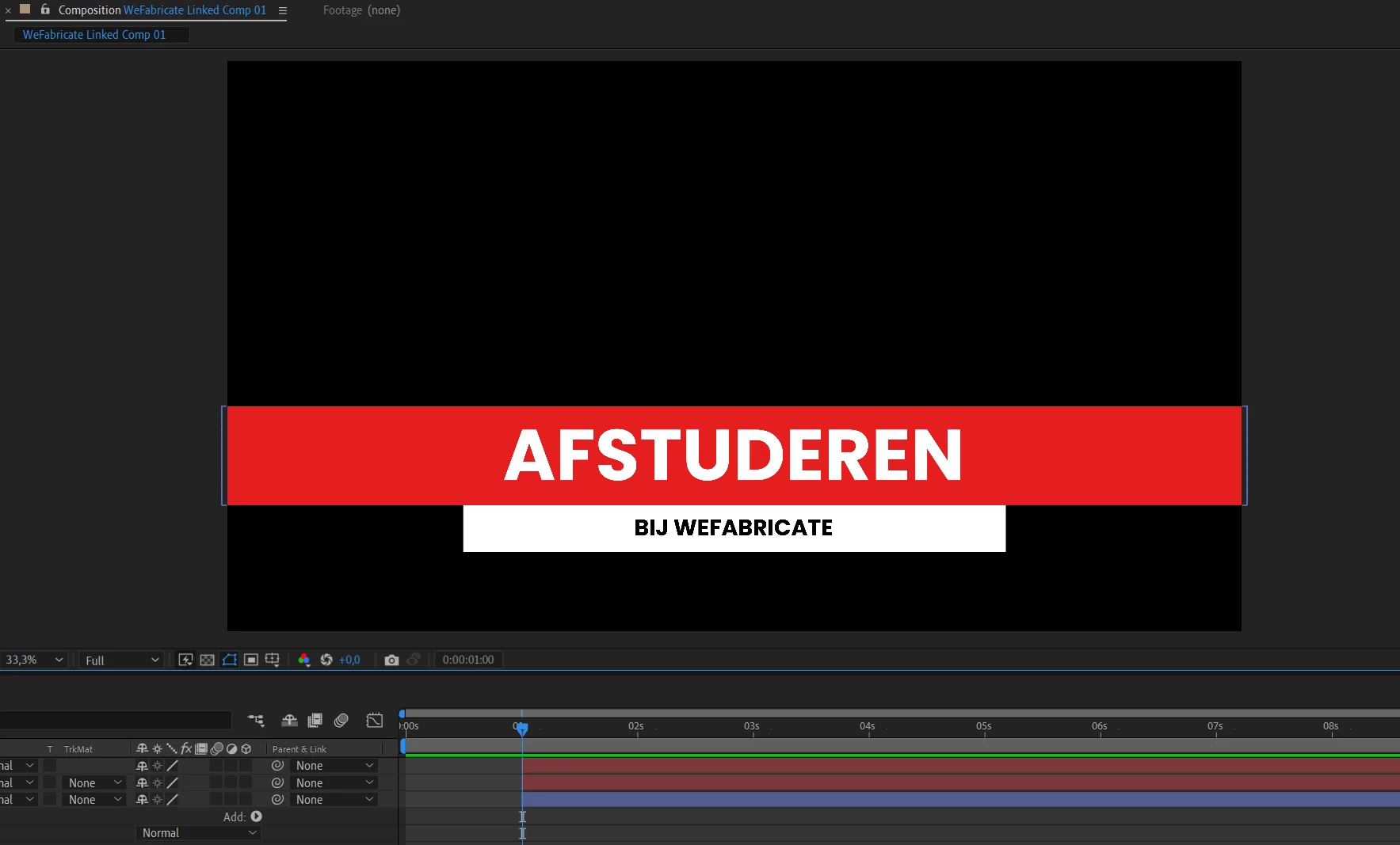
I got a problem with some After Affects graphics in Premiere Pro that change to the wrong colors.
In Premiere, I made an adjustment layer which I "replaced with After Effects composition". In After Effects I made some graphics but turning back to Premiere the colors are totally different, very dark/dull. In Premiere I work in HLG mode (Rec 2100 HLG) but can't find a way to use the same color mode in After Effects, which is why the colors are totally different. Does anyone know how I can fix this?
I appreciate all the help!
[Moderator note: The AfterEffects forum probably has more experience to deal with this difficult technical issue.]
 AdChoices