Exit
  • Global community
    • Language:
      • Deutsch
      • English
      • Español
      • Français
      • Português
  • 日本語コミュニティ
  • 한국 커뮤니티
0

After Effects keeps crashing while working on a project.

New Here ,
Sep 09, 2022 Sep 09, 2022

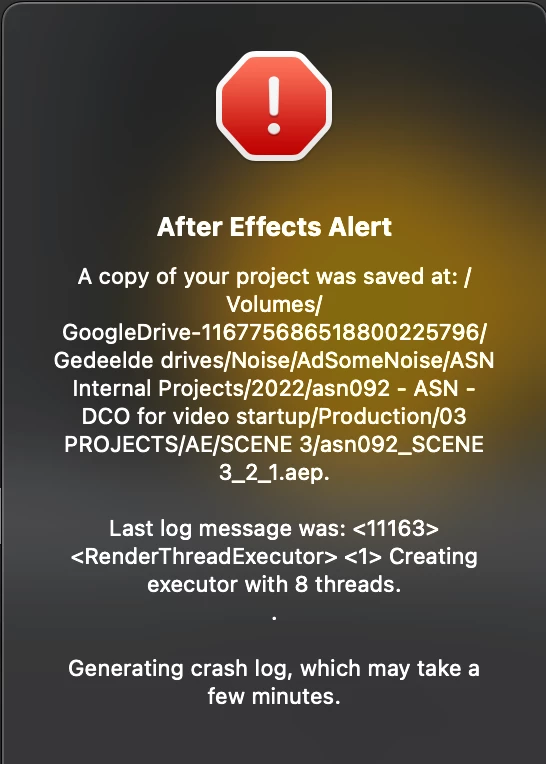
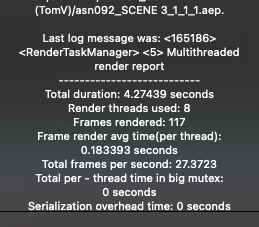
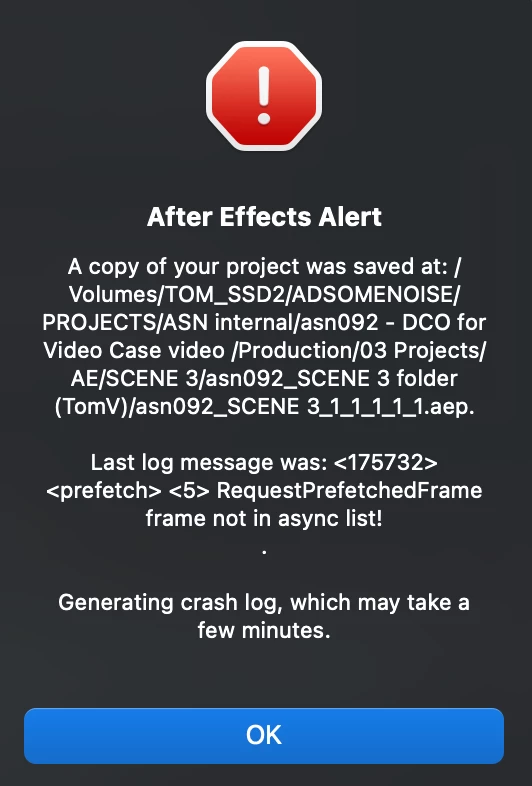
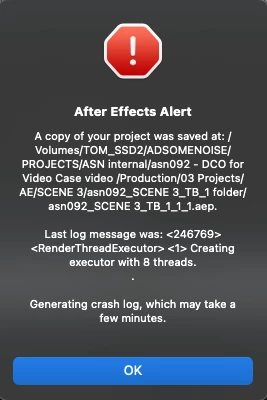
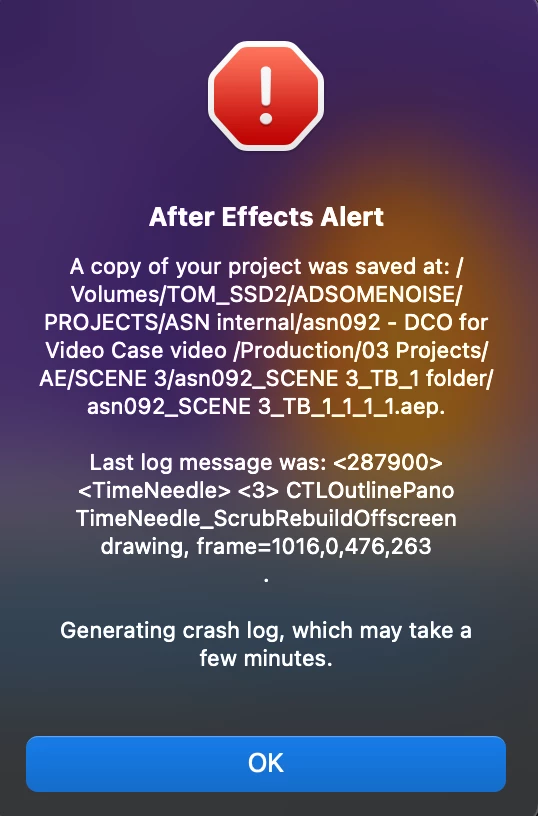
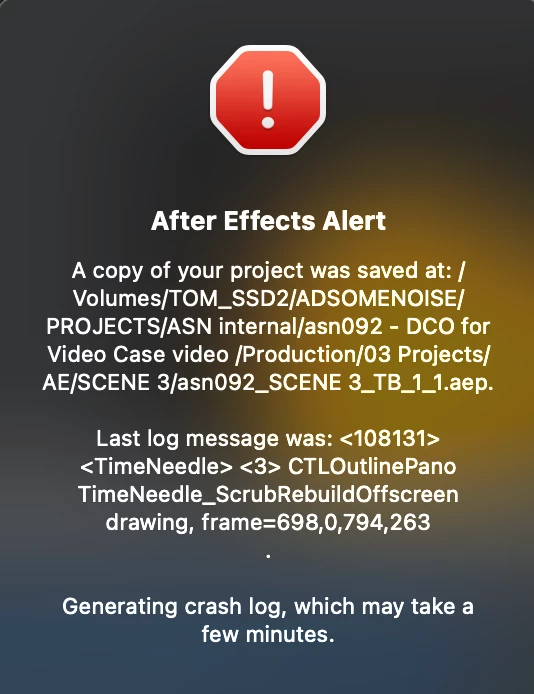
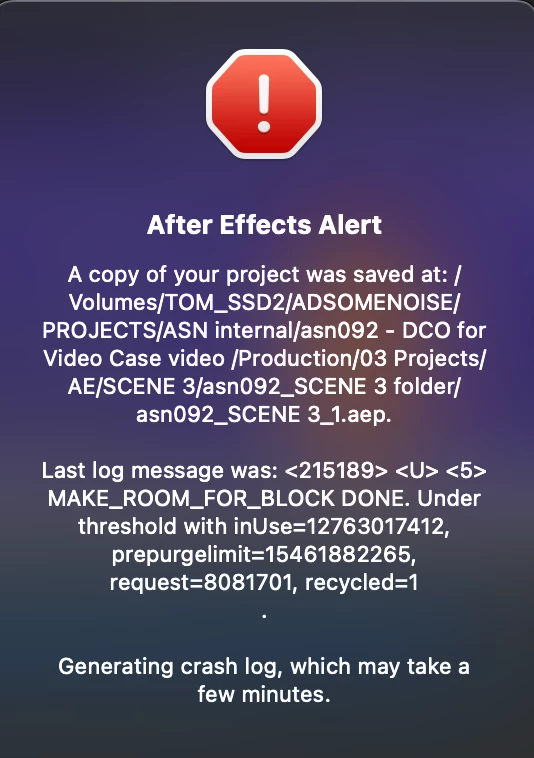
I've been having a bunch of different errors with a project in After Effects, and it keeps crashing.

I have tested the project on different machines and it only happens on my own machine somehow, 

14 inch M1 pro Macbook Pro with 16GB RAM. I have tried it in a bunch of AE versions, 22.4, 22.5 and 22.6 all of them keep having the same issue. No plugins or scripts used, all native AE effects, some mov files and AI files, but nothing special or particularly heavy.. I already uninstalled AE and re-installed it without migrating my previous settings but still no fix.

I can open the project but while caching preview frames it will just crash all of a sudden and saves a backup. I had a temporary fix when i re-saved the project under a different name, but after 30 mins or so it crashed again and the issue keeps coming up. Pretty annoying since i have deadlines..
Schermafbeelding 2022-09-09 om 11.53.50.pngSchermafbeelding 2022-09-09 om 16.31.49.pngSchermafbeelding 2022-09-06 om 10.48.19.pngSchermafbeelding 2022-09-07 om 14.22.51.pngSchermafbeelding 2022-09-07 om 14.30.56.pngSchermafbeelding 2022-09-07 om 16.25.14.pngSchermafbeelding 2022-09-08 om 16.40.31.png

TOPICS
Crash , Error or problem
1.0K
Translate
Report
Community guidelines
Be kind and respectful, give credit to the original source of content, and search for duplicates before posting. Learn more
community guidelines
Adobe Employee ,
Sep 10, 2022 Sep 10, 2022

Hey Tom Bauwens,


Welcome to the community, and sorry for the issue. Since you're only having this issue with this specific project, could you try importing your current project to a new one and let us know if that makes any difference? If it does not, could you move your project to a more simpler directory, perhaps with not as many subfolders, and see if that works?


Thanks,

Ishan

Translate
Report
Community guidelines
Be kind and respectful, give credit to the original source of content, and search for duplicates before posting. Learn more
community guidelines
New Here ,
Sep 12, 2022 Sep 12, 2022

Hey Ishan, 

Thanks for your reply, unfortunately both options did not fix the issue. I have been working on the project on an older Intel Macbook for now and I haven't run into any issues on that machine.. I tried a colleague's M1 Macbook and same issues appear as on my M1 Pro so it seems to be an M1 problem as far as I can tell..

Translate
Report
Community guidelines
Be kind and respectful, give credit to the original source of content, and search for duplicates before posting. Learn more
community guidelines
New Here ,
Sep 15, 2022 Sep 15, 2022

Just had a similar error on my M1 Pro 14 inch machine in a different project.. This seems to confirm my suspicion of it being a M1 related error.

Translate
Report
Community guidelines
Be kind and respectful, give credit to the original source of content, and search for duplicates before posting. Learn more
community guidelines
Adobe Employee ,
Sep 15, 2022 Sep 15, 2022

Sorry about the crash. Could you share your crash logs? Here's how: https://www.youtube.com/watch?v=GdvLm4cfKc0

Translate
Report
Community guidelines
Be kind and respectful, give credit to the original source of content, and search for duplicates before posting. Learn more
community guidelines
New Here ,
Sep 15, 2022 Sep 15, 2022

There is no Log folder in my library unfortunately, see attached screenshot

Translate
Report
Community guidelines
Be kind and respectful, give credit to the original source of content, and search for duplicates before posting. Learn more
community guidelines
Adobe Employee ,
Sep 15, 2022 Sep 15, 2022

Please follow these steps and let me know if you can find the logs this way. 

  1. When in Finder, click Go > Go to Folder.
  2. Type “~/Library/Logs/Adobe/LogTransport” (don't miss the "~" character, it's important)
  3. Open the Archive folder and see if there is a folder for After Effects.


Translate
Report
Community guidelines
Be kind and respectful, give credit to the original source of content, and search for duplicates before posting. Learn more
community guidelines
New Here ,
Sep 15, 2022 Sep 15, 2022

None found, i don't have the LogTransport folder, i only have the LogTransport2CC folder, which is completely empty

Translate
Report
Community guidelines
Be kind and respectful, give credit to the original source of content, and search for duplicates before posting. Learn more
community guidelines
Adobe Employee ,
Sep 16, 2022 Sep 16, 2022

That's unfortunate. Have you tried resetting your preferences and purging the Disk Cache (Edit > Purge > Memory and Disk Cache)?

Translate
Report
Community guidelines
Be kind and respectful, give credit to the original source of content, and search for duplicates before posting. Learn more
community guidelines
New Here ,
Sep 26, 2022 Sep 26, 2022
LATEST

Hi, I tried both but I still got an error when opening the project. Same error as before. I did reset my preferences and purged the disk cache before opening the project..

Translate
Report
Community guidelines
Be kind and respectful, give credit to the original source of content, and search for duplicates before posting. Learn more
community guidelines