Known Participant
May 3, 2020
Question

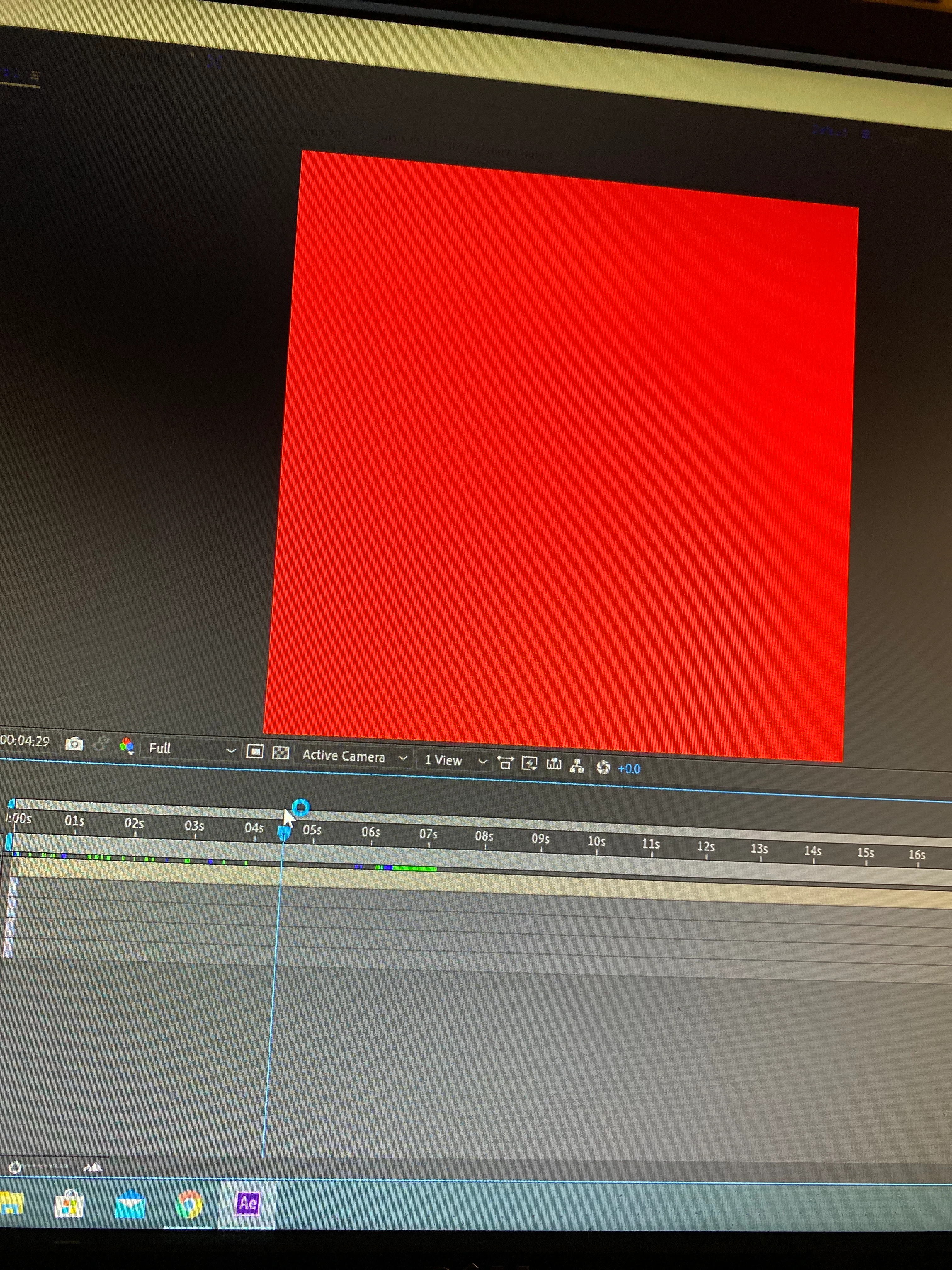
After effects making everything red
  • May 3, 2020
  • 1 reply
  • 1626 views

 I've been working on a project with ae and all of a sudden, everything becomes. I need a solution to this and quick.

1 reply

Mylenium
Legend
May 3, 2020

The usual: Flush your caches, check your hardware acceleration settings, update your graphics driver, reboot your system.


Mylenium

Known Participant
May 3, 2020

It's rendering a bit faster than before, however everything is still red.

Jose Panadero
Community Expert
Community Expert
May 3, 2020

As @Mylenium suggest you, try to change the acceleration settings first under File > Project Settings > Video and Effects rendering tab. Change to Mercury software only to avoid use of your GPU. If that solves the problem then you should update your graphics card dirver to the latest version.