Answered
After Effects native full screen support
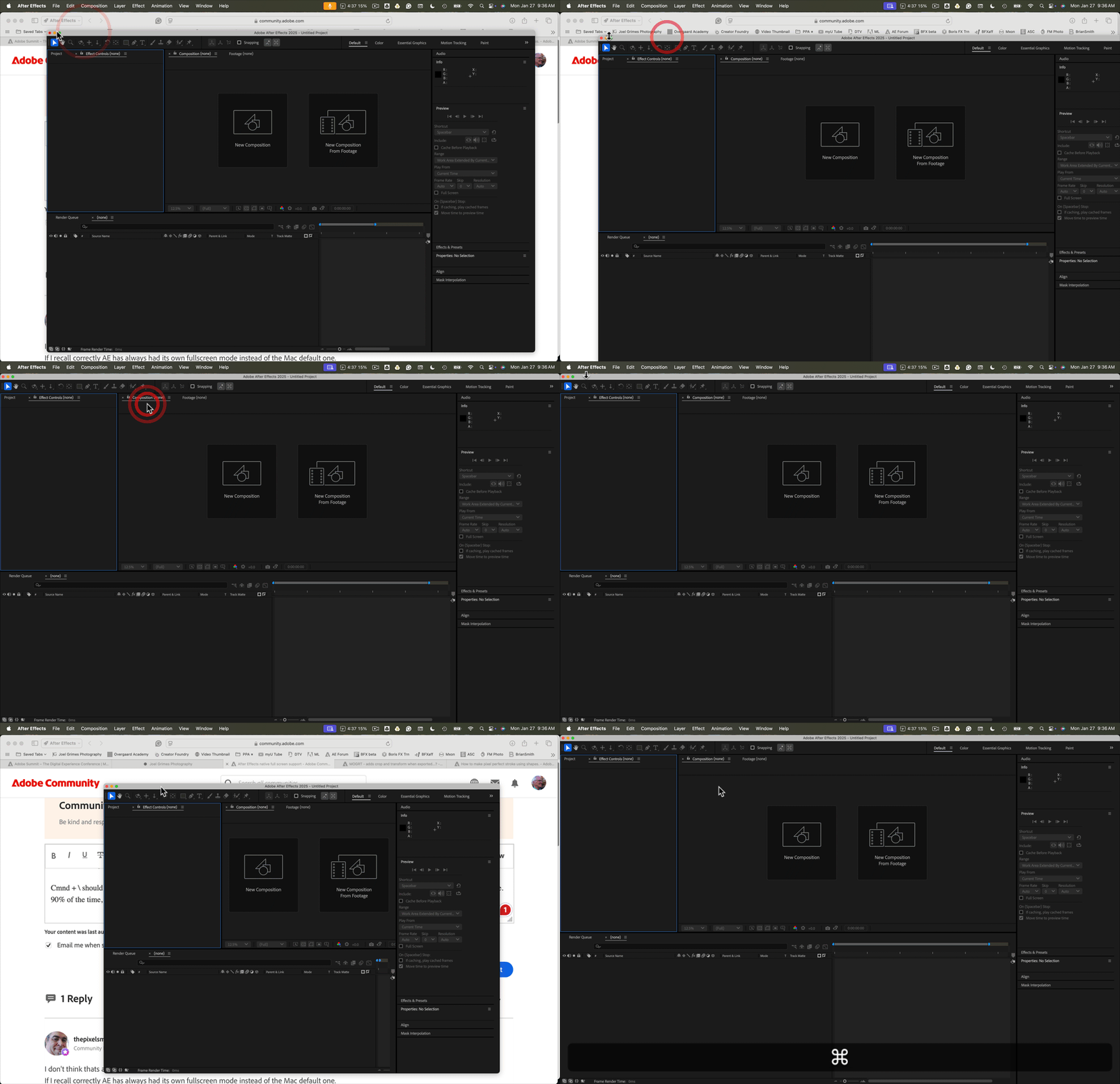
I can't be able to expand my workspace to the native full screen on my Mac despite pressing the green button, please fix this as soon as possible because it becomes tough to work in such a small area

I can't be able to expand my workspace to the native full screen on my Mac despite pressing the green button, please fix this as soon as possible because it becomes tough to work in such a small area
Double-clicking on any app's top bar on a Mac should expand that app to the full screen. Clicking the green button should also do the same thing.
Cmnd + \ should also expand any app to full screen, and clicking Cmnd + \ again should turn the top bar on and off. It has always worked for me. 90% of the time, I use the keyboard shortcut for all my apps.
Already have an account? Login
Enter your E-mail address. We'll send you an e-mail with instructions to reset your password.
 AdChoices