Participating Frequently
June 22, 2021
Question

After Effects not Importing EXR Correctly

  • June 22, 2021
  • 1 reply
  • 5827 views

So, I rendered out a large, custom EXR animation in Maya at x1828-y3124 for a custom screen/cabinate. 


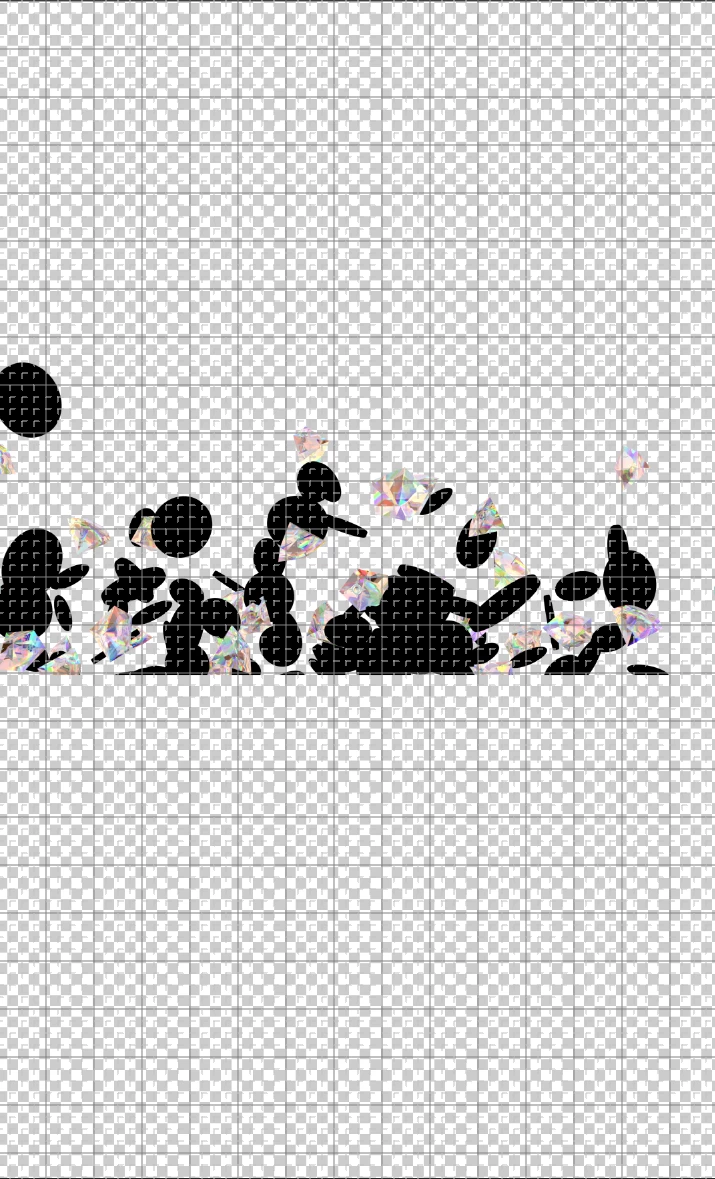
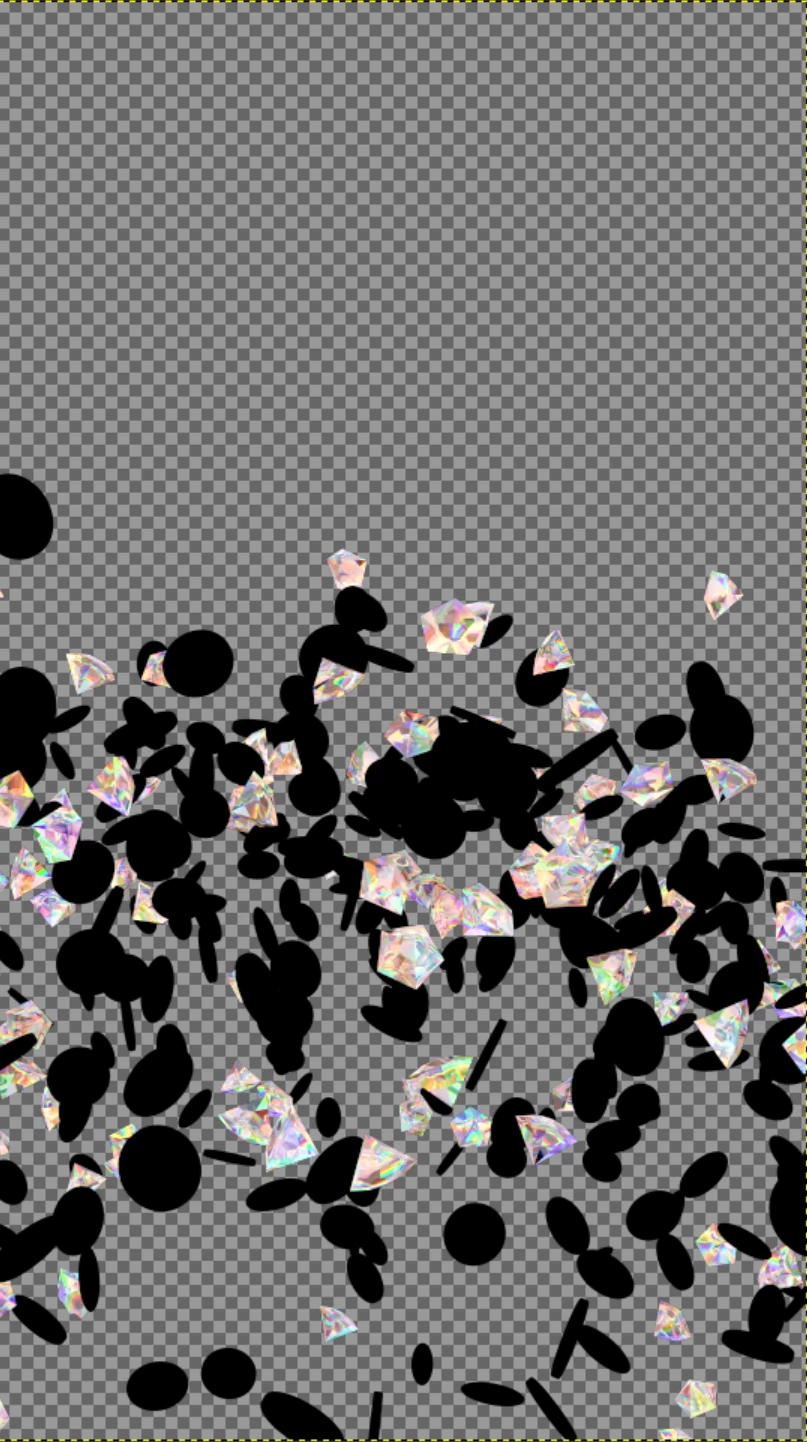
The render sequence looks great, but when importing into AE the file looks cut off.

The only way I have found to get the sequence into AE is by importing the sequence into Media Encoder and rendering out as an animation and then importing that to AE.


Why is this happening?  I have looked everywhere, but my EXR sequence just doenst want to work in AE.  Other screen dimensions work just fine.


I am including two attachments.  1 shows one of the frames in GIMP.  It is correct.  The next image is what AE is showing after import.  Then entire bottom half is missing/cut off.


Any help would be GREATLY appreciated!  Thank you!
in GIMP

In AE

1 reply

nishu_kush
Community Manager
Community Manager
June 22, 2021

Hi Jammer,


Sorry for your issue.

Can you try installing the After Effects beta version and see if it works fine in it: https://helpx.adobe.com/x-productkb/global/creative-cloud-public-beta.html#

If it doesn't help, try the solution mentioned in the following Community thread: https://community.adobe.com/t5/after-effects/huge-bug-after-effects-18-2-import-bug-with-exr-images-and-sequences/m-p/12050701#M172114

Let us know how it goes.


Thanks,

Nishu

Jammer JAuthor
Participating Frequently
June 22, 2021

Yep, that post you linked is the exact same issue I am running into.. its a pretty big deal.  I sure hope Adobe gets on this, as it will really screw up my workflow..


thank you!

Jammer JAuthor
Participating Frequently
June 23, 2021

Did you try installing the plug-in as suggested in the mentioned thread? Did it help?

Let us know.


Thanks,

Nishu


Well, unfortunately now my After Effects is behaving quite strangely. 


The EXR is now importing just fine, but the layers in the composition seem locked, even though they are not.


I have never experienced these kinds of issues with AE in my 15 years of AE use.


What the heck is going on here