Copy link to clipboard
Copied
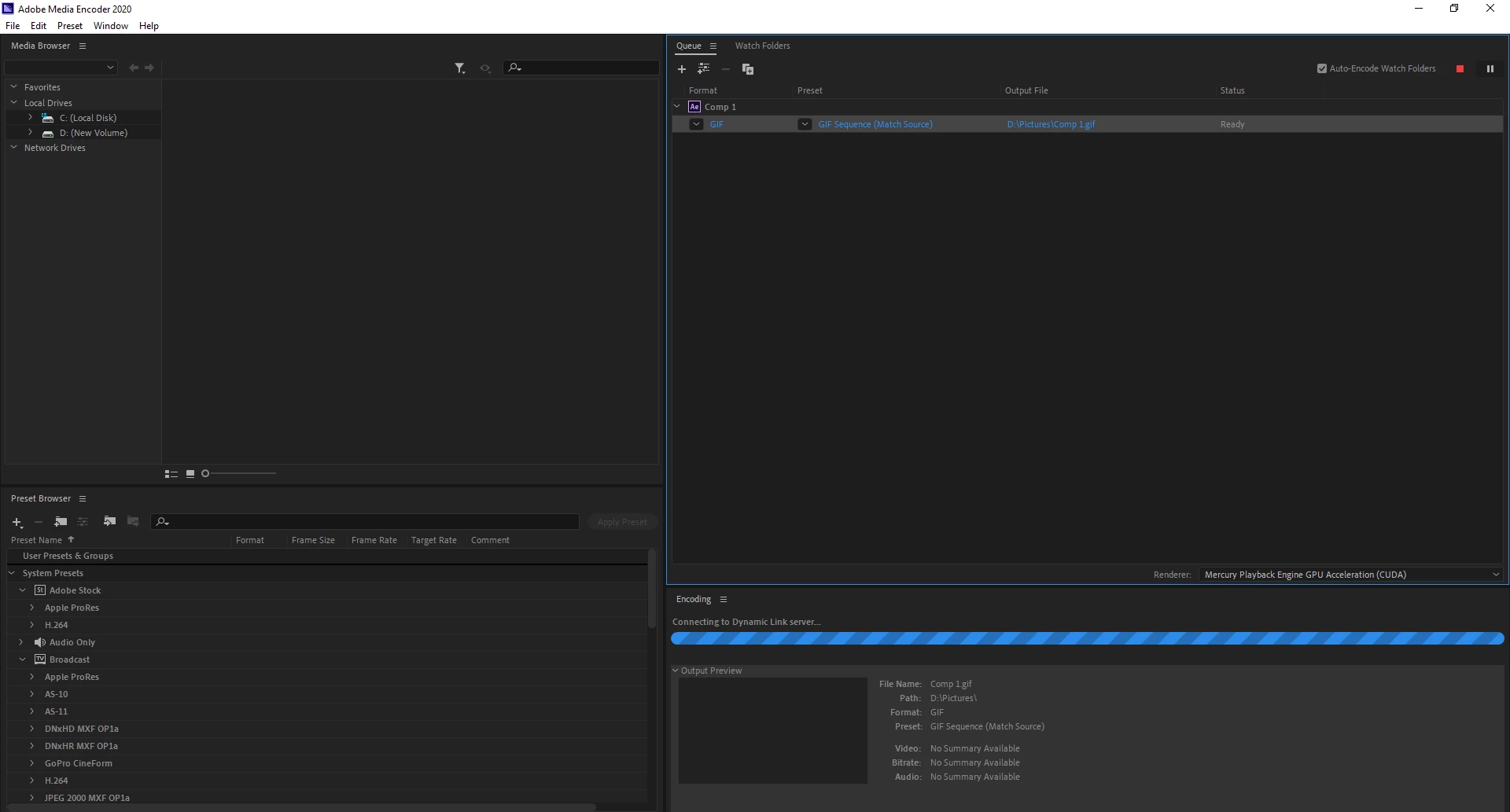
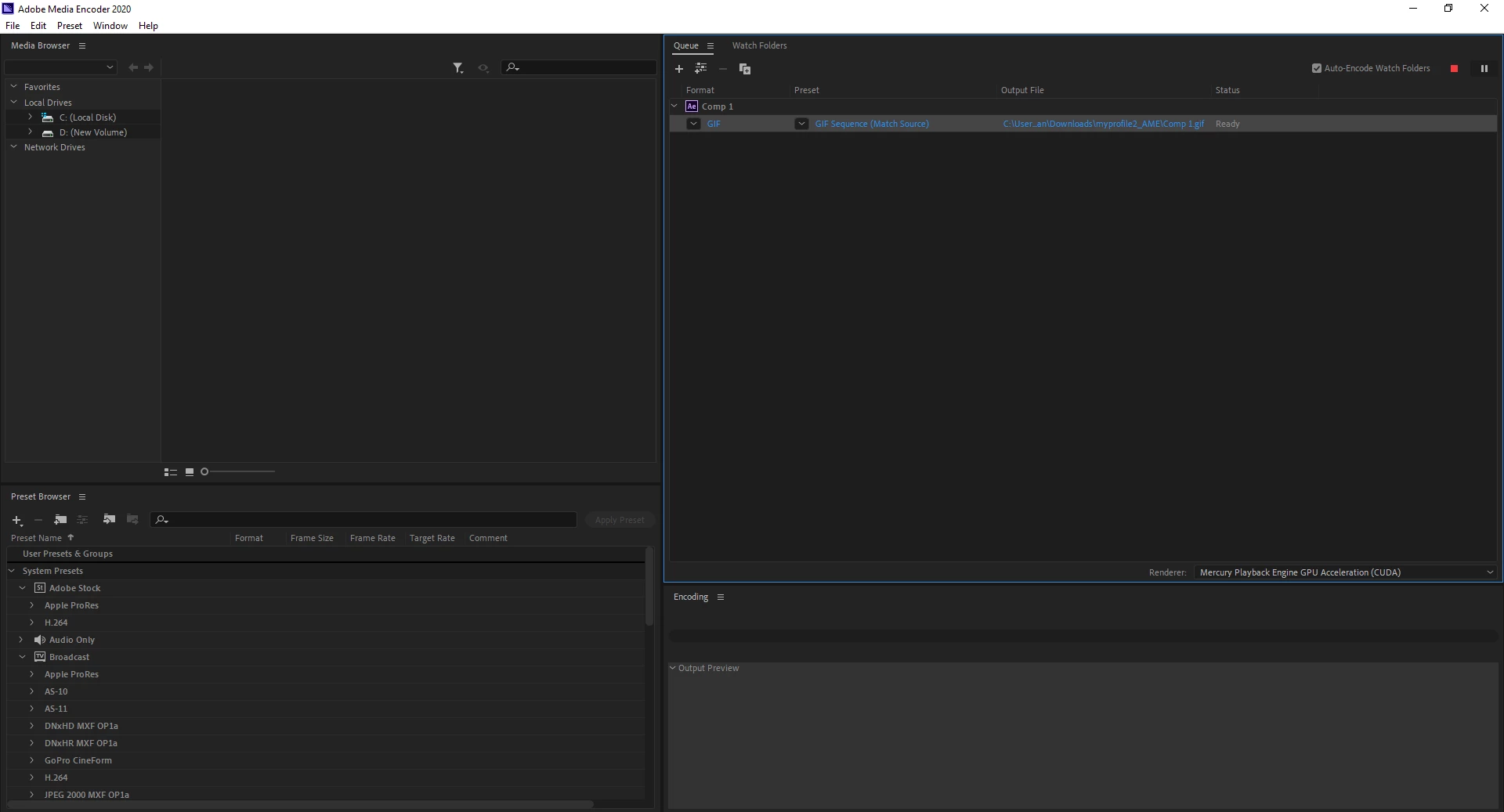
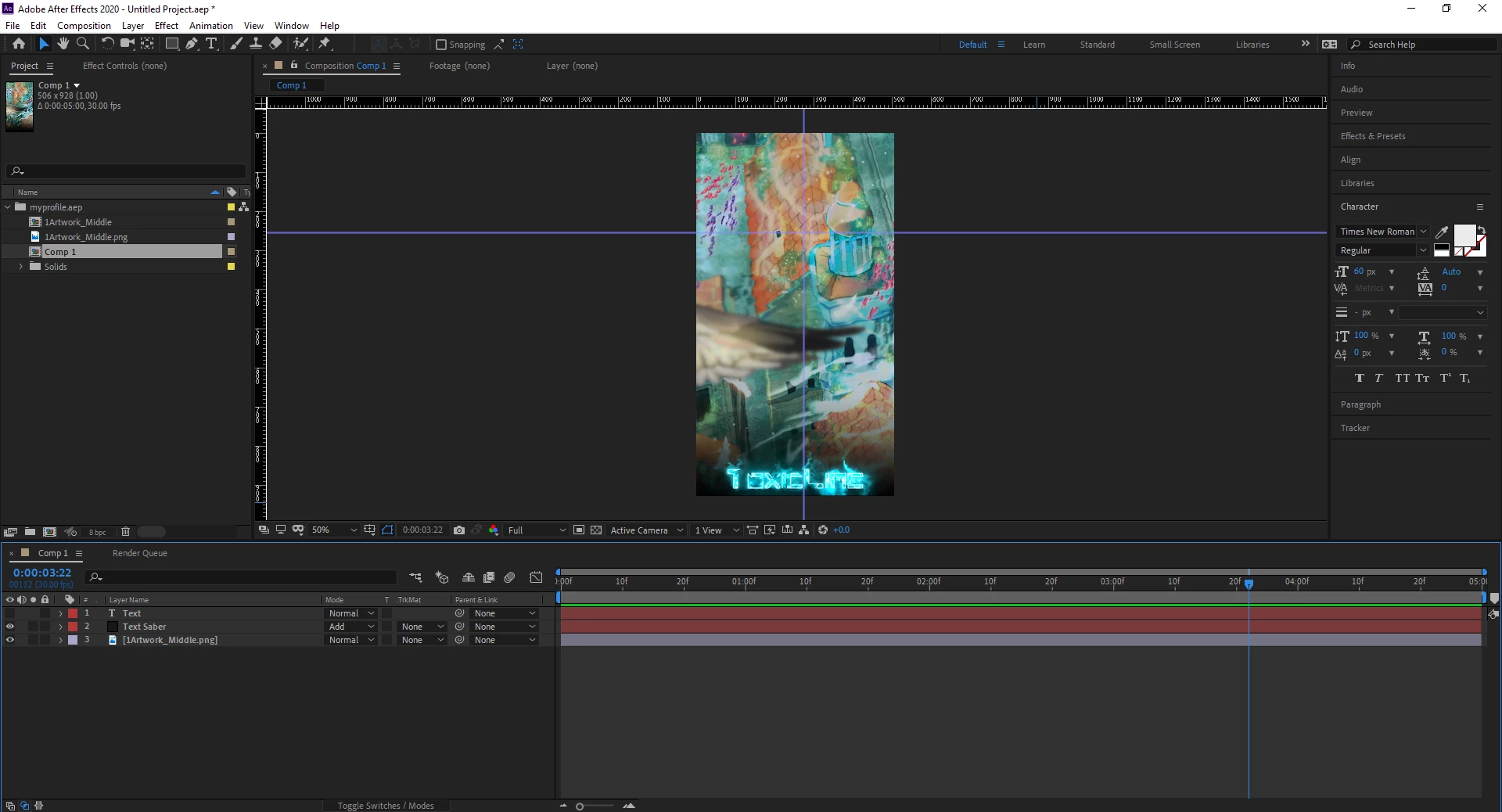
So I'm using after effects to create some animated text to add to my steam profile, and I tried using the Saber plugin to create a cool effect. All was going well up until I tried to render the project in Media Encoder, at which point my project decided it didn't want to even attempt to render. When I moved my project into Media Encoder, I tried two things; I started rendering with the file destination set to my D:// drive which is my hard drive with a ton of space, and I tried to render with the file destination set to my C:// drive which is my SSD with around 3gb left. In the first case, it tried connecting to Dynamic Link, which just sat there forever, not finishing the connection. In the second case, the bar was stuck at zero percent the whole time and no matter how long I waited, it wouldn't even move a little. I've exported projects through Media Encoder before so I'm not sure why it didn't work, anyone got any ideas?my project
trying to export in d: drive
trying to export in c: drive
Ryzen 5 2600
16gb ram
3.7 gb on SSD
1.05 TB on hard drive
If you want to create an animated gif your workflow is all wrong. The AME does a terrible job, the Render Cue did a terrible job.
What you want to do is set up your comp at the appropriate frame size and then make sure that the frame rate is no higher than 12 or 15 frames per second. There should be NO static frames in the comp, no frames where the image is not changing or moving. Then you export a movie or AVI file using the Render Cue and the default Output Module Lossless settings. The last
...Copy link to clipboard
Copied
Are both your After Effects and Media Encoder up to date?
Copy link to clipboard
Copied
Yes, they should be. I installed them not too long ago. Is there anyway to confirm this?
Copy link to clipboard
Copied
Well, does it actually render without the Saber plug-in? Sometimes third-party plug-ins cause odd behaviors due to their workarounds in accessing non-native AE data...
Mylenium
Copy link to clipboard
Copied
I think I can render regular projects just fine but the problem is that the effect I'm trying to create uses the Saber plugin, so I'm not sure what I can do.
Copy link to clipboard
Copied
Update: Not sure what happened but the problem seems to have resolved itself. However, I have a separate issue now that the file size is far too large to be added to steam (it was 32.6 MB while steam only accepts 8 MB), is there any way I can reduce the size of the file without sacrificing resolution or quality?
Copy link to clipboard
Copied
If you want to create an animated gif your workflow is all wrong. The AME does a terrible job, the Render Cue did a terrible job.
What you want to do is set up your comp at the appropriate frame size and then make sure that the frame rate is no higher than 12 or 15 frames per second. There should be NO static frames in the comp, no frames where the image is not changing or moving. Then you export a movie or AVI file using the Render Cue and the default Output Module Lossless settings. The last step is to open the video in Photoshop, open up the timeline, and set the duration of any static frames you need to set.
Let me give you an example. You want your background to fade in over 5 frames and sit there for 2 seconds (24 frames), then you want to have the text with Saber animate on for 4 seconds (48 frames), then all animation stops and the final image holds for 10 more seconds before you do a 5 frame fade out, then the animation repeats. The total length of your comp is 5 + 1 + 24 + 1 + 48 + 1 + 5 or 85 frames instead of the 200 required if you were not working smart.
In Photoshop you set the duration of frame 6 for 2 seconds (saving you 47 frames) and you set the duration of frame 31 to 4 seconds, then frame 84 is set to 10 seconds. You then export your animated GIF from Photoshop with "Loop Continuously" selected. The file size is much smaller because you don't have 148 static frames, you have much better control of the color dithering, and you look like a pro.
That's the only way I know of to get a good animated GIF out of AE without purchasing a 3rd party extension. Even then, you'll get smaller file sizes if you set the timing of the frames in Photoshop because you can completely eliminate all consecutive duplicate frames.
Copy link to clipboard
Copied
Thanks for the advice! I'm extremely new to adobe products so this whole thing has been a learning process for me. I'll try to do what you said and let you know how it worked out!
Copy link to clipboard
Copied
Alright, looks like it worked out, thanks!
Get ready! An upgraded Adobe Community experience is coming in January.
Learn more