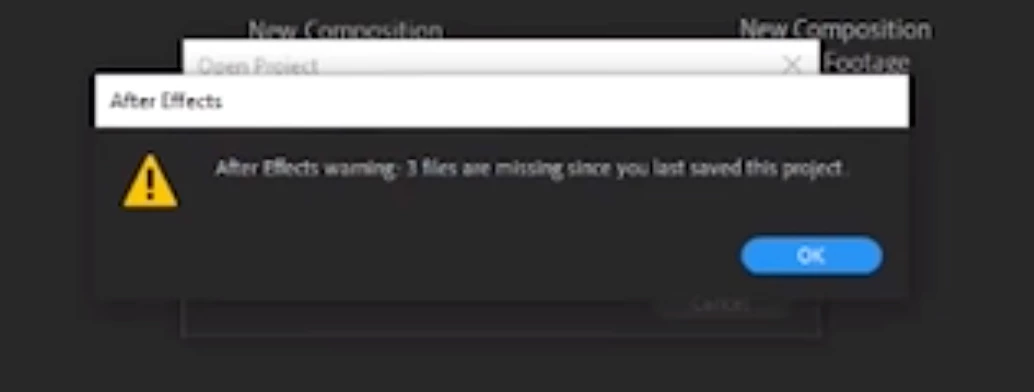
After you reboot, open AE, purge everything, then load everything. The first thing I see in your screencast is that there are 3 files missing. Locate the 3 files. If any of them are used in any composition locate them. If the files are not in the any part of the comp that is giving you problems remove them from the Project Panel.
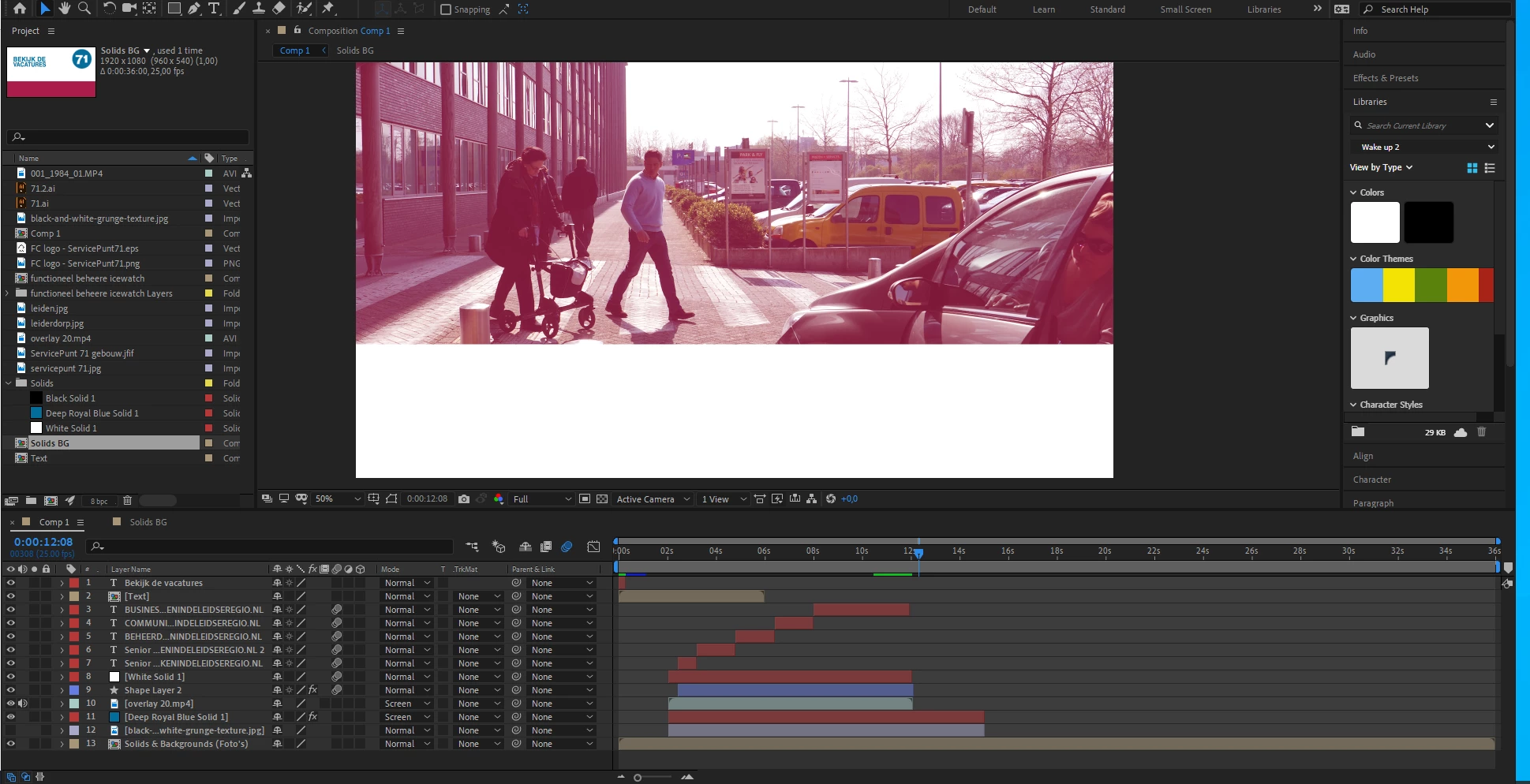
Then start diagnosing the problem by selecting all layers, press the U key twice so you can see everything that has been modified to all layers, then hold down the shift key and press the E key to show any effects that have been added but not modified. It looks like the problem happens at 12:08 so concentrate on that time and look for keyframes or new layers.
You'll want to do this with all of the layers and with the nested comps (pre-comps). It is also a good idea to leave the Magnification ratio at 50% and set the Comp resolution to Auto. Get a pen and paper so you can take notes and start with the bottom layer in the bottom nested comp. Either turn off all layers in the comp, then turn on the bottom layer or start soloing the layers from the bottom up. If there is anything in that layer that you have done other than modifying or animation the layer's transform properties turn off the effect or layer style and run a preview. If the layer contains footage (video) open the video in the Layer Panel and try previewing there.
Repeat the process until you have worked your way up through all layers that have effects, layer styles, or footage. When the project locks up again you have found the problem. If you get through all layers with the resolution set to Auto and the Magnification Ratio set to 50%, try a preview with the Magnification ratio set to 100%. If the comp locks up at 100% then you have run out of system resources.
I know this sounds like a lot of work but it will usually go pretty quickly. I had to do it on a comp that had more than a hundred layers the other day but only 3 of those layers had effects applied at the point in time where the comp was having problems.
Let us know what you find.
I think Mike is probably right about having some corrupted media. It could even be a still image.

 AdChoices