
rebeccal23579833
New Participant
July 4, 2019
Answered

After Effects - Stuck in fullscreen and toolbar is off screen - MAC

  • July 4, 2019
  • 4 replies
  • 8848 views

Hi,

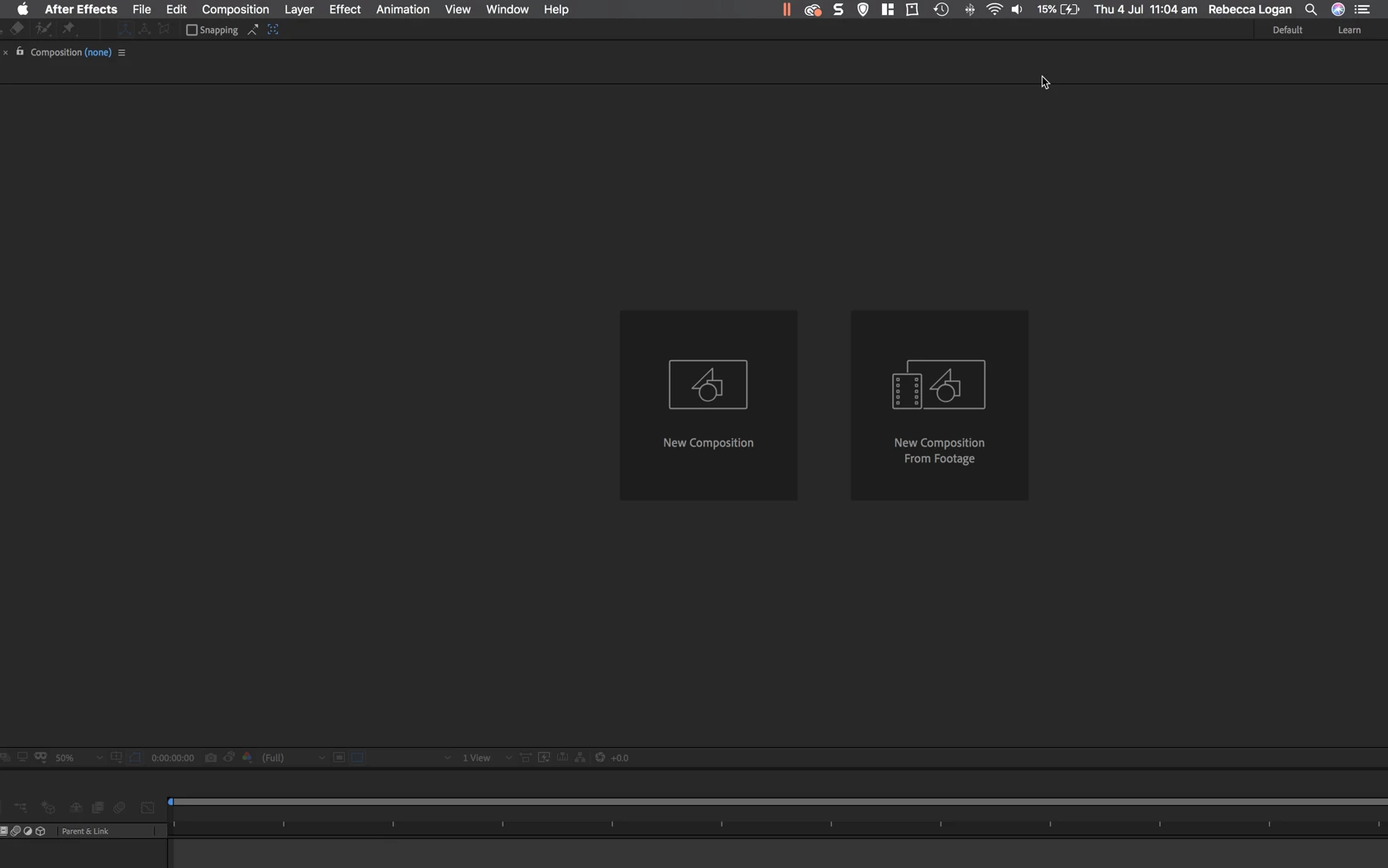
I opened after effects after not using it for a few weeks and my screen seems to be in full screen but some of it is off the screen.

I am using a Macbook and can't find a keyboard shortcut to allow me to come out of the full screen.

Any help would be appreciated..

Thanks Rebecca
Correct answer n3aR

Dude , Alt + Space should help you 😄

4 replies

ut_peenoid
New Participant
March 11, 2021

I read this in the AE forum with the same problem and an Adobe Employee posted this:

@stefan_gru wrote:

This happens to me on occasion as I move from large monitor to laptop while on the go. Just press Command+\ (macOS) and everything will snap into view on the smaller monitor. I assume Control+\ does the same thing in Windows. This works in Premiere Pro too.


Also, I found this:

@Byron Cortez wrote:


1) Close After Effects.

2) Set your screen at resolution you want.

3) Shft  + Alt + Cmd immediately when you click in application icon to run it, clic OK.

With this action you clear the preferences and when AE opens it's gonna be ok in fullscreen.


Hope this helps.

June 5, 2020

Hello, I also got this problem, but it just suddenly happened when I was editing something, and I tried using Ctrl+Alt+Shift, and I also tried Ctrl+/, yet none worked. 


Can I get any help on this?

n3aRCorrect answer
New Participant
November 10, 2020

Dude , Alt + Space should help you 😄

New Participant
July 18, 2025

This was a lifesaver


stefan_gru
Inspiring
October 17, 2019

This happens to me on occasion as I move from large monitor to laptop while on the go. Just press Command+\ (macOS) and everything will snap into view on the smaller monitor. I assume Control+\ does the same thing in Windows. This works in Premiere Pro too.

melbendi
Inspiring
September 20, 2022

Thanks so much, Stefan!  I was really stuck! 🙂

Dave_LaRonde
Inspiring
July 4, 2019

It sounds like you need to reset the preferences.  This is from the After Effects manual:

Reset preferences

To restore the default preference settings, press and hold the following keys while the application is starting.

  • Ctrl+Alt+Shift (Windows)
  • Command+Option+Shift (Mac OS)
New Participant
November 13, 2020

This worked for me too! Thank you so much Dave.