
Copy link to clipboard
Copied
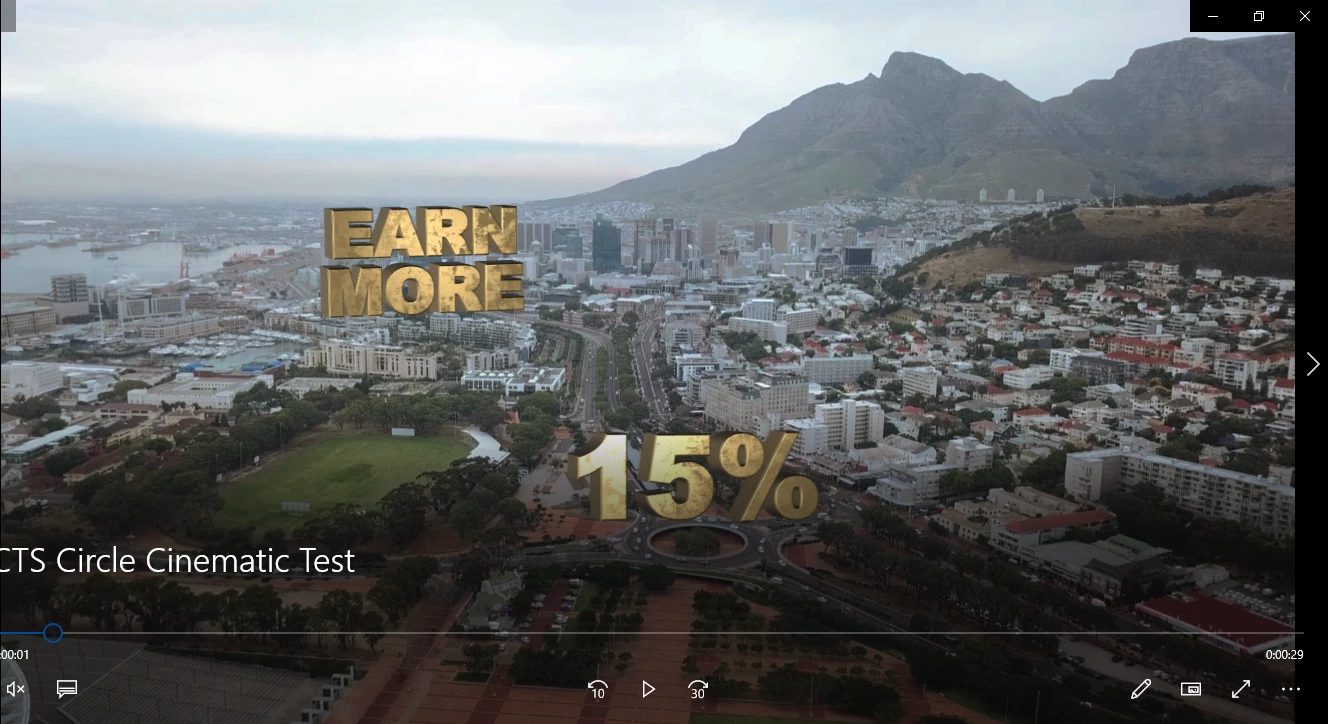
I have a drone footage over Cape Town City which I have applied the track motion effect to but the text layer that I have parented to my tracking object shrinks as my 30 second long clip proceeds. How can I solve this problem of the text layer getting smaller without having to automate the scale? The text is the one in Gold.
Copy link to clipboard
Copied
You have not provided any workflow details so I can only assume that you ran the Camera Tracker and that you probably did not follow the recommended workflow. If the points you chose to set the origin and ground plane were inaccurate, and the points you picked for the surface you wanted to use to add the camera and/or the text were not all on the same plane, then the layer you added will not accurately track the camera movement. There is almost no likelihood that this problem is the result of a bug. You just need to be more careful in choosing the tracking markers.
If one of the text layers tracks properly and the other does not then their relative positions are wrong. You need to get them both in the same comp space. You should start with both layers in the same position and then offset the second one moving the layer in just the X and Y so both layers are in the same plane. This is pretty easy to do if you hold down the shift key when you parent the second layer to the first. Then make sure that the cursor is set to orient to the layer and grab one of the handles and drag the layer into the proper position.
Get ready! An upgraded Adobe Community experience is coming in January.
Learn more