
Participating Frequently
December 9, 2022
Question

After Effects Transfer Modes not Working.

  • December 9, 2022
  • 2 replies
  • 653 views

After Effects V23 Build 59


I have a black and white layer of a picture tube with a highlight in the corder put over a solid grey 100% layer
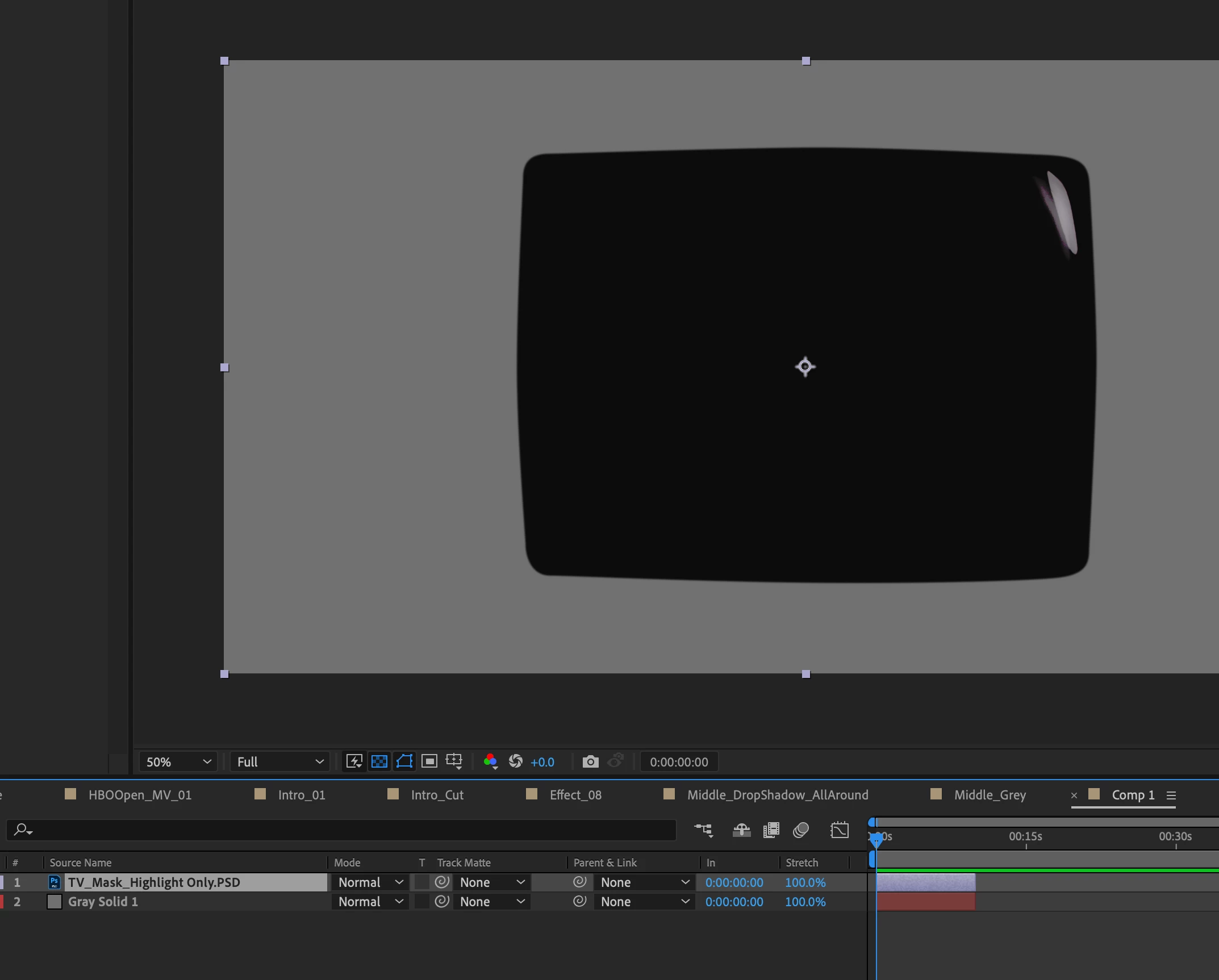
When I change the top layer to add you can see it still shows the black even though the black shoudl be gone with an add transfer mode.


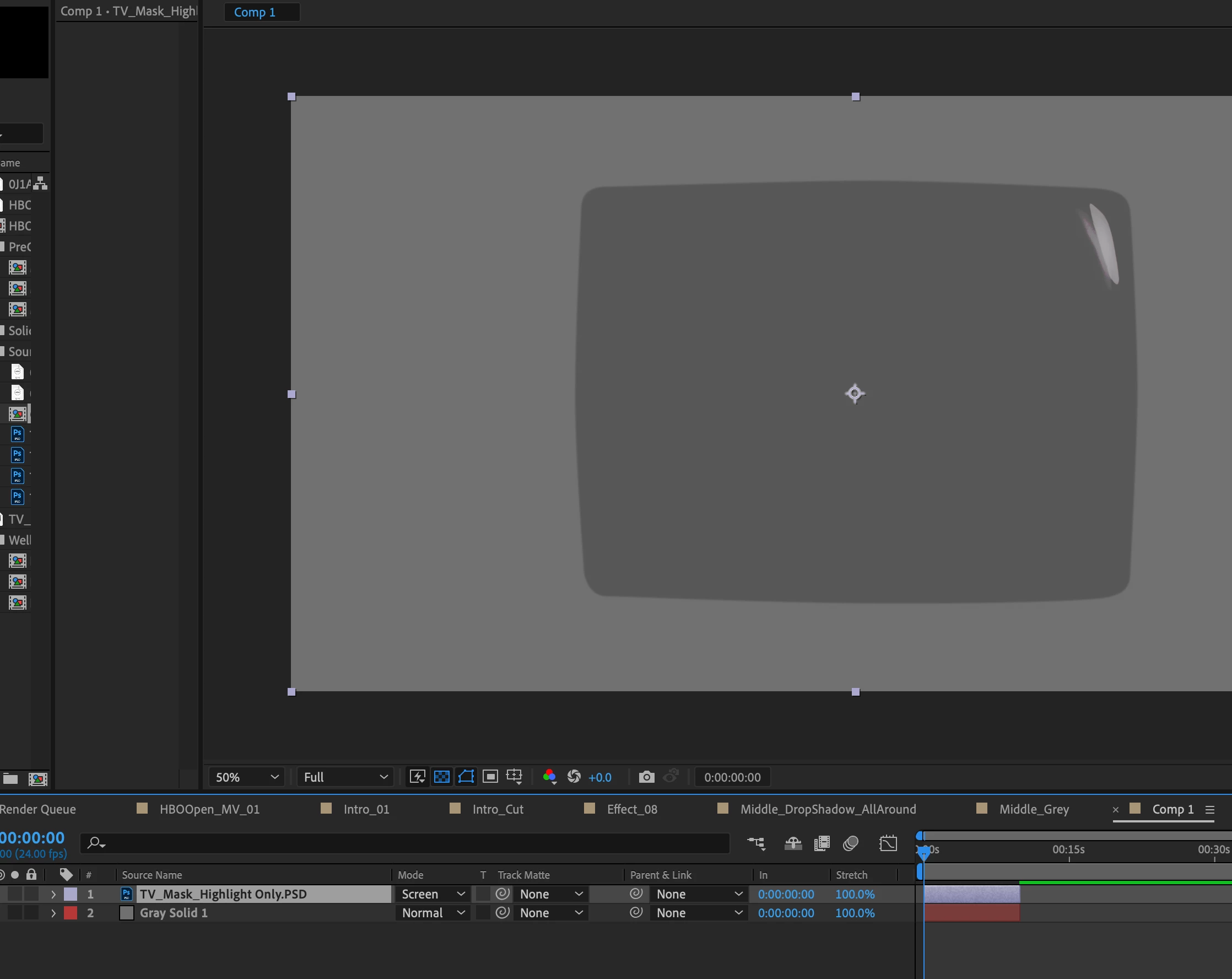
Similar issue is happening with screenTHIS IS A HUGE BUG. 
This topic has been closed for replies.

2 replies

nishu_kush
Community Manager
Community Manager
December 9, 2022

Hi Mike,


Thanks for writing in.

Is it happening with all the files? Could you try exporting the PSD as JPG/PNG and test? Also, please make sure that the black in PSD file is completely black. You may get this result if your color is slightly gray.

I am moving this thread from Bugs to Discussions for troubleshooting.

Let us know. 


Thanks,

Nishu

Participating Frequently
December 9, 2022

This is happening for all my layers  Movies, precomps, etc.  Where do I turn off hardware acceleration Im on a mac I dont see that option.

Mylenium
Legend
December 9, 2022

It would be useful if the screenshots weren't cropped. Also some system info might help. This could be a hardware acceleration issue. To test try to use software only mode. Also some info on the PSD file would potentially be relevant. Perhaps it's a color profile issue.


Mylenium