
Answered
After effects Trim Time Out (Alt+]) leave a frame of additional footage beyond the time indicator
I am always having issues with this, and I don't know the solution. Everytime I use the 'Trim Time In' feature, the clip is cut at the in point based on my time indicator.
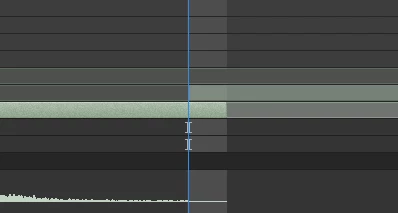
But when I use the 'Trim Time Out' shortcut, the footage still extends a frame too far beyond the time indicator. How to I get around this. I am often duplicating layers and needing the beginning cut off one, and the end cut off the other so they match up exactly.
 AdChoices