
After Effects won't Auto-Relink MP4 files when finding misplaced footage?
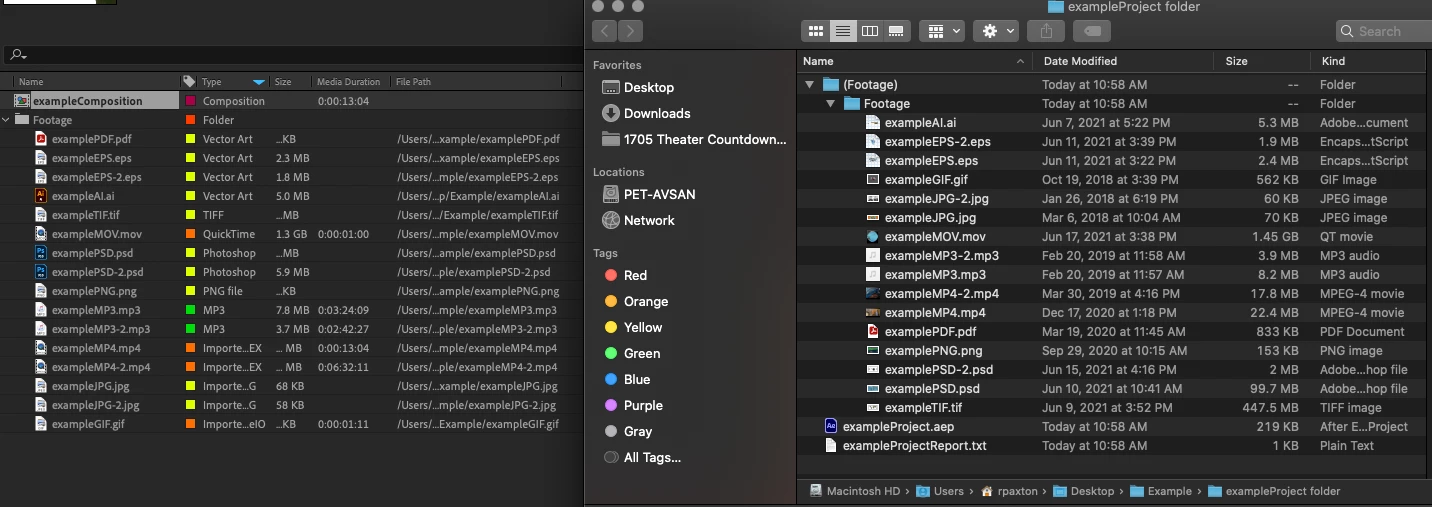
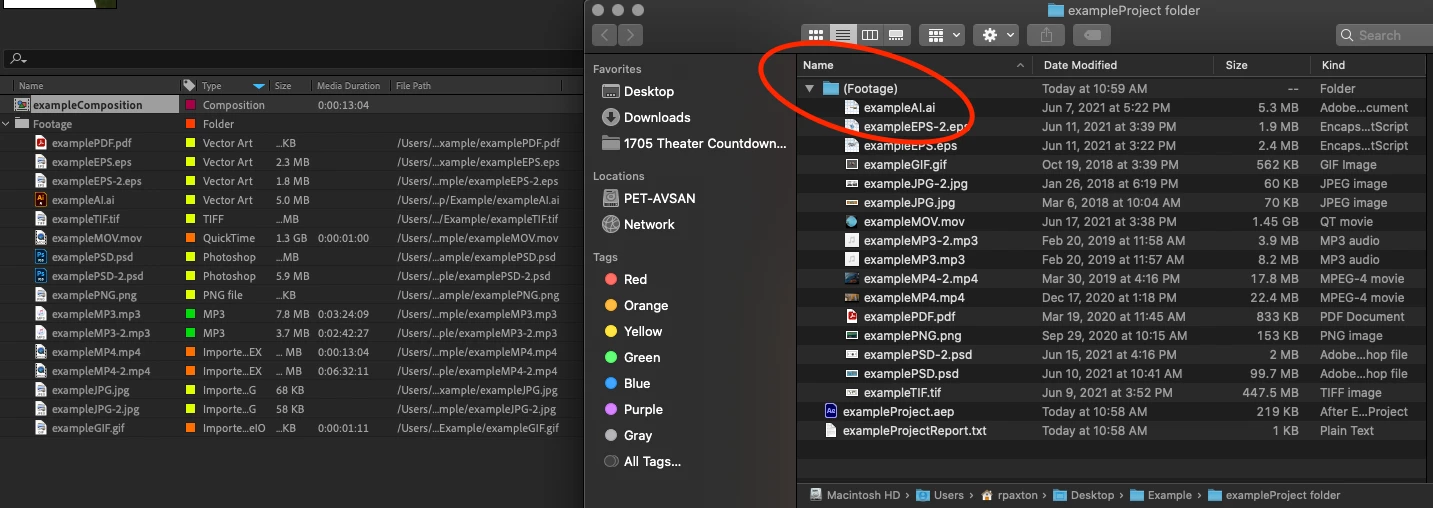
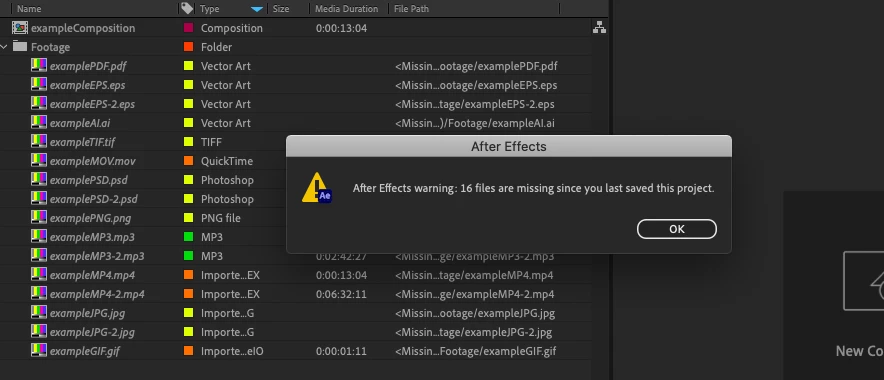
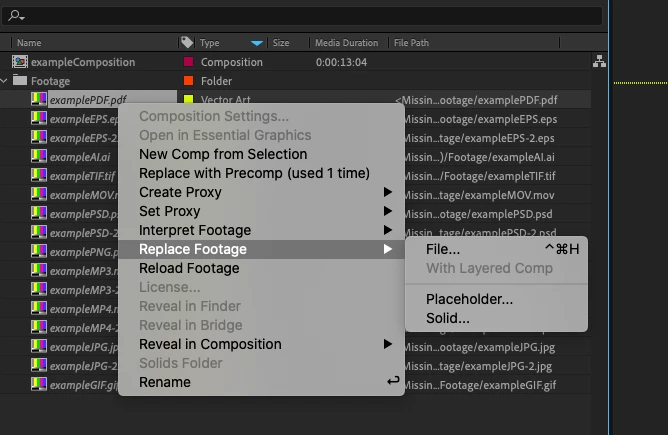
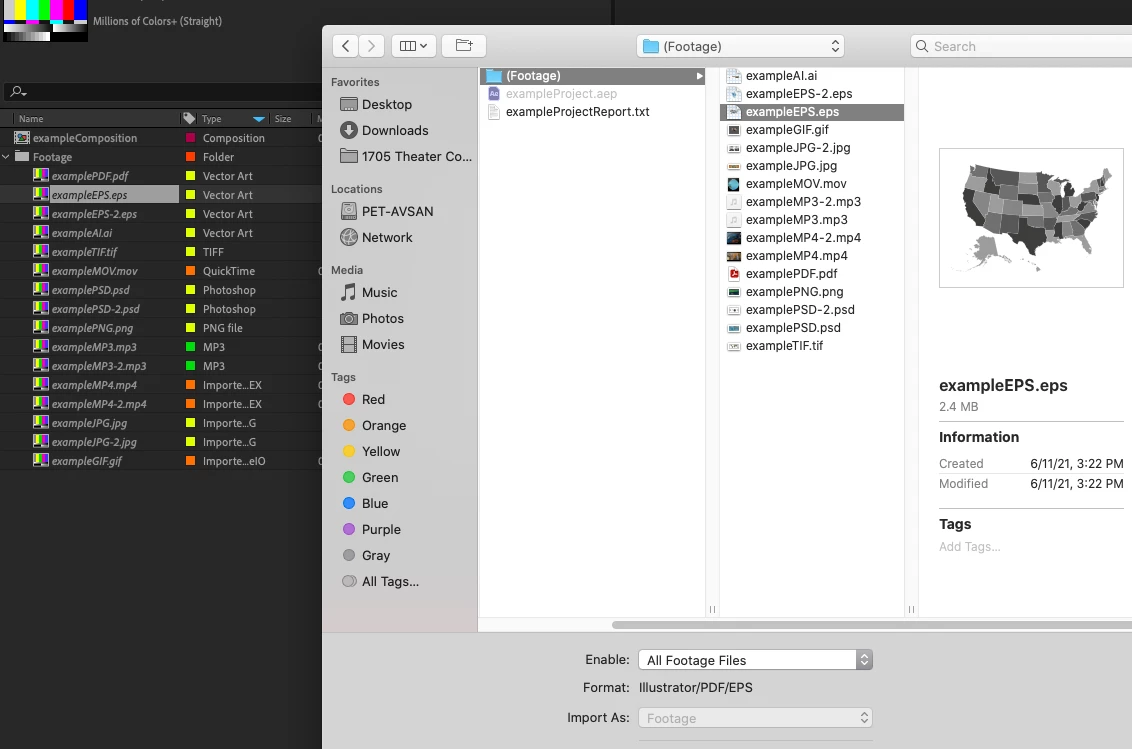
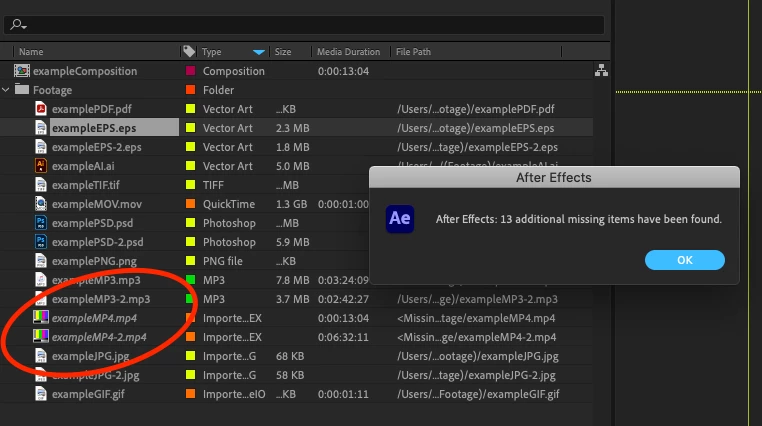
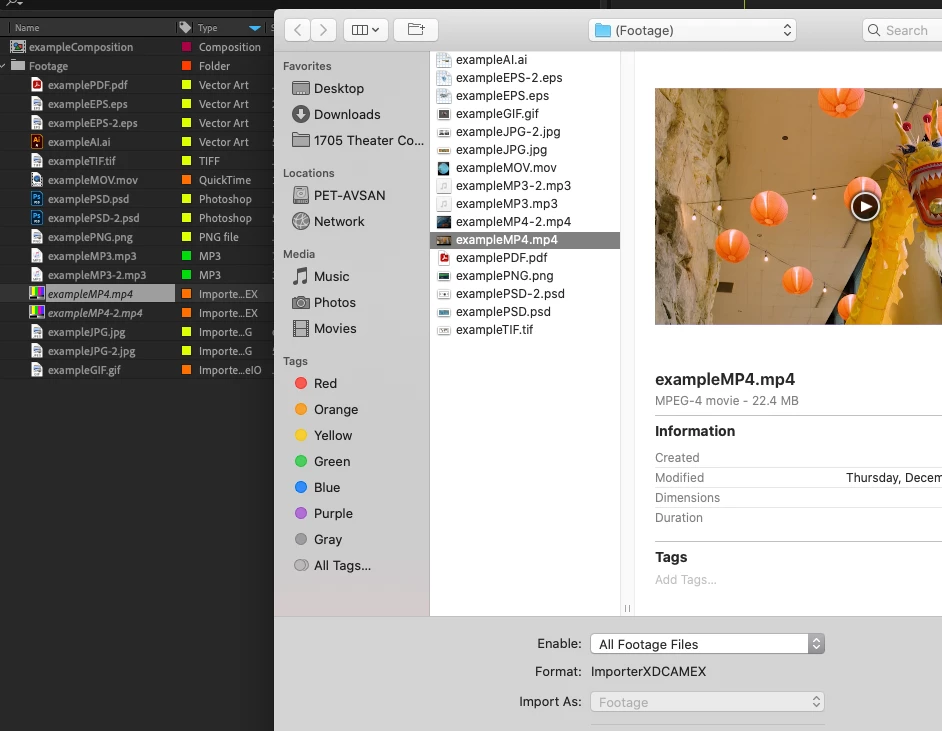
I've been using AE for over a decade now and can't remember ever having this issue. After finishing a project, I will reduce, consolidate, collect, etc. in order to archive the project for storage. Currently, the latest version of AE 18.4.0 Build 41 running on MacOSX 10.15.7. I have noticed when relinking footage placed in a new folder, all footage types will be located automatically once the first project file has been located... except for MP4s. Excuse me, but what? I can't be the only one that has decided to rename a footage folder before, used "replace footage" on a single PNG for example, and seen all other footage be found and updated to the newly renamed folder. Well, normally this would grab all footage files, including MP4s. Now, let's say I change the MP4 location back to the original recorded in the file, and I click "Reload Footage"... well, that too will fail. A dialog box says the footage is not at the very location that it is at. The only way to restore the footage is to go through the Replace dialog for every single MP4. This is ridiculously tedious on large projects. Please fix this problem or explain a workaround. I've attached screenshots of this issue in action:
 AdChoices