
Alternative to transparency shapes layer in After Effects
- September 15, 2023
- 1 reply
- 1320 views
Hi!
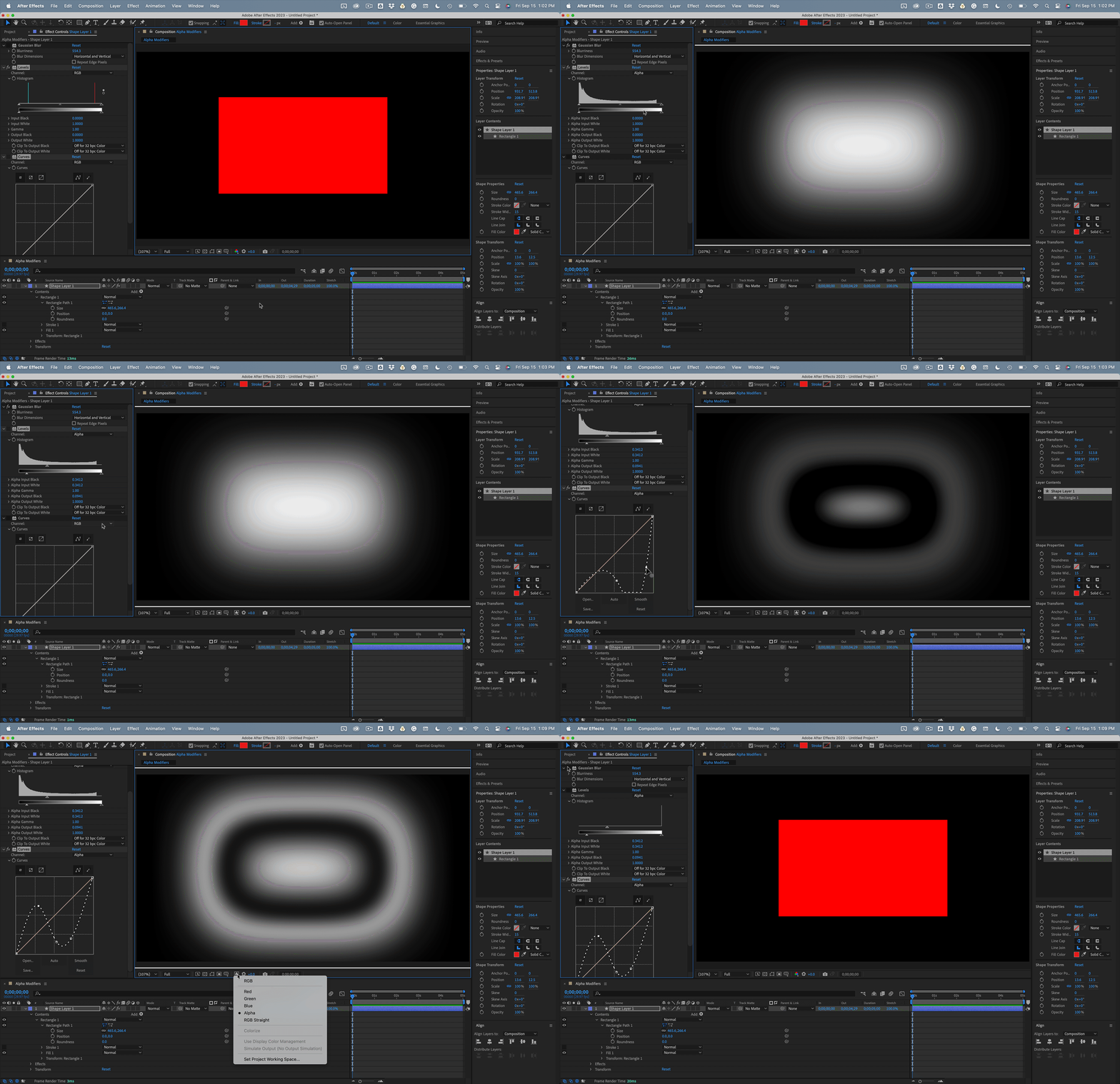
I have a problem, and this problem is finding the simmilar effect or bypass to achieve the same result as option in Photoshop called "transparency shapes layer". I followed the tutorial how to make the sun within the trees, and it requied this option turned off, blend mode to color dodge, and the layer to be cirle with big gradual fade on alpha on the edges, feather it's called I guess...? So... in Ae I decided to make it the same way to degree. It did not work very good. I changed blending mode from color burn to its classic version, and changed layer from adjustment layer to normal layer. It did better job. Pretty good actually. But the best effect was when I used effect called "Gradient ramp" and switched to radial ramp option. Well, this made a difference! Hell, it was almost perfect if not perfect! But I am just curious if it is possible to make this when I am working in alpha, not black and white. I achieved what I wanted, and created this post to save the solution for the others for this case, but I would like to know if there is an option to work just on alfha channel. Even if there is a way to adjust alpha just like effect "Levels" do. Or the blending mode, which works on the alpha in a way, that the more something is transparent the lesser impact it has on the layer below. Just like the "Fill" option next to opacity in photoshop. I tried to use in Ae "Blend" effect, and it, I think, worked to certain degree. But not ideal solution. So, does anyone have any idea how to achieve the effect in which the more transparent something is, the lesser it impact the layer below while the first one has the blending mode on? The impact like "fill" in Ps, not opacity. I want to underline it.
 AdChoices