
Inspiring
June 2, 2017
Question

Alternatives to rotoscoping for creating a silhouette (no green screen)

  • June 2, 2017
  • 1 reply
  • 2037 views

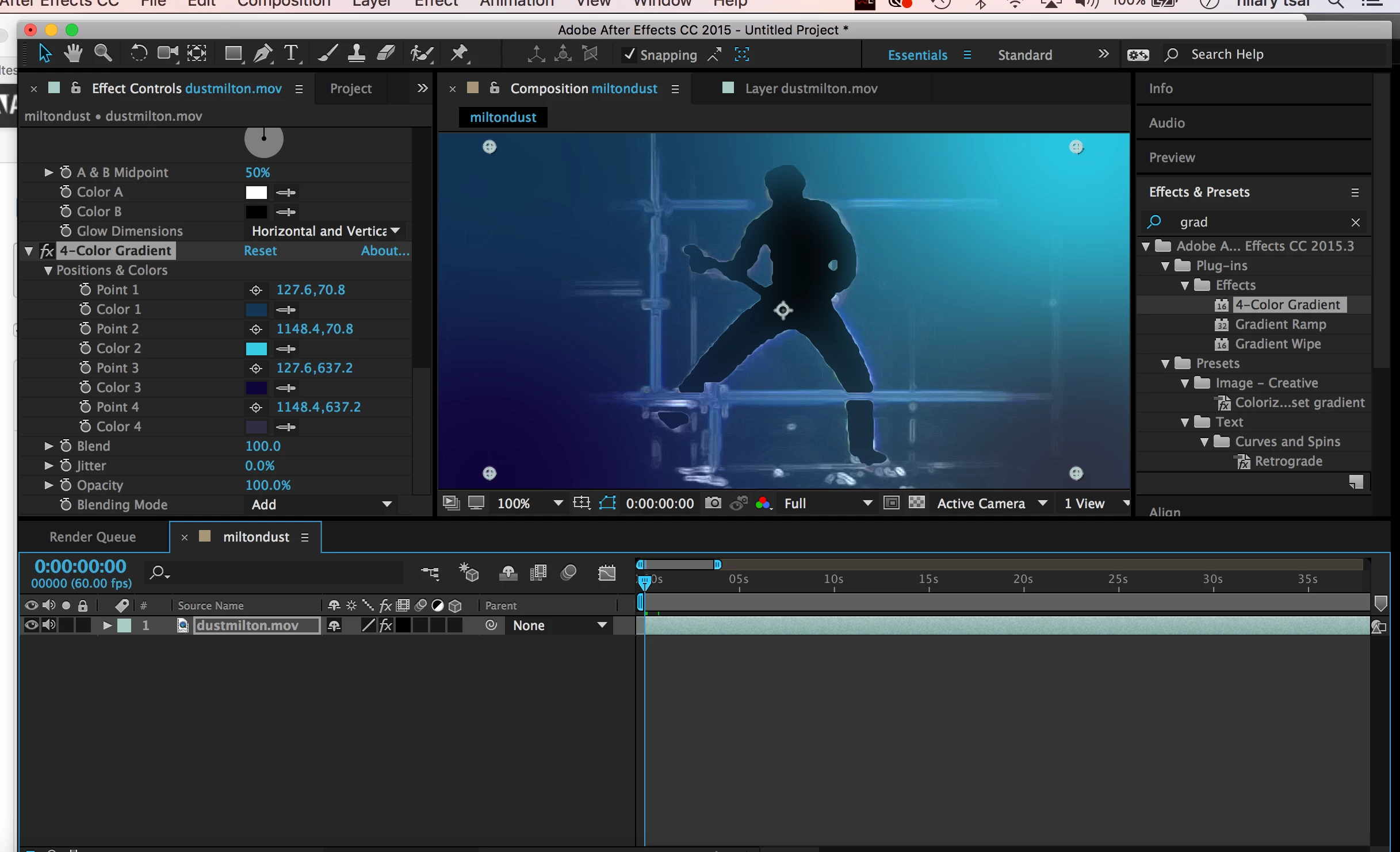
I'm working with live rock concert footage to make a silhouette of the performer against a blue, glowing background.  The problem is that rotoscope masking is so tedious and imprecise, and there's no green screen so I have to manually scrub through the whole thing and remove the performer's figure from the footage. The idea is to abstract the figure and make him appear like a shadow against the background, but masking it with rotoscope just looks horrible and is too much work. Are there better alternatives for creating the look I'm after? I'll attach a screenie here of what I'm doing so far.
    This topic has been closed for replies.

    1 reply

    Dave_LaRonde
    Inspiring
    June 2, 2017

    Where are the other layers?  What's that stuff over the subject coming from?  How are you doing the roto?  With

    Rotobrush?  An animated mask?  What's the original image look like?

    Inspiring
    June 2, 2017

    There's the original footage.  It's literally just one layer with a roto mask, 4-color gradient in blue shades, find edges effect ("add" for blending mode) and some glow effect.

    Community Expert
    June 2, 2017

    Sometimes you can use levels, colorama, curves or other tools to create a high contrast copy of your footage and use that as a Luma track matte. Sometimes this can help with the roto. Rotobrush can also help speed things up.

    If you are stuck with manually rotobrushing then this video may help. The trick is to use multiple paths and pick places where the action changes direction so you are not stuck making adjustments on every frame. Doing roto frame by frame is next to impossible to do well, doing hand roto is surprisingly easy if you break down the action, it's just tedious.