Participant
February 12, 2020
Answered

Animate a rectangle without modifying its rounding. How?

  • February 12, 2020
  • 2 replies
  • 1865 views

Hello, I would like to make a special animation on a rounded rectangle.
Starting from a fixed point at the top of the rectangle, I would like to modify (only) the width of the rectangle without distorting the rounding.

To give the impression that the rectangle lengthens (without the rounding being modified).

Thks
Correct answer Byron Cortez

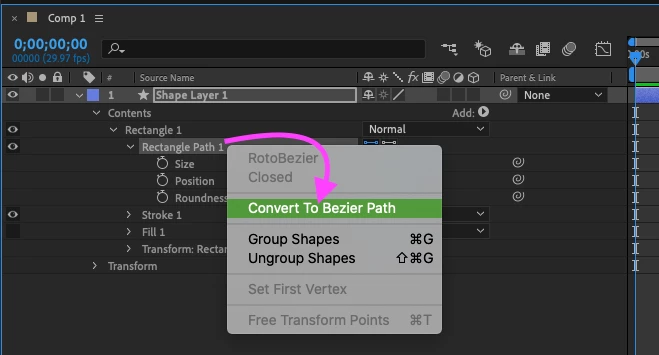
Right clic in "Rectangle Path 1" and select "Convert To Bezier Path"


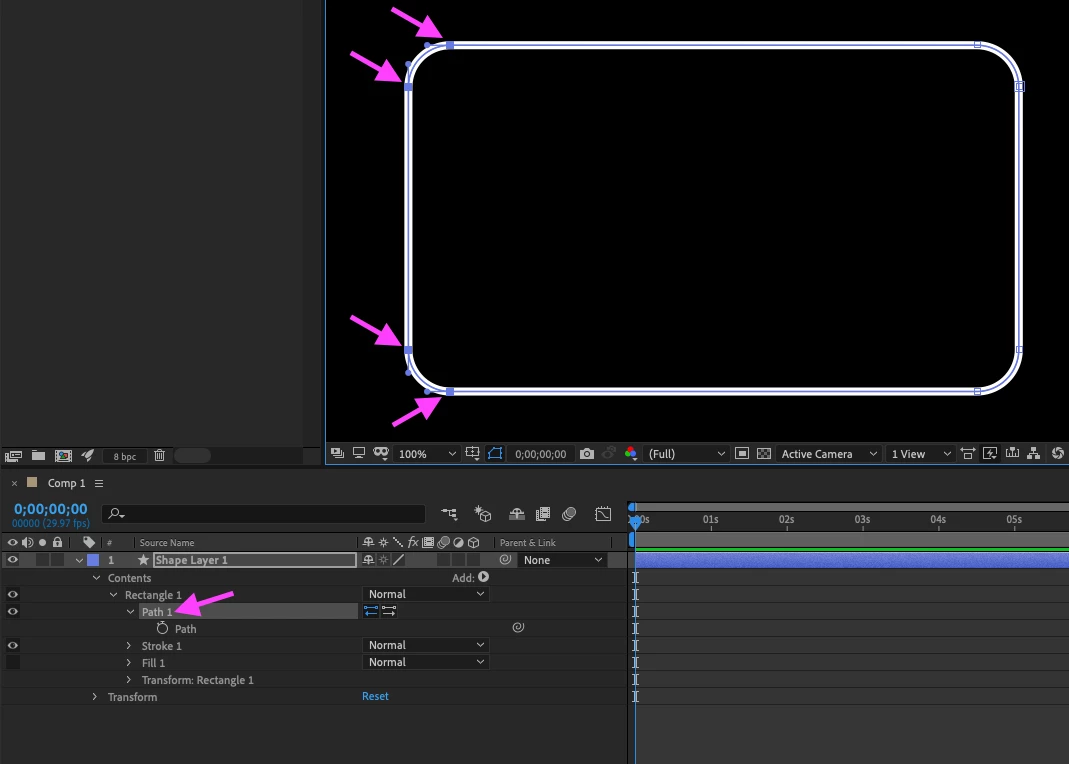
Then select "Path 1" and with the Selection Tool and Shift key pressed select the points that you need and move it with mouse. 

2 replies

Warren Heaton
Community Expert
Community Expert
February 15, 2020

You could also achieve this by setting the desired Roundness value (Contents > Rectangle > Rectagle Path> Roundess) and then adding an Expression to it (Animation > Add Expression) as well as adding an Expression to the Scale (Contents > Rectangle > Transform: Rectangle > Scale) while at the default 100, 100%.  Divide the Roundess Expression by 1 and mutiply the Scale Expression by 1.  Then link the "1" value of each Expression to the same Slider Control (set the Slider value to 1.00 before linking to avoid having your Rectangle disappear).  For however much the Slider Control increases or decreases,  the Roundess and the Scale will change in proportion.


Although, this will not maintain the Stroke thickness.  You would need to promote the Stroke (Contents > Rectangle > Stroke) to the root level of the Contents and arrange it behind (or below) the Rectangle.


I'm stacking multiple Shape Layers for demonstration.  


Community Expert
February 12, 2020

Create one with "Rounded Rectangle Tool" then in the Layer options modify its size of "Rectangle Path 1" but first deactivating the chain of "Constrain Proportions" to unlink the X axis from the Y axis. This way you will not damage the rounded corners while you modify its size in width or height.

Byron.
@lbynosAuthor
Participant
February 12, 2020

I did and it's good.

But i can't modify with the cursor (by composition window), i must manipulate size of rectangle by the numbers. Consequence, when i do this, the rectangle is enlarged but by his center (no from a peak, for example).