
animating a character
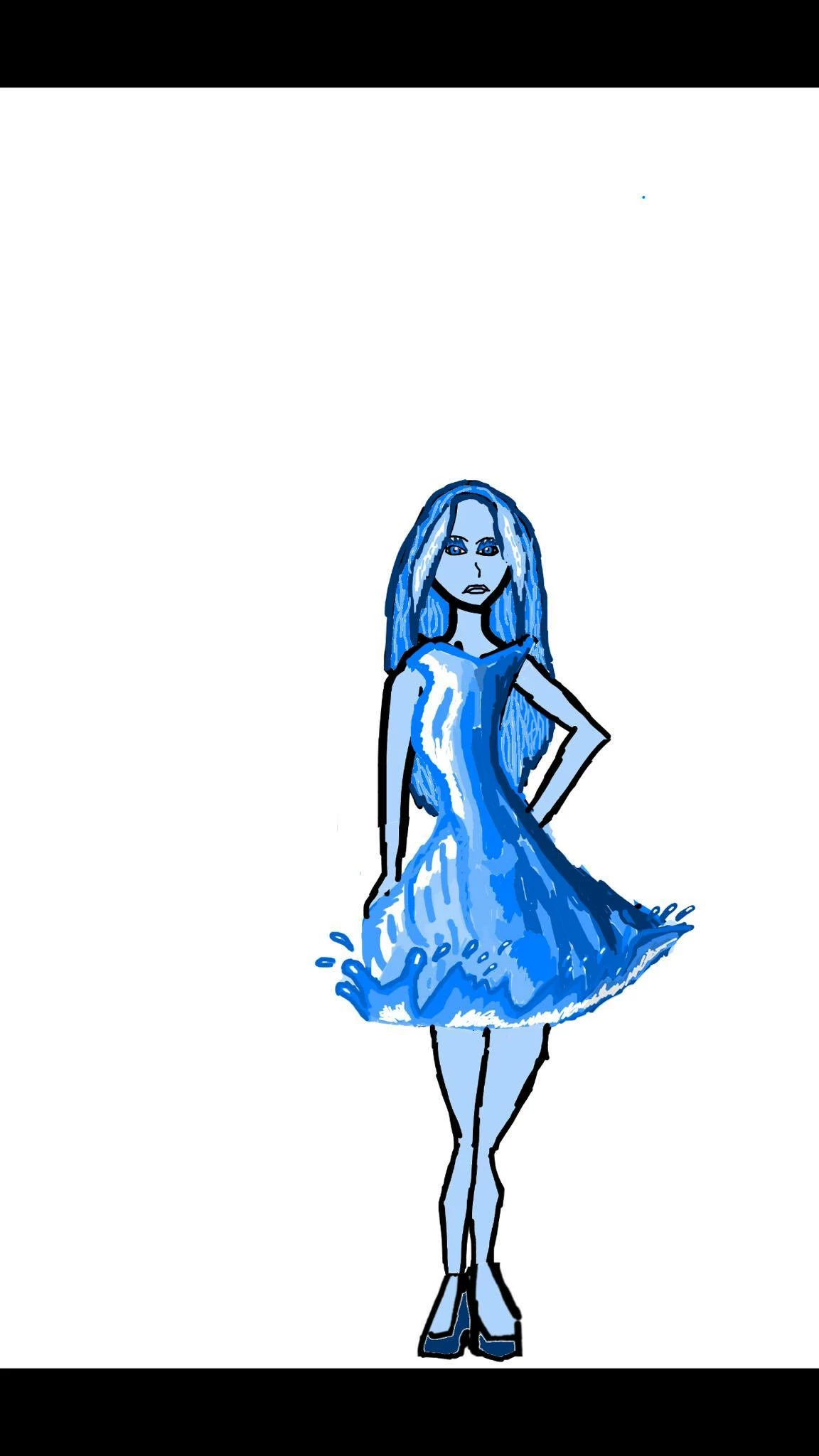
the issue im having is when i precompose the layers and add effects to her dress you can still see part of the first layer over the second layor that has a effect added to it but i dont want that! i want to be able to animate the dress without working of background gaps but also without it just being over another duplicated layer im trying to do professional like animating to this character and that does not mean seeing parts of her dress on the first layor poping up then and there when the second animated layor reveals it please show me how i can animate the dress professionally without needing to just precompose a layor over a layor to avoid background gaps!
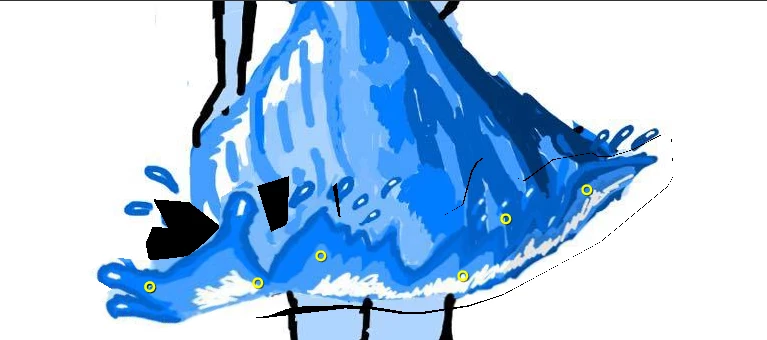
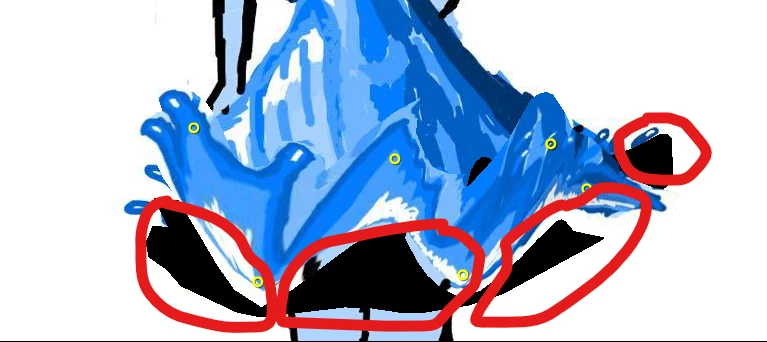
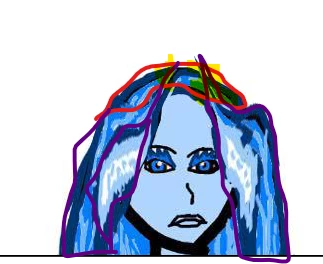 as you can see this one is just a duplicated layor over the original which was done by using precompose but i dont want anyone to able to see what underlined underneath whats underlined in purple i just want to know how i can use the puppet tool or the effect tool without causing background gaps or showing the still layor over the animated layor
 AdChoices