


Exit
  • Global community
    • Language:
      • Deutsch
      • English
      • Español
      • Français
      • Português
  • 日本語コミュニティ
  • 한국 커뮤니티
0

Animating a circle light affect

New Here ,
Sep 03, 2022 Sep 03, 2022

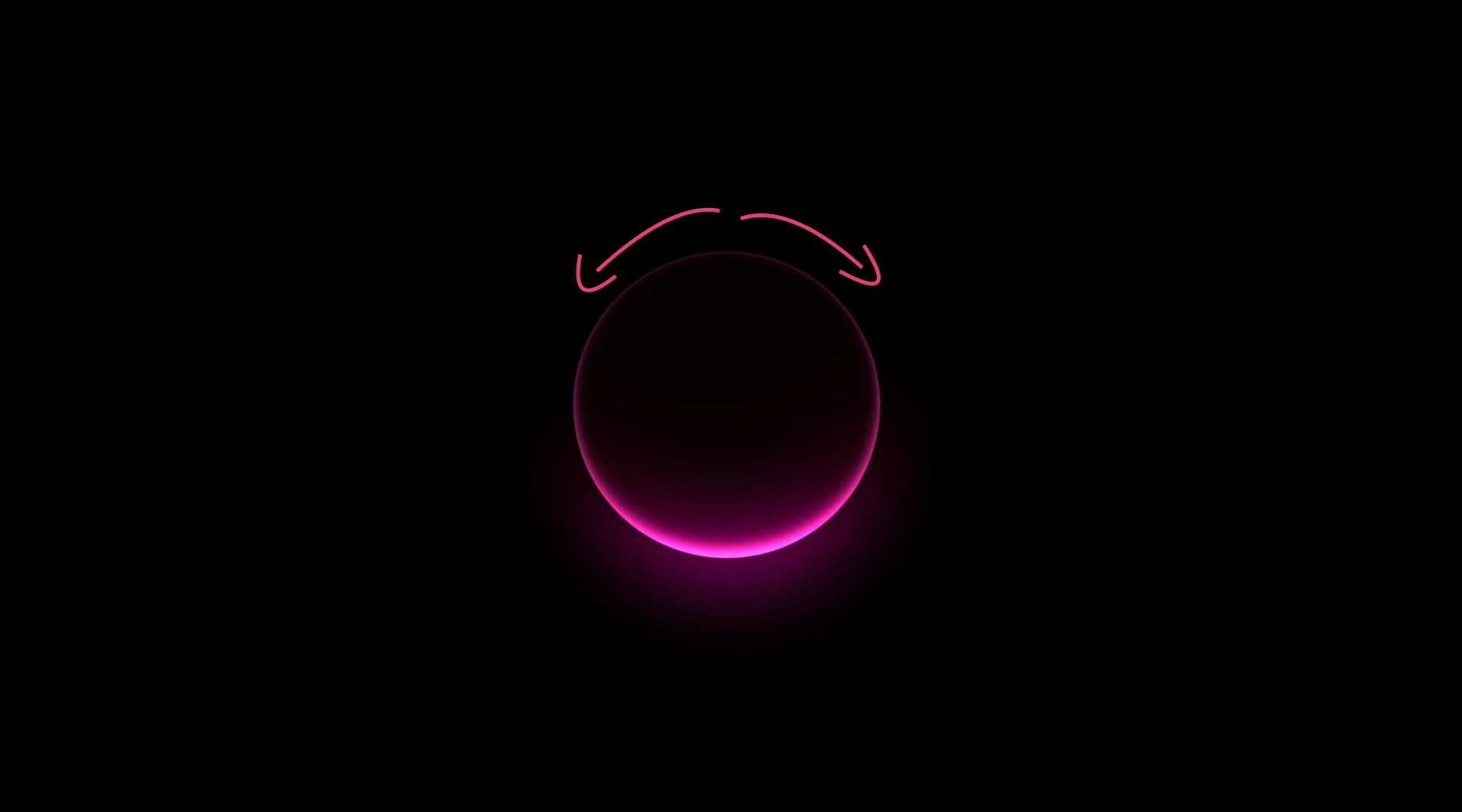
Hi! I was wondering what is the easiest way to create an animation where this circle is revealed by this stroke coming in from the top from both sides to create the full circle. Almost as if the stoke is being filled in, hopefully that makes sense. Screen Shot 2022-09-03 at 9.20.40 PM.png
TOPICS
FAQ , How to
251
Translate
Report
Community guidelines
Be kind and respectful, give credit to the original source of content, and search for duplicates before posting. Learn more
community guidelines
Community Expert ,
Sep 03, 2022 Sep 03, 2022

The easiest way to do that would be to create a shape layer with an Ellipse and stroke only above the circle, then add Trim Paths and animate Start and End from 50, 50 to 0, 100, add some blur to soften the edge, and set the Shape layer as an Alpha Track Matte. 

RickGerard_0-1662270455565.gif

The screenshot shows everything I did to reveal the circle on your sample image.


I've uploaded a project file for you to take a look at.


Translate
Report
Community guidelines
Be kind and respectful, give credit to the original source of content, and search for duplicates before posting. Learn more
community guidelines
LEGEND ,
Sep 03, 2022 Sep 03, 2022
LATEST

It's even simpler than Rick's solution: Effects --> Transition --> Radial Wipe. Set the mode to bidirectional, adjust the cenrter position, add some feather to the edges. No need for any extra layers or shape items.


Mylenium

Translate
Report
Community guidelines
Be kind and respectful, give credit to the original source of content, and search for duplicates before posting. Learn more
community guidelines