amdav
Known Participant
November 24, 2022
Question

Animating dots as if they were a crowd of people

  • November 24, 2022
  • 4 replies
  • 780 views

Hello!

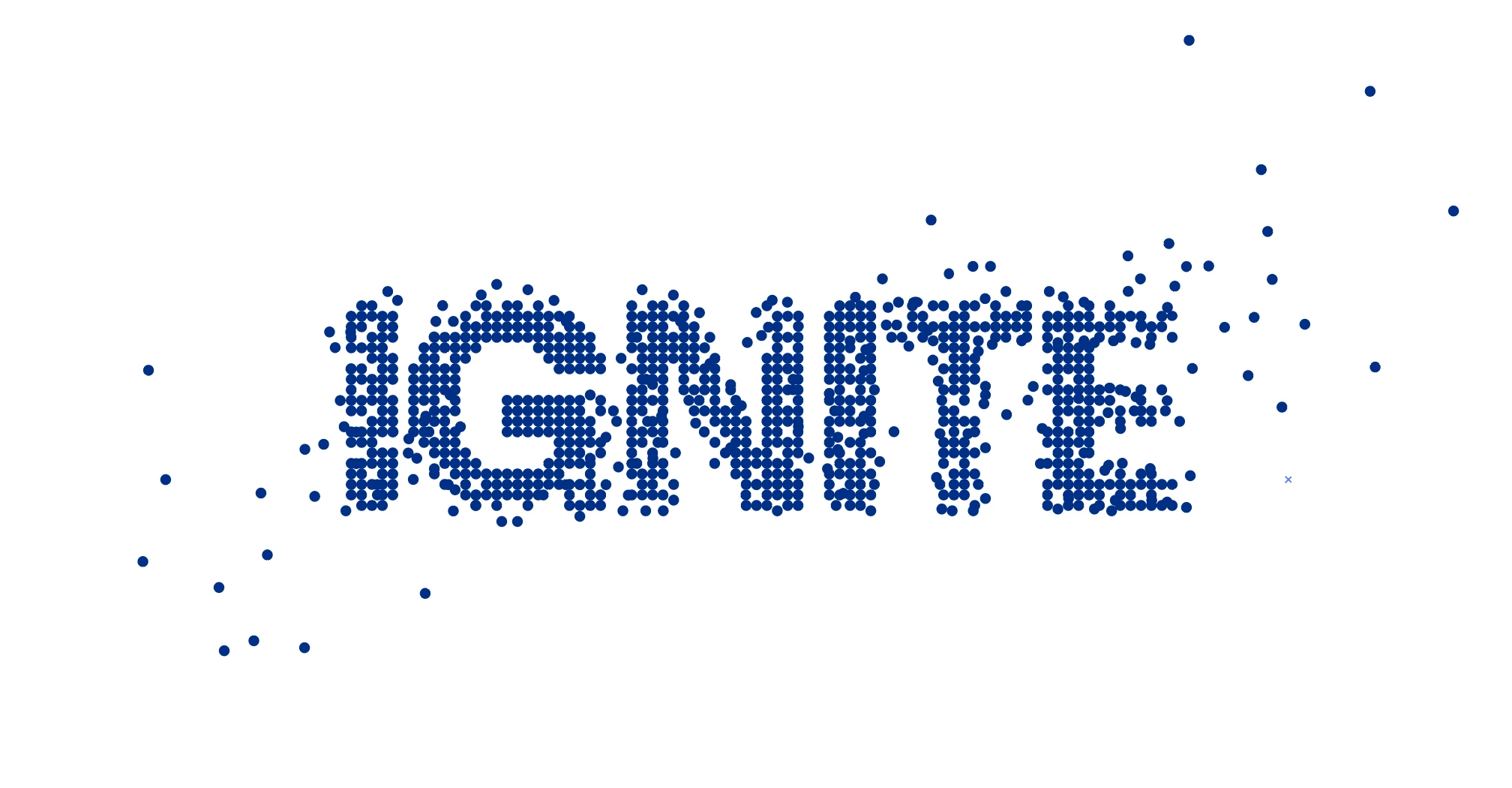
I would like to animate the logo below, which was designed in Ilustrator and available in vector format. The idea is to make all the dots move randomly and nicely and remind people walking to the center of the screen and creating the text together (IGNITE). Is there a way to make something like this in After Effects? Could you please guide me? It should look flat, as if there is a drone right above the logo.

Thank you very much!
This topic has been closed for replies.

4 replies

Dan Ebberts
Community Expert
Community Expert
November 24, 2022

Do you have access to the individual dots as layers? If so, you could apply some random motion that resolves to the inital position of the dots with a position expression set up like this:


minResolve = 3;
maxResolve = 5;
maxAmp = 200;
seedRandom (index,true);
resolve = random(minResolve,maxResolve);
amp = linear(time,inPoint,inPoint+resolve,maxAmp,0);
wiggle(.5,amp,4)

thepixelsmith
Community Expert
Community Expert
November 24, 2022

If you use the Shatter Effect.

You can set a custom pattern, use the graphic layer itself.

And you can flatten out the layer turnign off extrusion depth.

And you can remore 3d rotation in the Physics group.

I use this alot with shape  layers, I've never tried it with a graphics like the one in your example though.

Mylenium
Legend
November 24, 2022

You can easily make everything look 2D, but of course it will take some massaging of the parameters. It would probably be best to provide screenshots of your current settings so we can advise on what to tweak.


Mylenium 

Mylenium
Legend
November 24, 2022

The typical approch is to explode the logo, then time-reverse the animation. A logo like yours based on a regular grid can easily be "exploded" using Card Dance, Shatter, CC Ball Action or even good old Particle Playground. It will just take time to understand how these effects work plus of course you may need extra fiddling to get the illusion of dots actually "walking" in a natural fashion rather than moving in straight direct lines to their position, which may still necessitate lots of hand keyframing in addition to relying on the automated effects. I suggest you research "exploding logo" or "text to sand" types of tutorials on YouTube and elsewhere.


Mylenium

amdav
amdavAuthor
Known Participant
November 24, 2022

Thank you so much! I tried what you offered but noticed everything looks "3D". I'm looking for a 2D motion of the dots... Are there any scripts or shortcust anybody knows?