

Apple Emoji Support in AE 2019
Hi Guys,
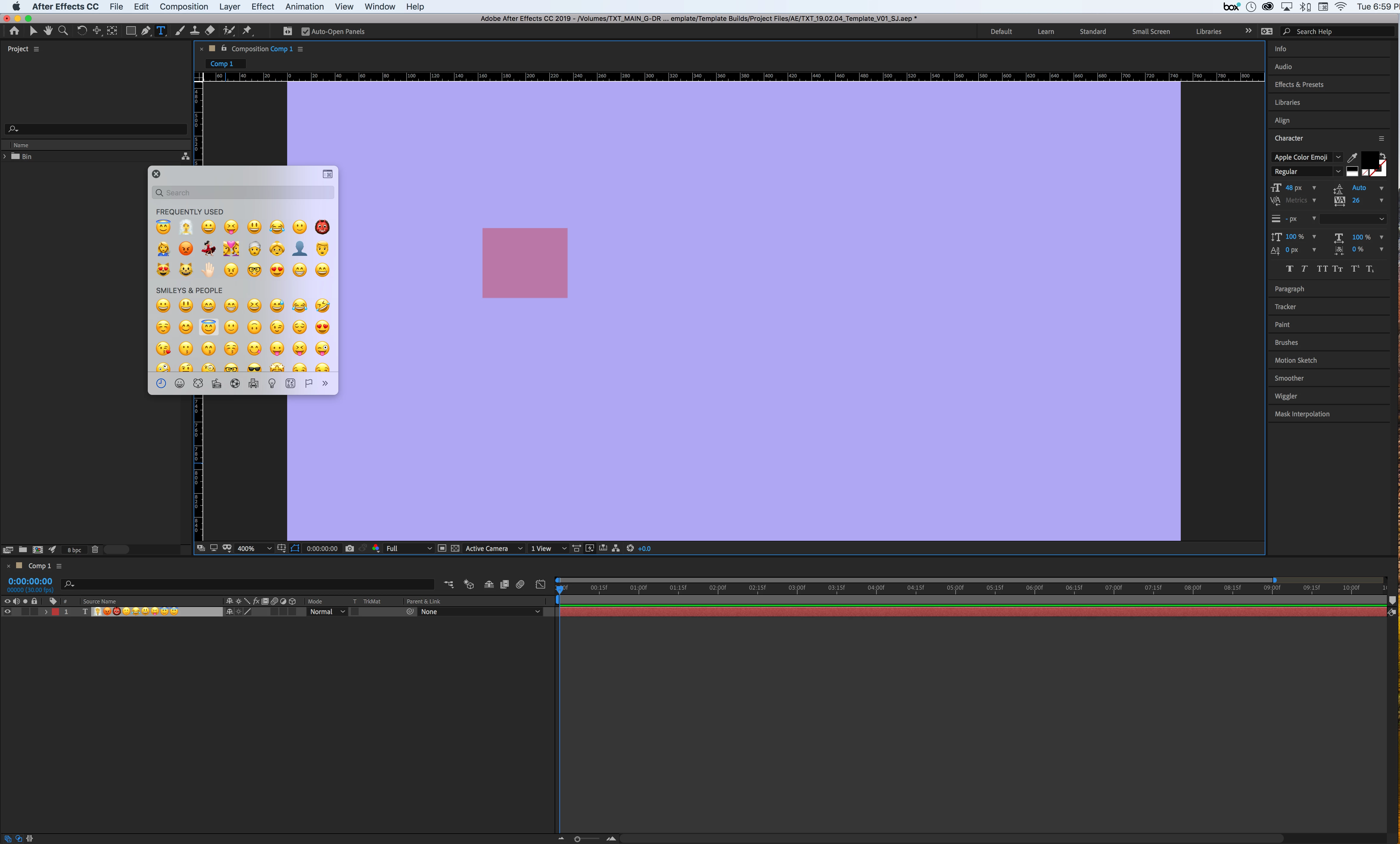
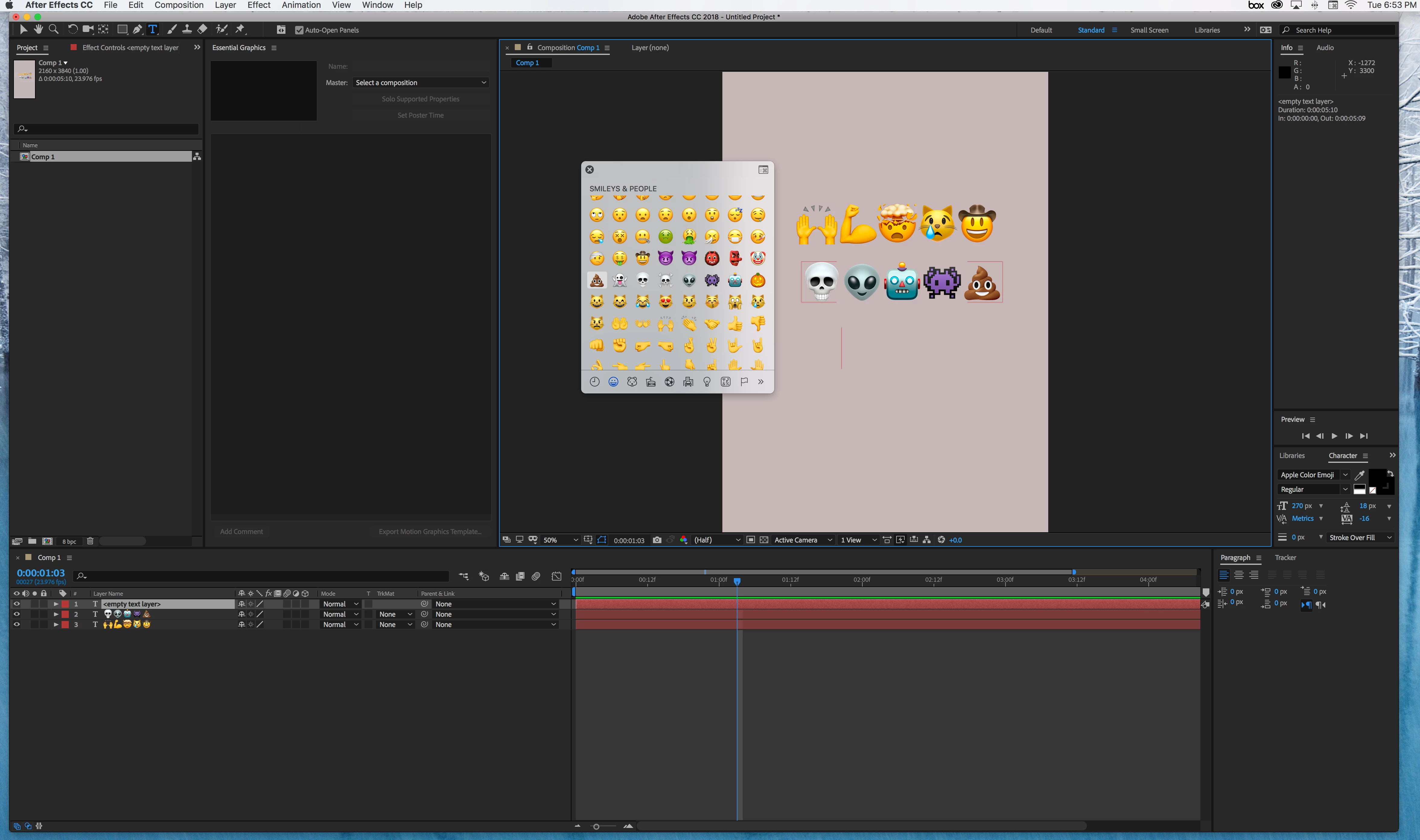
In After Effects 2018 (version 15.1.2) I was able to use the Apple Color Emoji font directly inside AE. My process was to create a line of text, change the font to Apple Color Emoji, then pull up the Emoji font keyboard and double click on the emojis I wanted to put in the line of text. In After Effects 2019 (version 16.0.1), I can't get the emojis to appear in the line of text after I double click on them. However, in the composition panel, you can see the emojis in the source name of the text layer...
I've included screenshots of both a 2018 & 2019 project for reference and I'm running macOS High Sierra 10.13.6.
Is there a work around to use this font inside of AE 2019? Or maybe a setting I'm missing? Or is this just a bug that was overlooked in the update? I'd love to take advantage of the updated Essential Graphics tools but if I can't use the emoji font then I'll have to keep using AE 2018 
Thank you in advanced for any help!
 AdChoices