
Answered
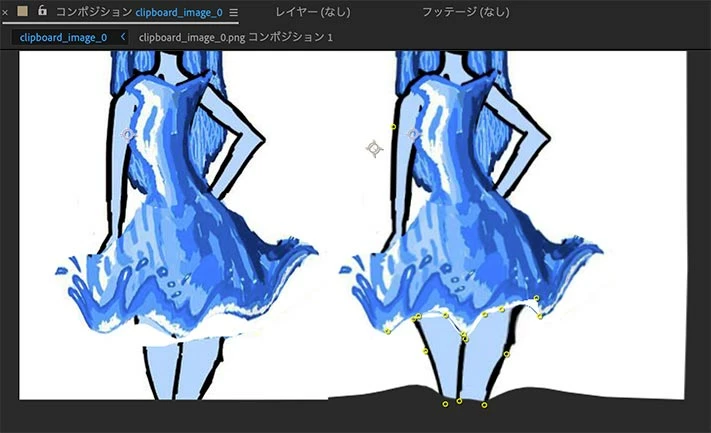
Applying wave warp leaves white gaps
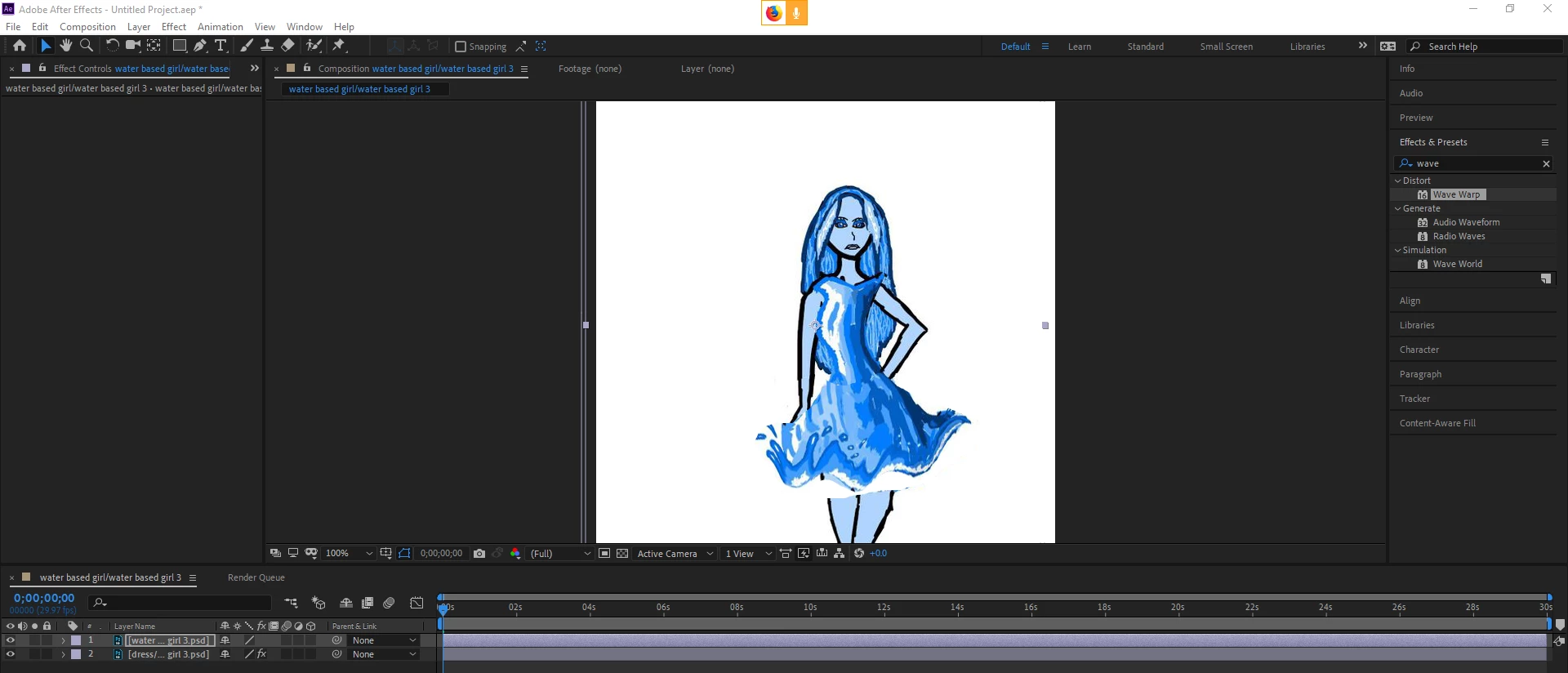 okay so i figured out how to easily take the dress part of the image out of the water layor by pressing ctrl+x and then paste it into the new layor i made that i named dress by pressing ctrl+v but once i dragged the effect "wave warp" on to the dress layor in after effects the effect was applied only to that layor which i wanted but as you can see i now have white gaps how do i fix that?
Title edited by Mod
 AdChoices