
Audio Visualizer bar not visible after certain adjustments in AE
I have this Audio Visualizer bar not visible after certain adjustments: For example:
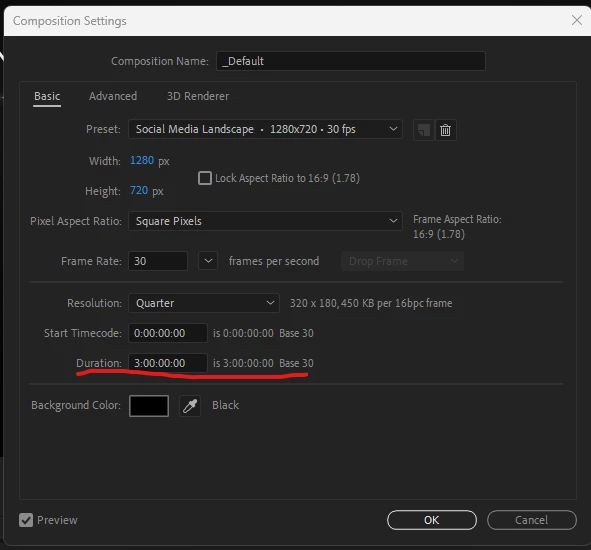
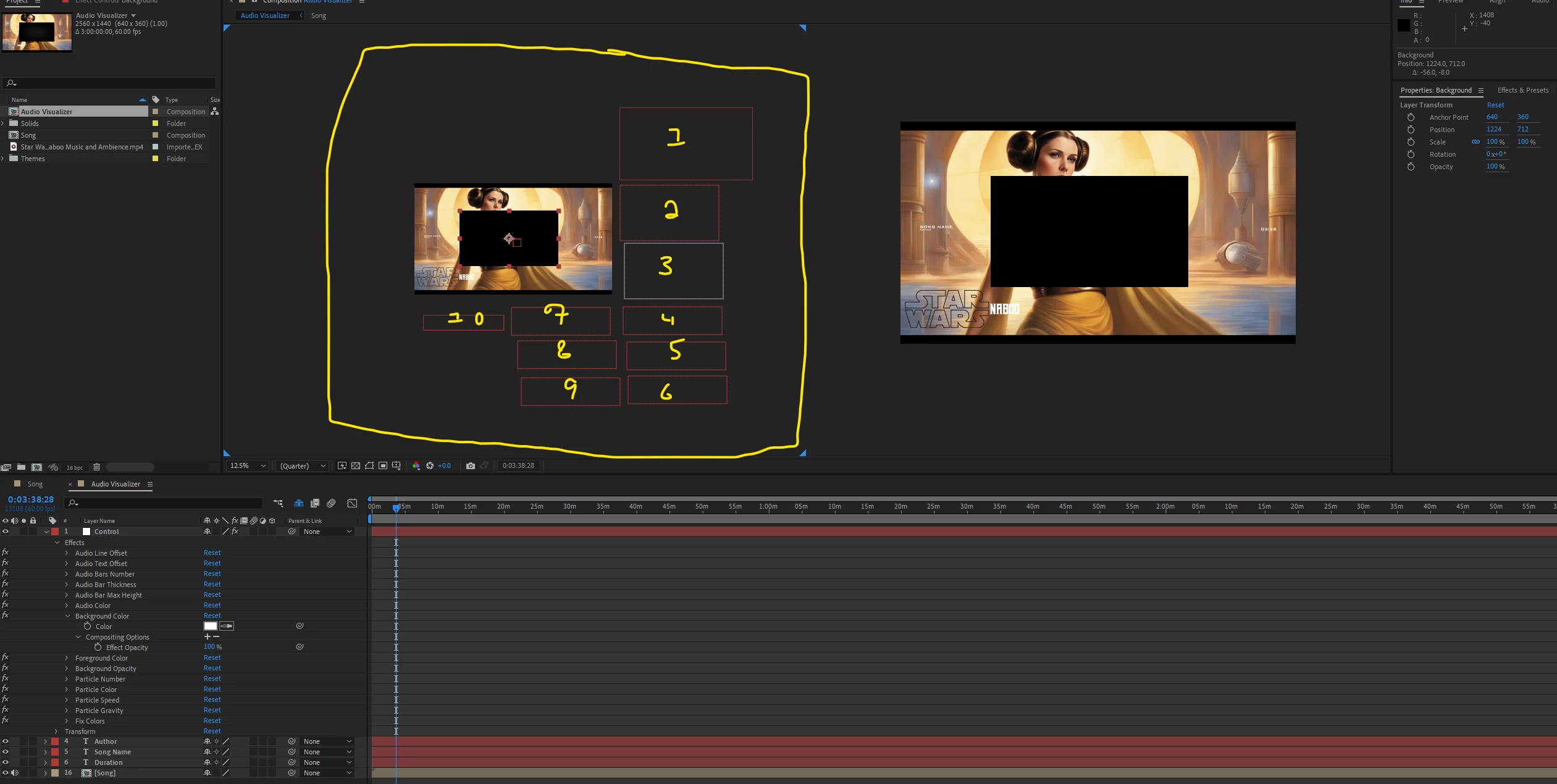
1) When I increase the composition size in compsition settings it wont be visible anymore as seen below in the first 4 photos (Changed from 1280px width - 720px height TO 2460px width - 1440px height)
P.S. - I already tried changing all the sizes of my Controler
2nd question is under all 4 photos
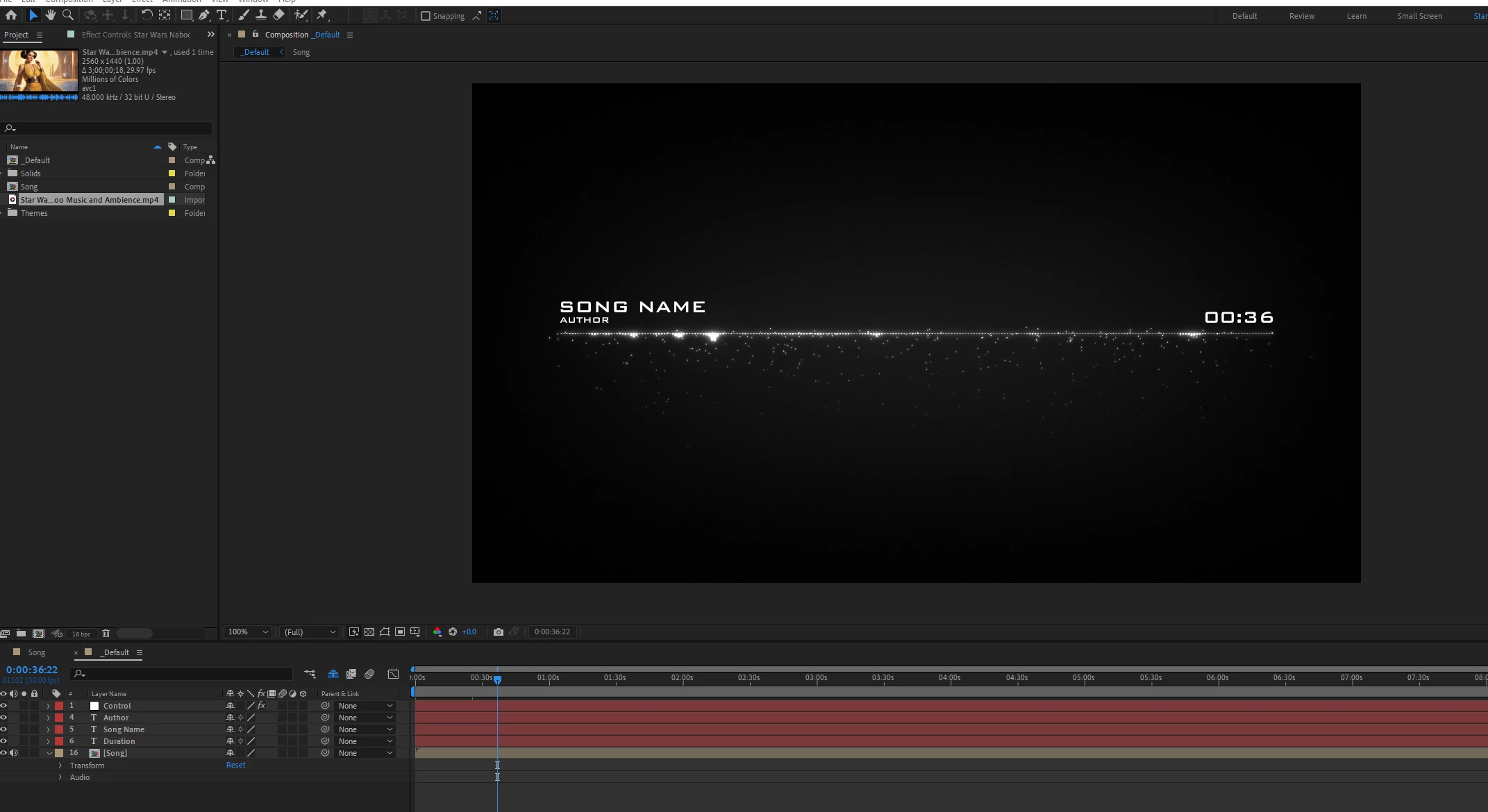
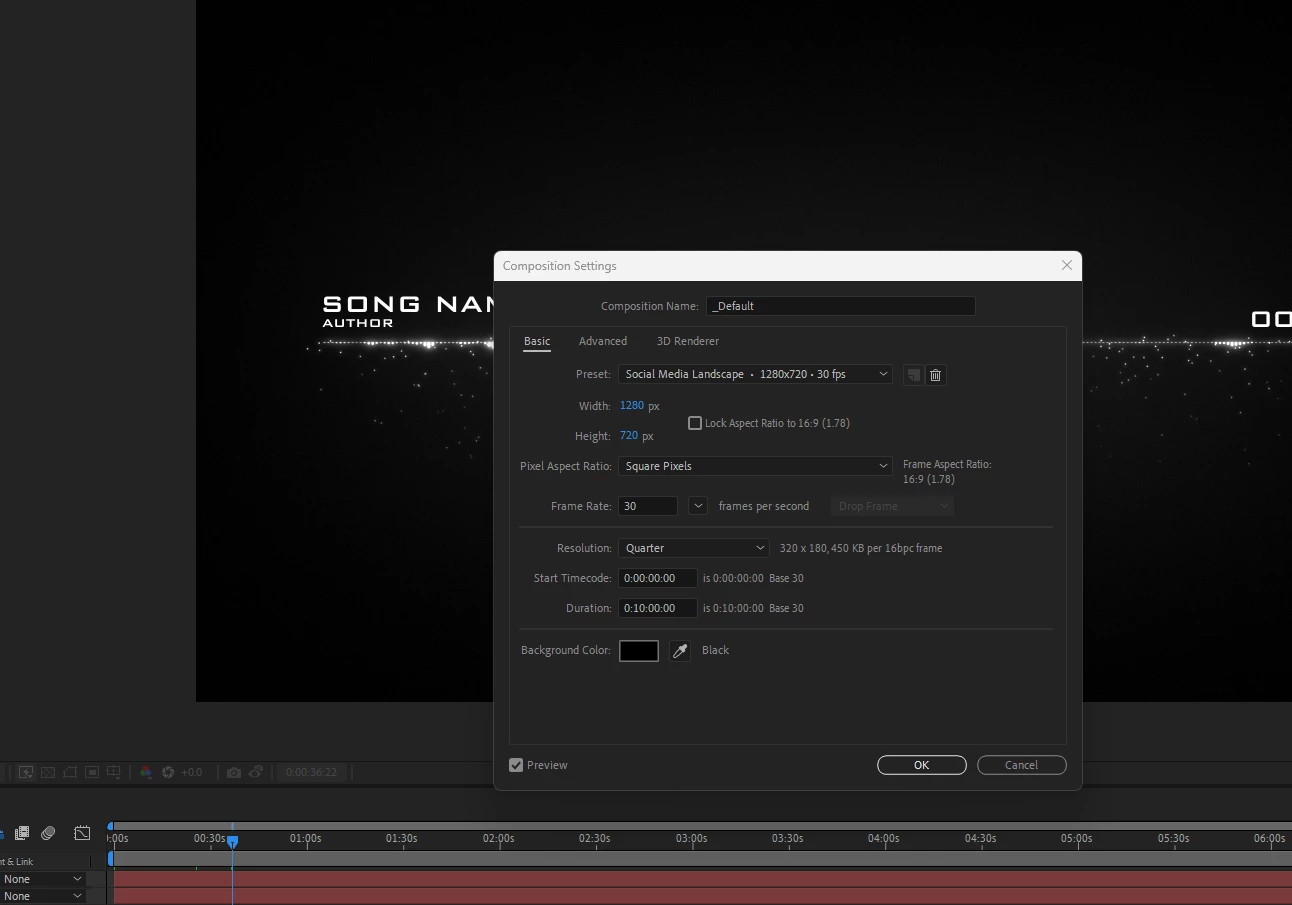
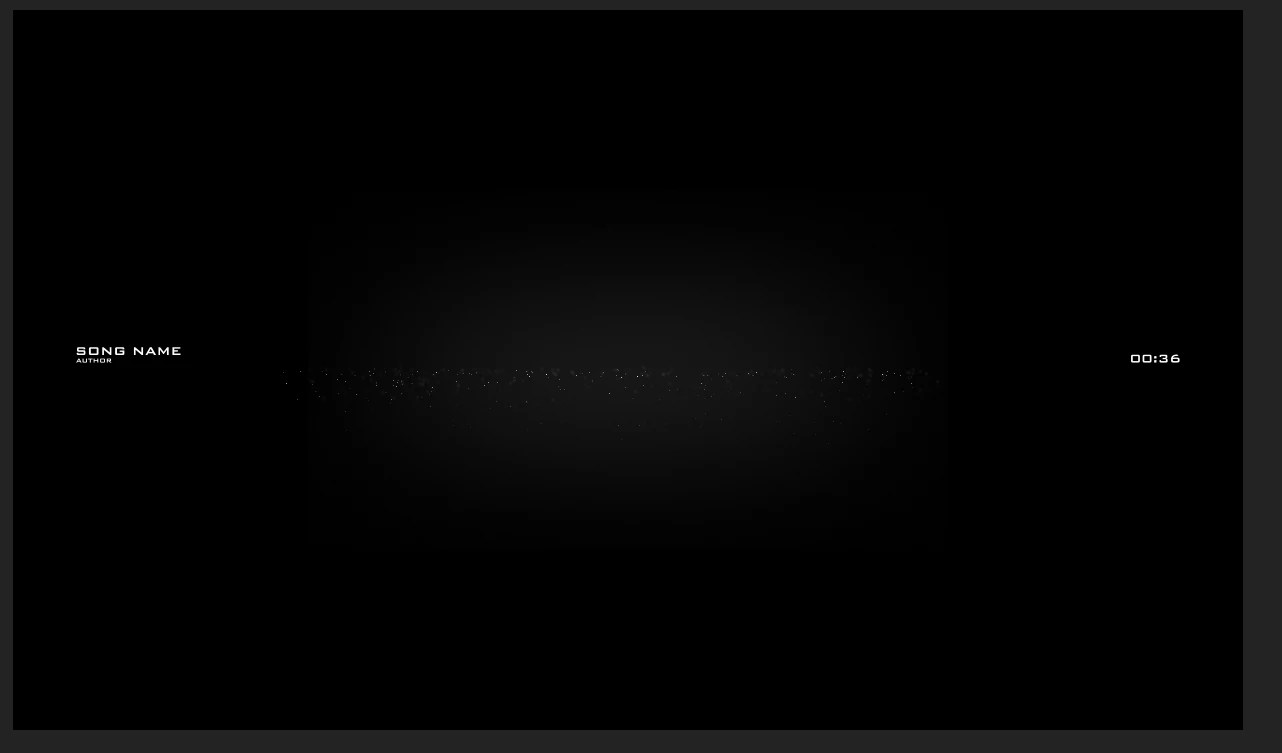
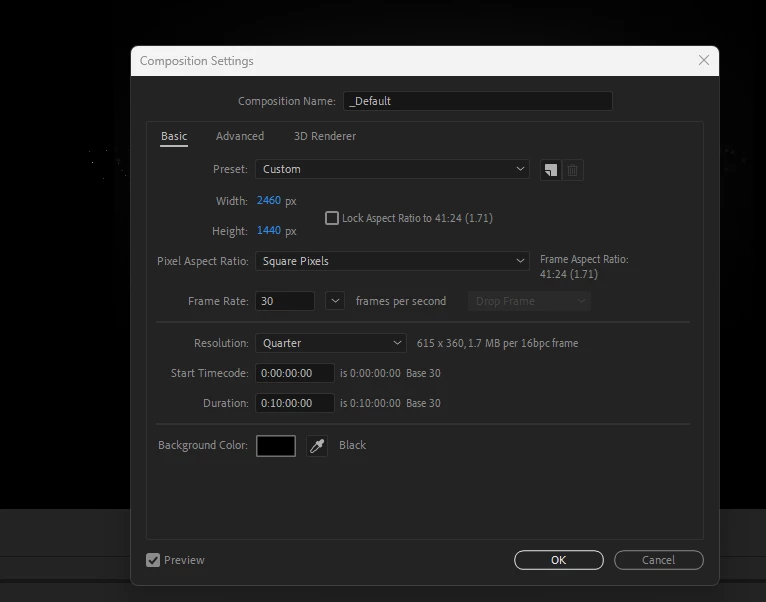
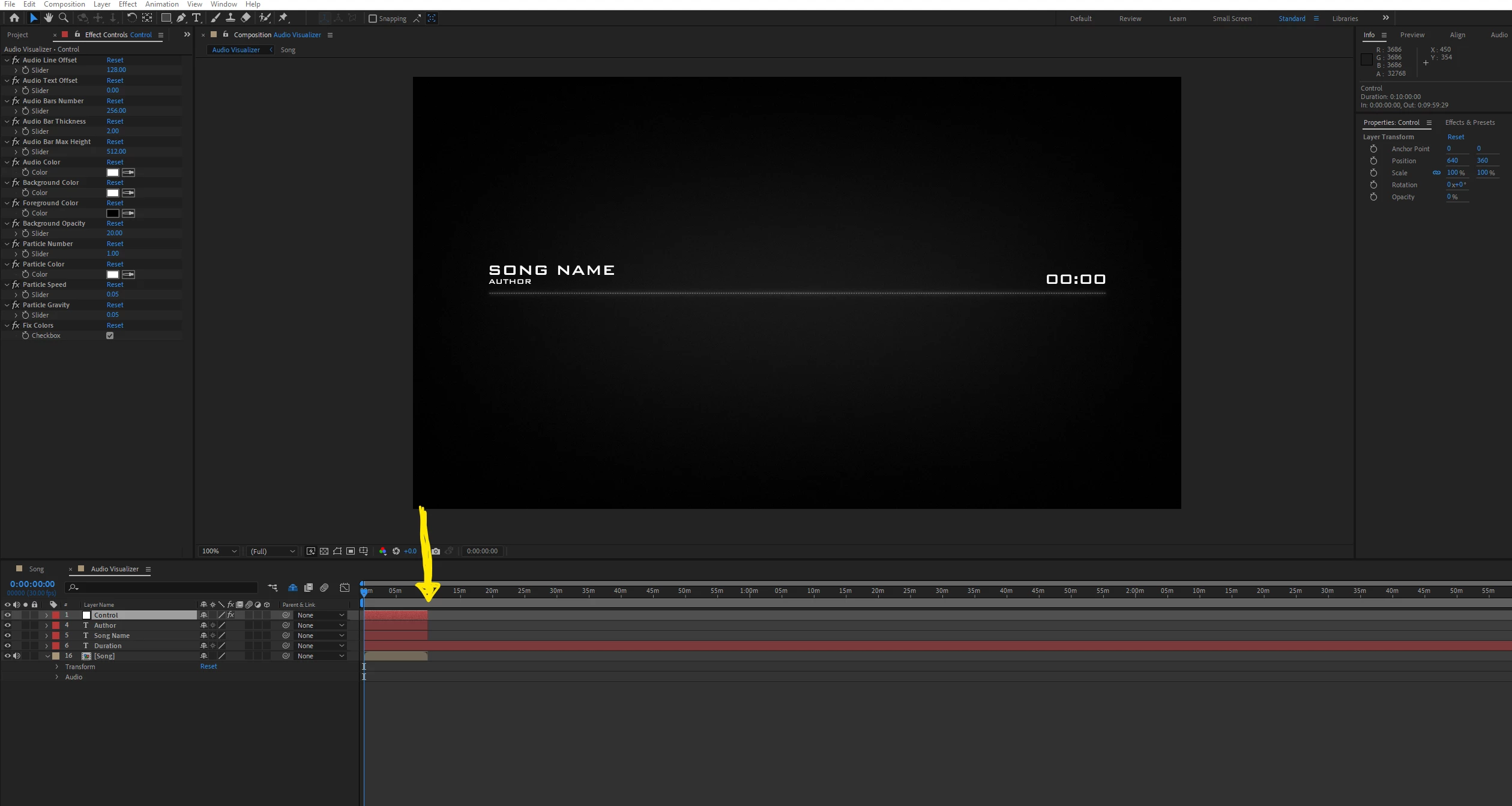
2nd) After I change my duration of my composition the audio bar is still visible which is good.
However after it reaches a certain point (Hence the yellow arrow I drew) the audio bar no longer visible.
Even when I streched out the controler bar along with the author and song title bars - meanwhile the author title and song name are still visible. Why is that ?
P.S. - I notcied that when the black background is no longer visible (where you can see the video I placed with the gun) that is when the audio bar is no longer visible - They aren't visible at the same time.
I tried disecting it but I couldnt find anything...
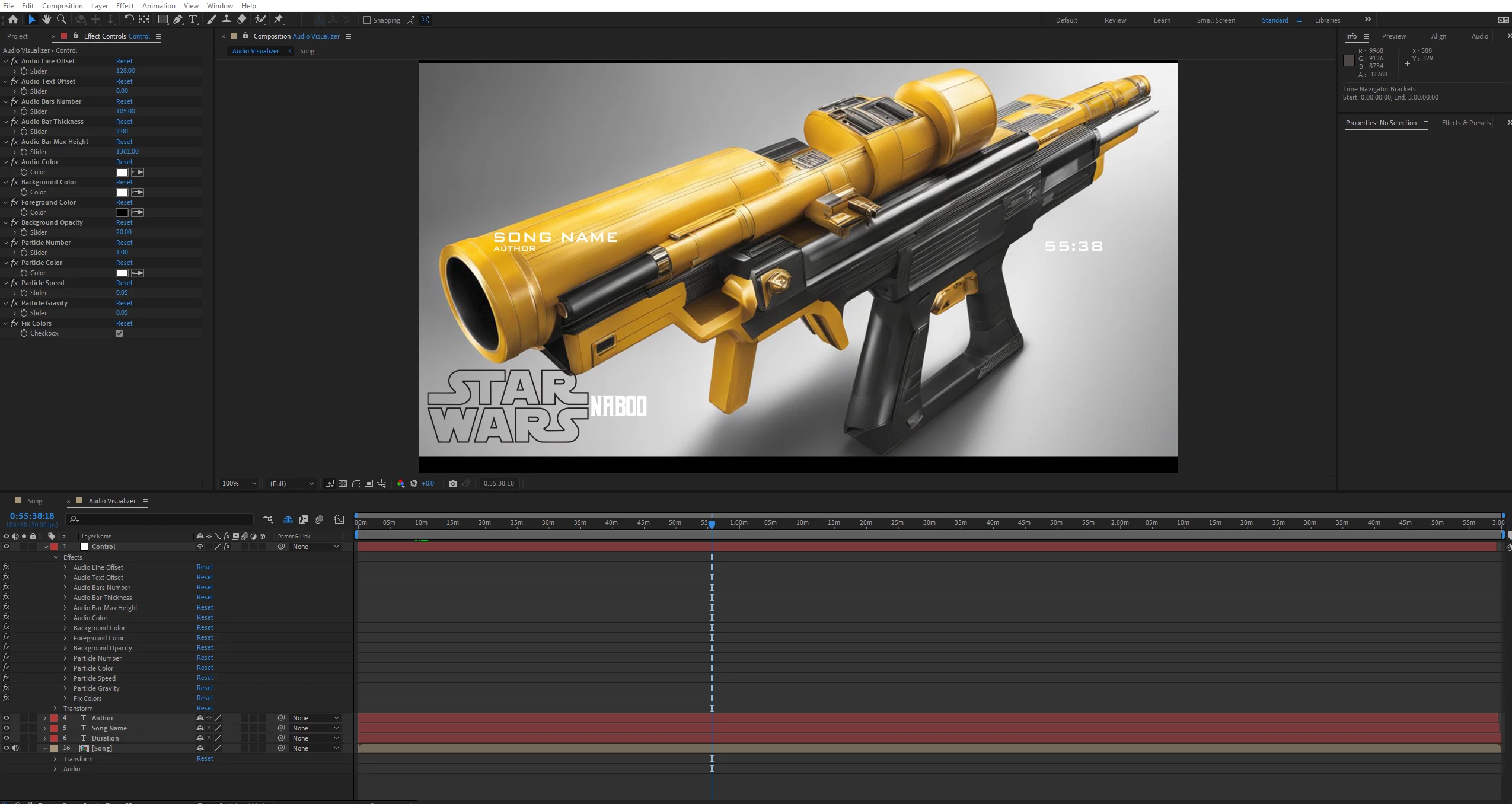
These are extra Photos just in case
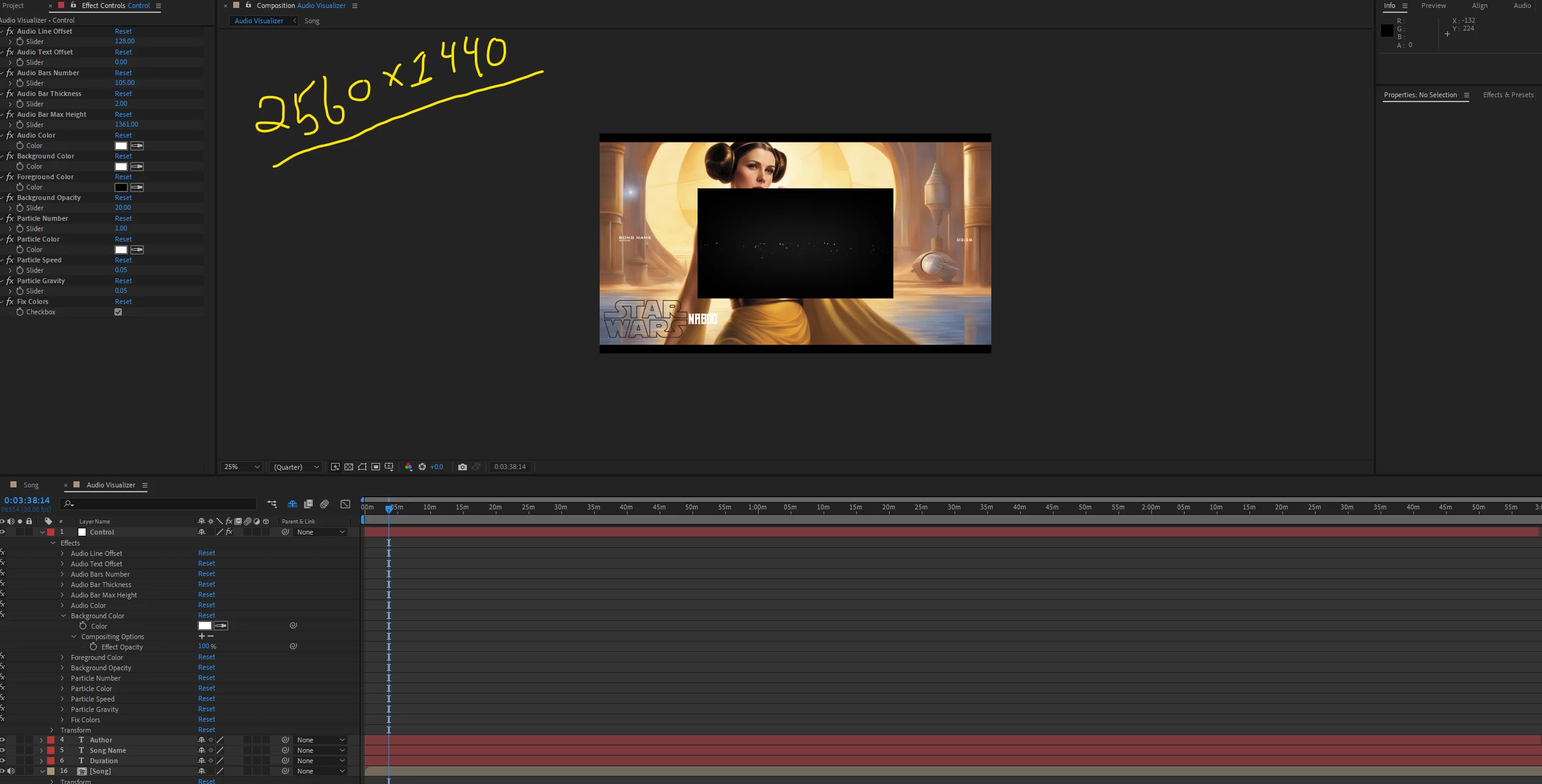
Yes! I already Tried to resize all the effect windows they are numbered 1-10
(As 10 goes in the back so you would drag and drop it first and 1 would be dropped last (the black background is the last layer) which would be 11).
I just really dont get it lol... Please help. Thank you.
I attached the actual file so you can take a look at it. Without the song or video.
I couldnt attached the mp4 or mp3 file but it should work with anysong if you try it yourself.
Please let me know if yall find a solution.
 AdChoices