
(Beginner) Help Finding "Migrate Settings" Button Please?
Hey everyone! Thanks for reading.
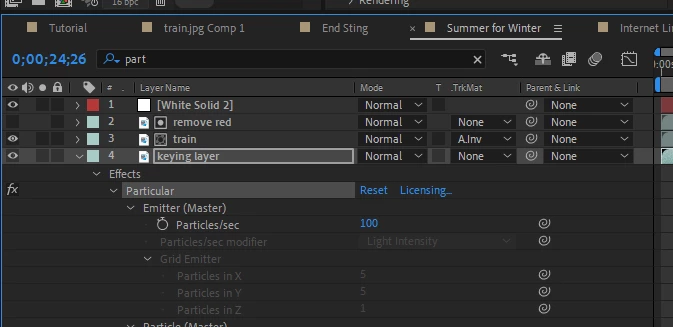
I've loaded a template I downloaded and when I open it, I get the following message asking me to migrate the settings as the template was created on an older version of AE, which is fine, but I can't find the button! 😞
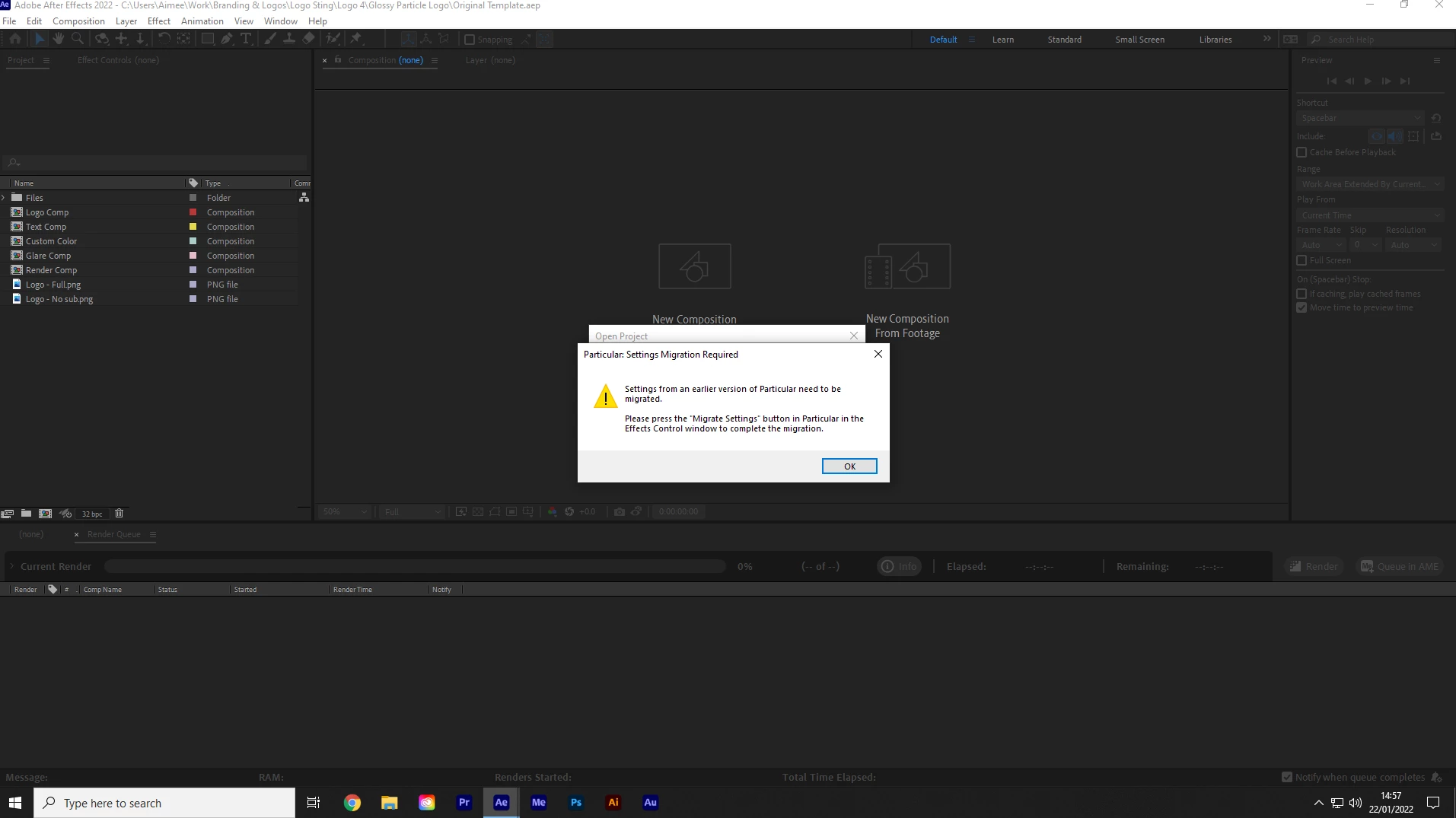
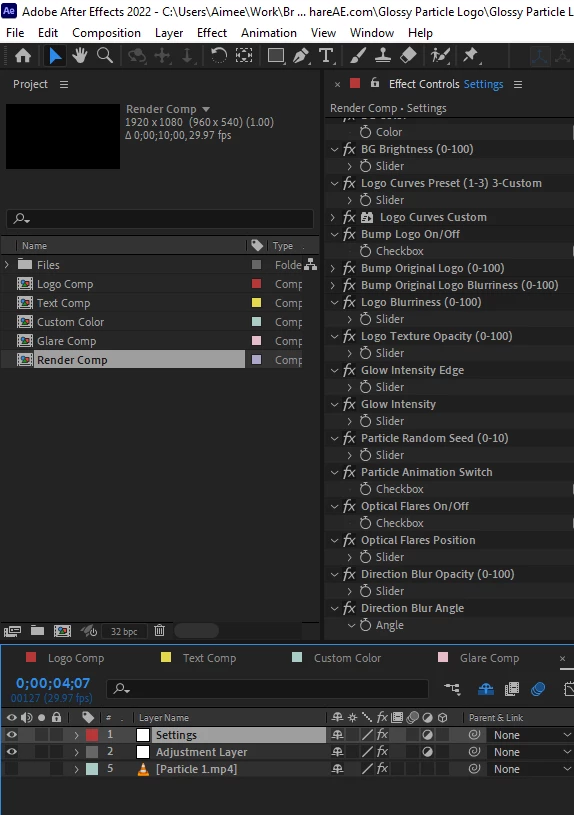
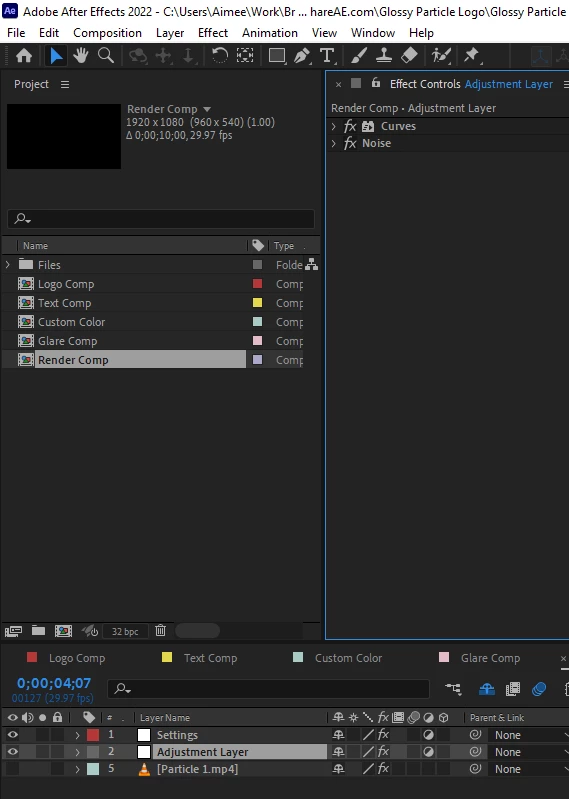
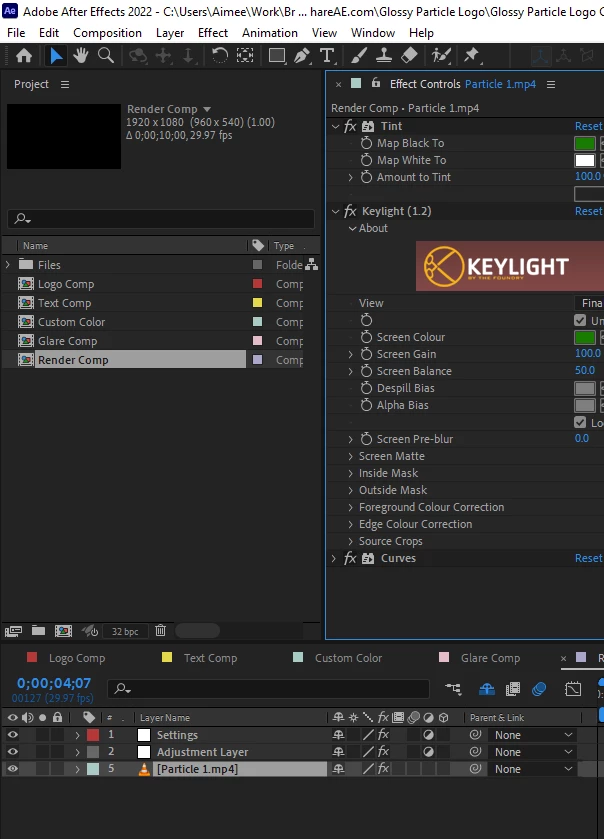
I found another thread similar to my issue, but the link marked as "correct answer" on the thread no longer works sadly, so I'm unable to follow it, but after reading the comments I have clicked everything in the timeline and opened every > under "effect controls" yet can see no "migrate settings" button on anyting; and can't see "particular" anywhere at all! (I can see "particle animation switch" and "particle random speed"). but again, no "migrate settings" button.)
For the record I do have Trapcode Particular installed. I got it last night to fix an issue with the video length, (it's a 10 second temlpate that was cutting to black at 5 seconds when the particles kicked in). I am fondly hoping that finding this button will enable me to export the video because rendering currently halts at (yep, you guessed it!) 5 seconds. The preview also doesn't load from 5 seconds, which is the reason I thought I'd give exporting a go, to see how it looked leaving it as it was, worth a try eh?
Any help appreciated, as title says, I'm a beginner just practicing and finding my feet so I appreciate any kind or helpful responses 🙂
 AdChoices