Participant
August 22, 2022
Question

Black Screen AE

  • August 22, 2022
  • 3 replies
  • 172 views

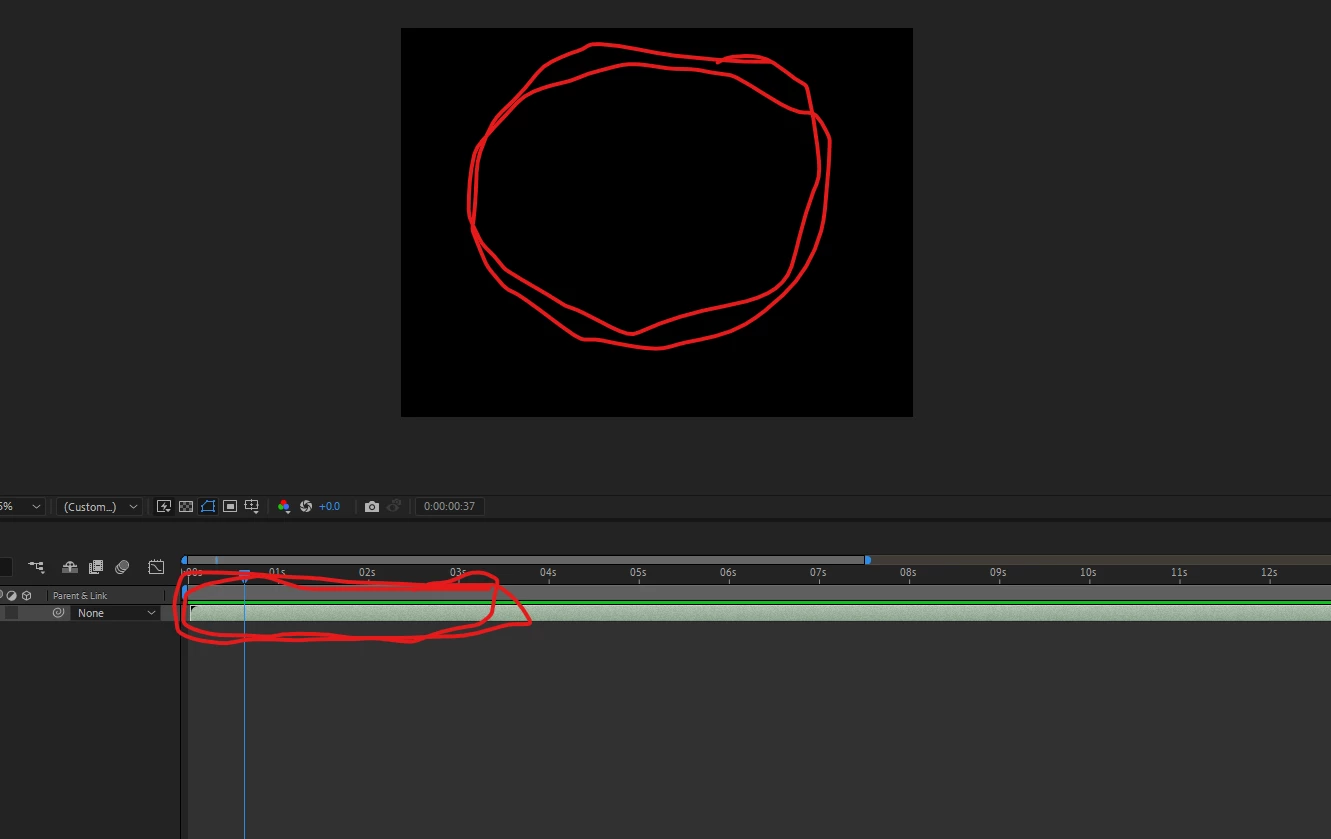
Hello, I've Been Having A Problem In After Effects Where When I Import My MP4 Video Into The Timeline It Just Shows Up Black 

Any Help Would Be Appreciated
 

This topic has been closed for replies.

3 replies

ToolfarmJP
Community Expert
Community Expert
August 23, 2022

Just in case, you also update your graphic card driver.


Warren Heaton
Community Expert
Community Expert
August 23, 2022

Sorry you're having trouble.


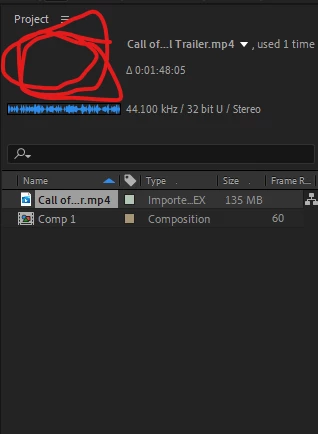
If this was a format that After Effects could decompress, you'd see the pixel dimensions, color depth, and CODEC type in the poster preview.  Your clip that starts with the name "Call" is not showing these.


You need to transcode the MP4 to something that After Efects can decompress or epxort it again containing picture that After Effects can decompresss.  Unfortunately, it's not enough for it to just have .mp4 as a file extension.


Supported file formats | After Effects

https://helpx.adobe.com/after-effects/kb/supported-file-formats.html


If you don't already have a prefered utility for transcoding, try Shutter Encoder (donationware, https://www.shutterencoder.com/en/).

Ishan Y
Community Manager
Community Manager
August 22, 2022

Hey Kataroni,


Sorry about the issue. Are you having this problem with a specific source file or all files? Could you let us know what the source of the video footage is? Also, please share your system specifications (OS, OS version, CPU, GPU, RAM).


Thanks,

Ishan