

Black Screen Flickering During Transparent Overlay
Hello Adobe Community! I'm currently running into some issues with a pop up overlay im trying to make for my stream. At random intervals some of the layers dissapear and I get a black flicker. I am using the Saber plugin from video copilot and never have issues with it for past overlays I've made, but I cant figure out for the life of me why im getting these black flickers. I checked to see if its an issue relating to keyframe placement but no keyframes on my timelime near the black flickers. 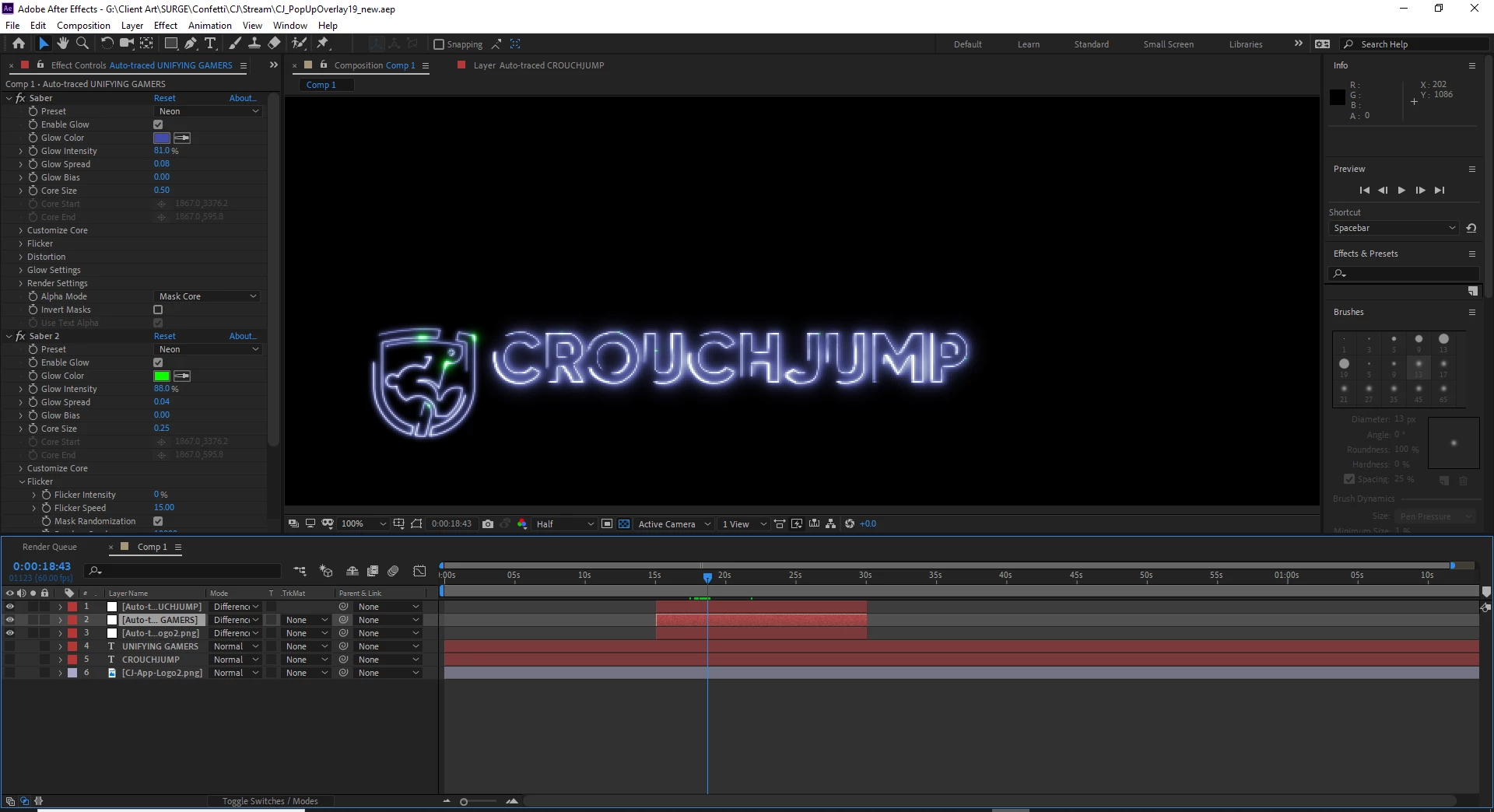
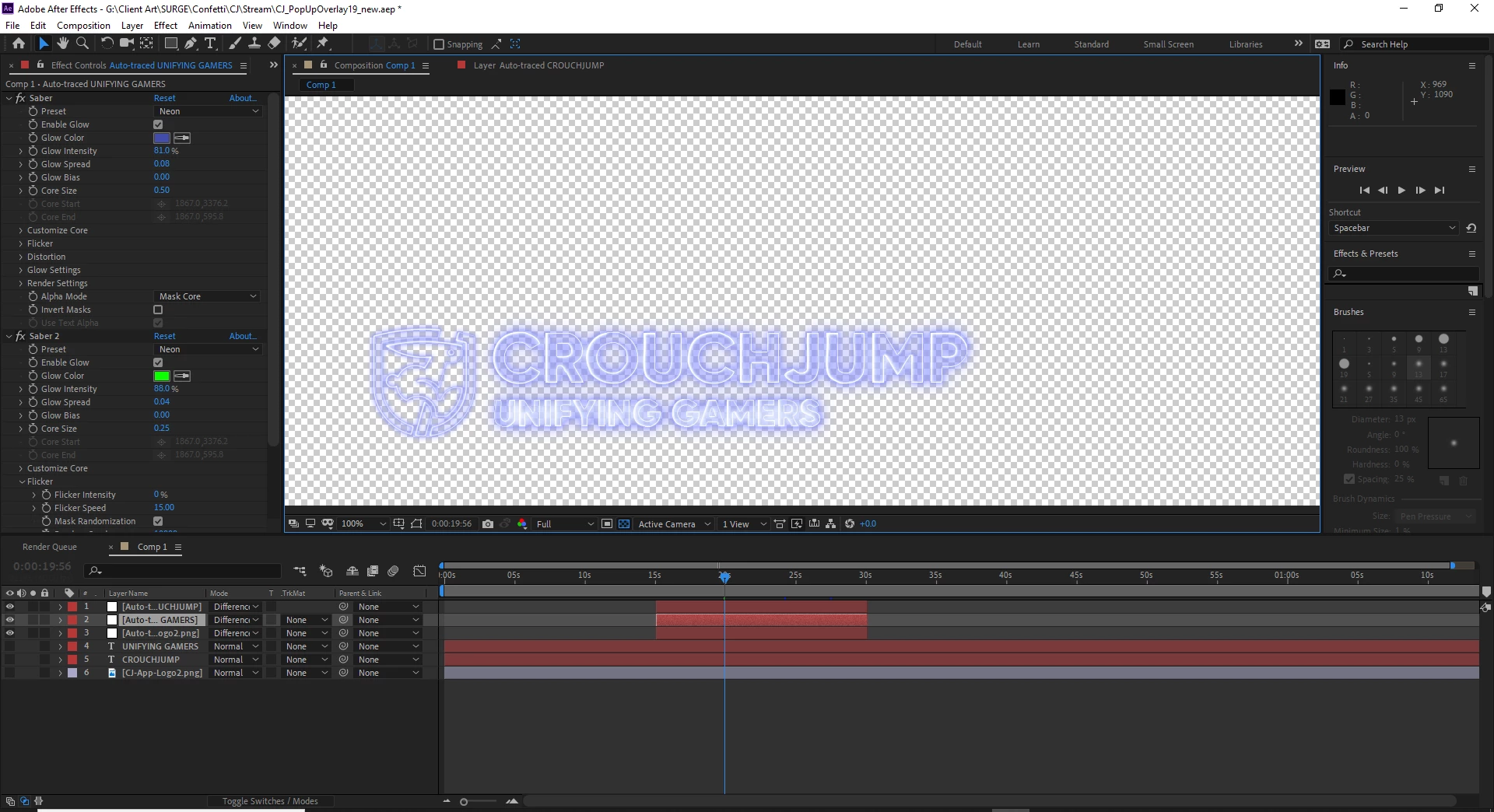
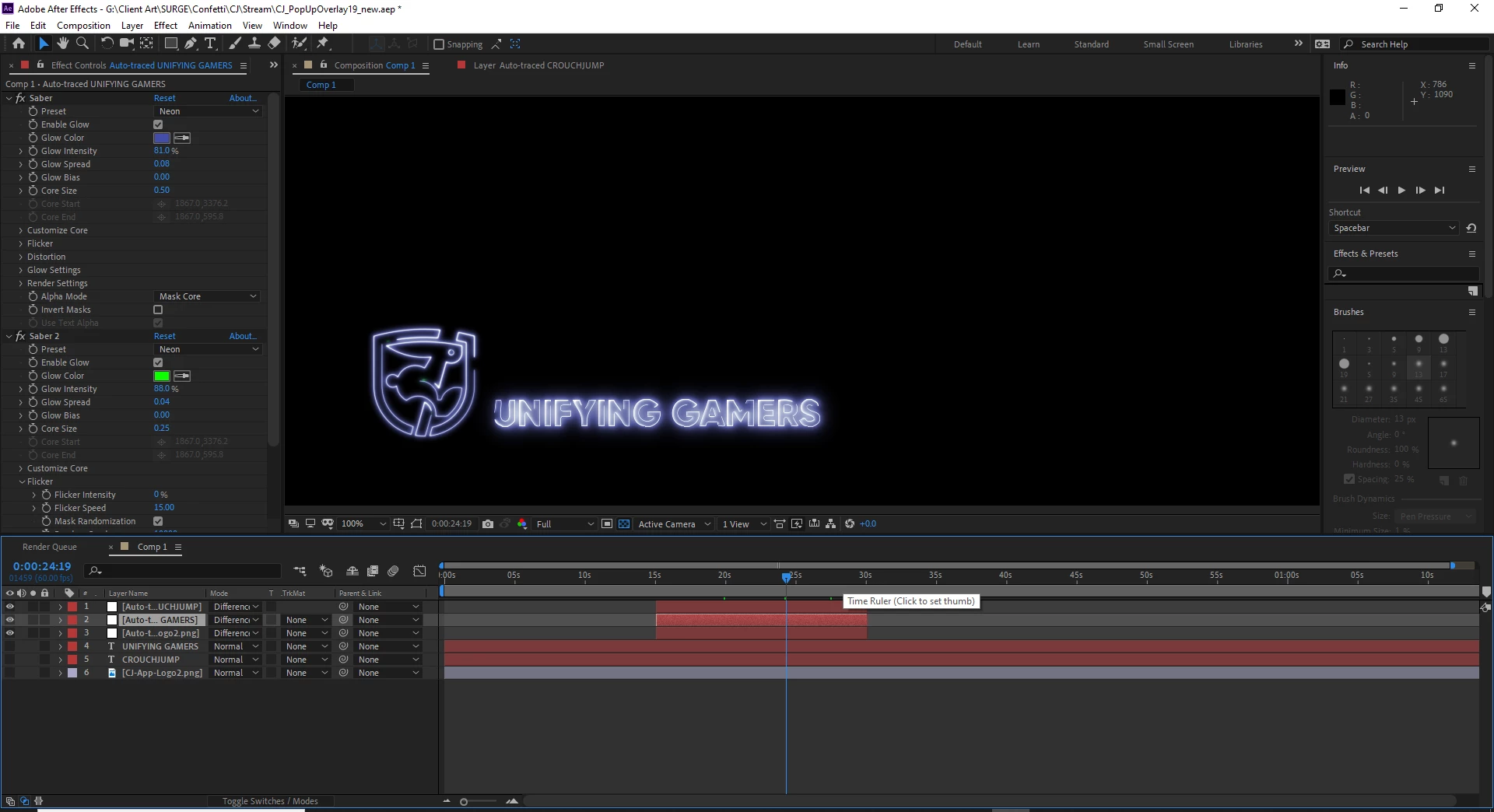
Here is a link of the video rendered out. Its doesnt have a transparent background when uploaded to youtube, but you can atleast see where the flickers take place.
https://www.youtube.com/watch?v=87exXftjN4I&feature=youtu.be
PC SPECS:
CPU - i7-6800K Processor
RAM - 16 GB [8 GB x2] DDR4-3200 Memory Module
GPU - NVIDIA GeForce GTX 1080 - 8GB - MSI ARMOR OC
MOTHERBOARD - ASUS ROG STRIX X99 GAMING
SSD #1 - 512GB Intel 600P Series M.2 PCIe NVME SSD
SSD #2 - 240 GB ADATA SP550 SSD
DATA DRIVE - 2 TB HARD DRIVE 7200RPM
 AdChoices