
Participant
July 10, 2020
Question

Blank composition in After Effects

  • July 10, 2020
  • 1 reply
  • 7763 views

Hi! I'm having an issue with After Effects CC that makes my composition... Disappear? 
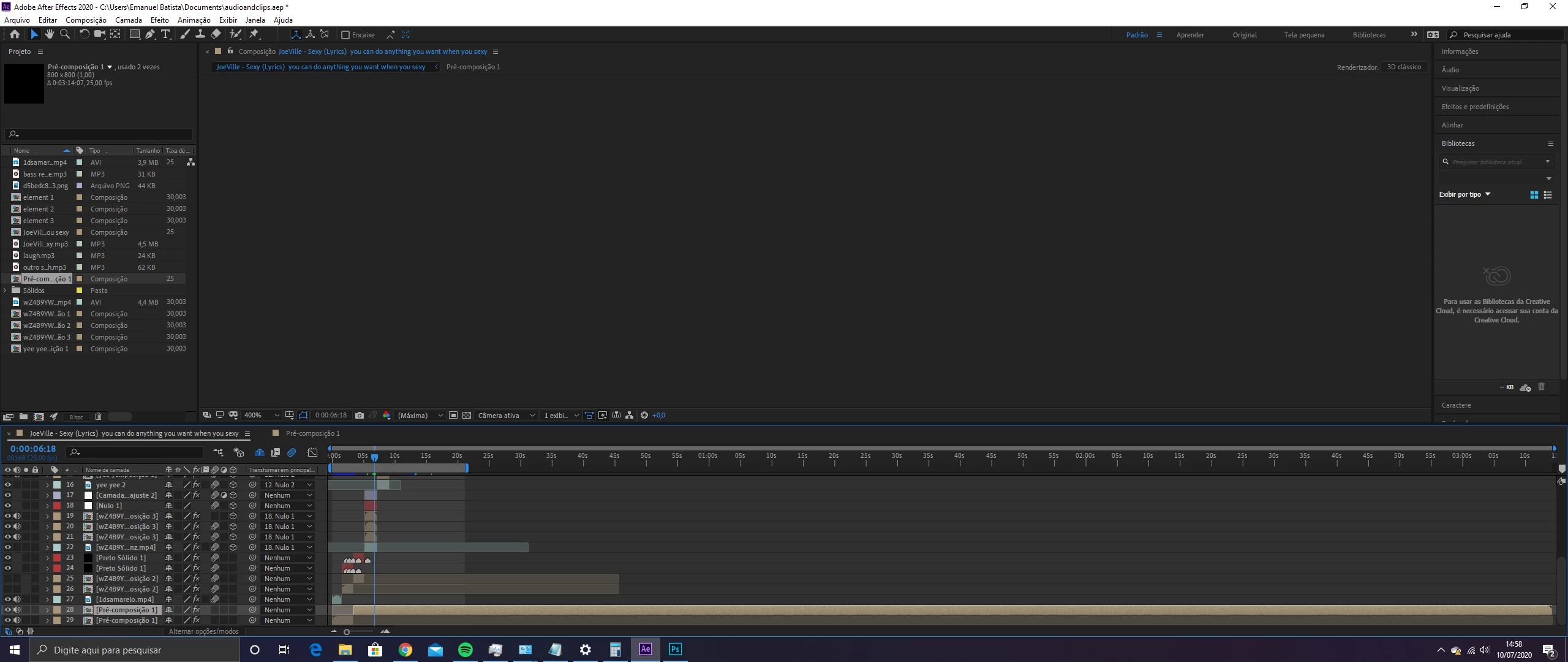
I don't know how to fix it... My computer settings are: AMD Ryzen 5 3600 6-Core Processor; 16GB; 64bits; Windows 10 Pro.
And this issue does not happen to other projects:
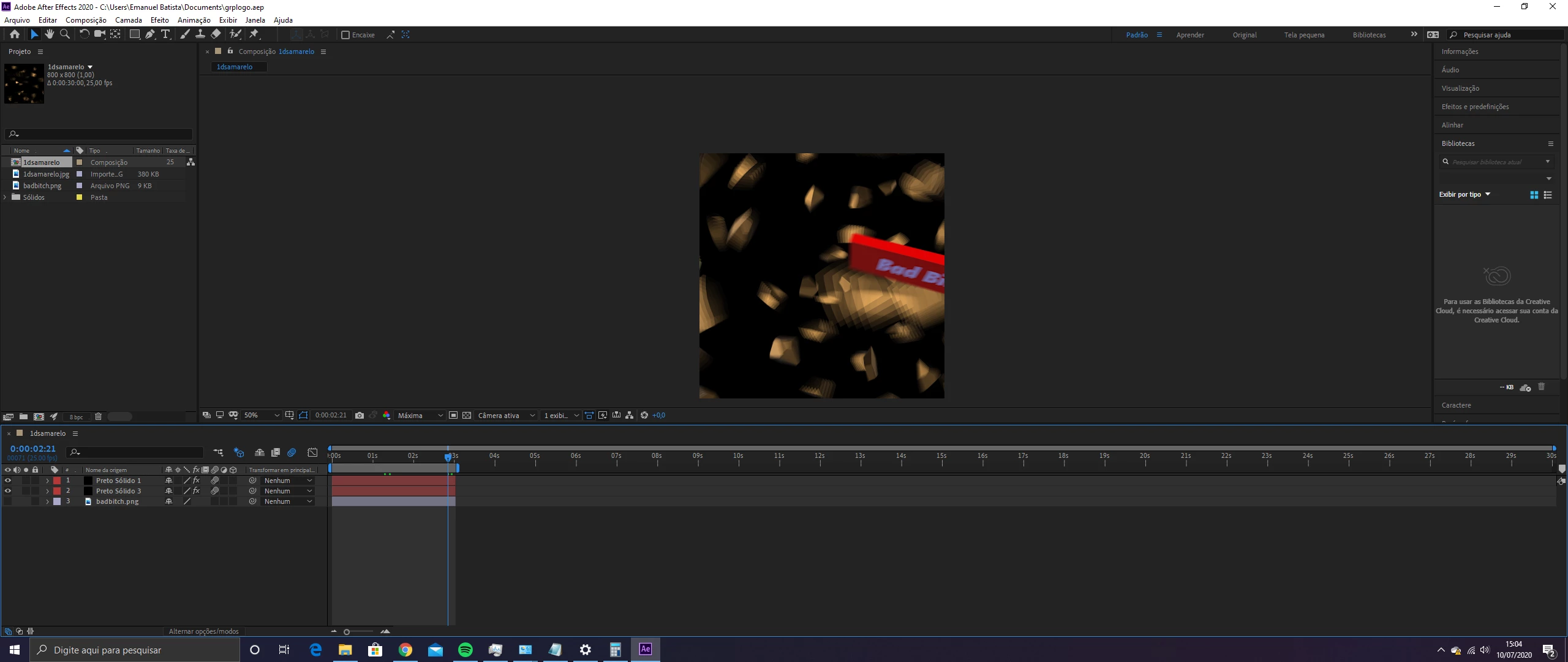
This topic has been closed for replies.

1 reply

Participating Frequently
July 10, 2020

Solution 1.

Your computer cache may be full and AE has no more memory allocated to render new frames.

- Clear your cashe under Preferences > Media & Disk Cache by clicking the below circled 2 buttons.

- Quit After Effects and relaunch it to see if it now works.


Solution 2.

If solution 1 didn't do it, your computer memory may be too small to render in real-time your composition so what you need to do is reduce the rendering resolution of your composition in the viewport to 1/3 (third) or 1/2 (Half) the original (Full) resolution.

P.S. Don't worry this will have no effect on how the video is finally rendered to MP4. This only affects the resolution of the viewport inside AE while you're working on it.