Participant
May 11, 2020
Question

Blend layers

  • May 11, 2020
  • 1 reply
  • 334 views

Hi,


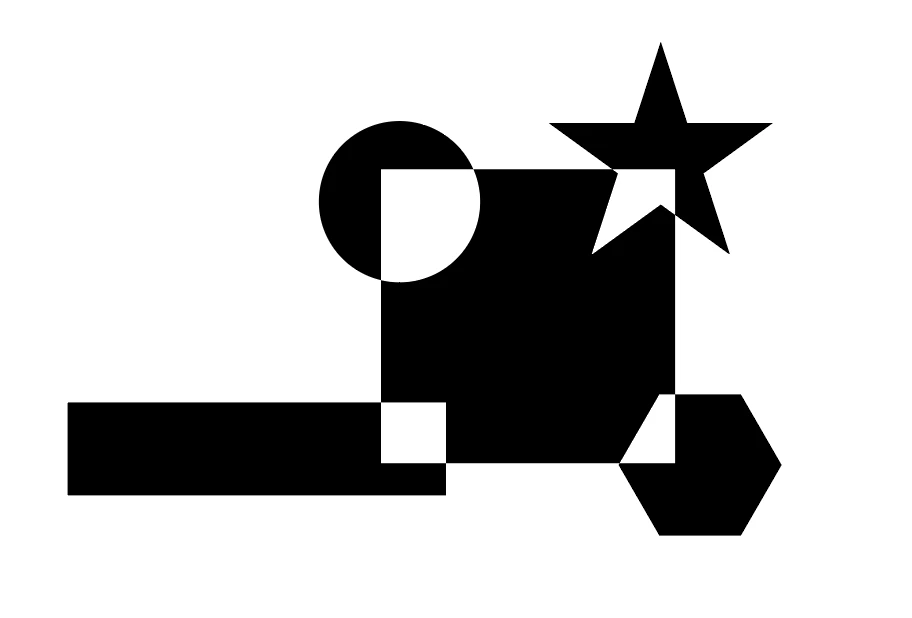
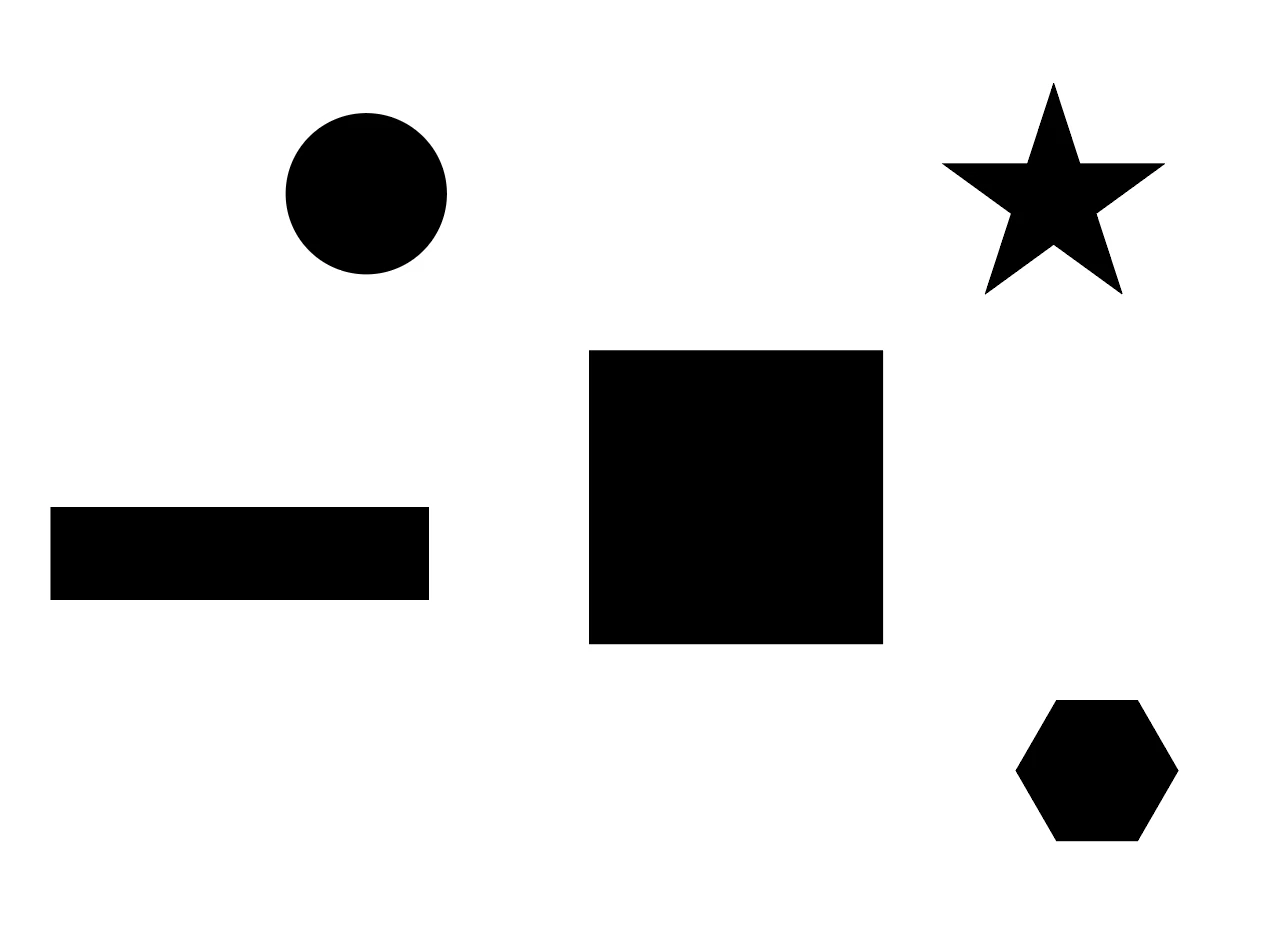
I am from print background, currently learning after effects. I am trying to animate a logo wherein elements fly in to the centre of the frame to form the actual logo. All the elements are black in colour. There is a square in the centre, which is also black in colour and when the elements converge with the square the intersecting parts should turn white. 

How do I go about achieving this. I tried all the layer modes but nothing gives the desired result.


Thanks.


Vijay.
 

This topic has been closed for replies.

1 reply

Mylenium
Legend
May 11, 2020

Nope, not so fast. You need to start by keeping things separate in pre-comps, i.e the converging shapes need to move in their on comp. Then in turn this pre-comp could be used as a layer and this layer could ba assigned e.g. as a track matte on a white duplicate of your square. Trouble with the big words? The online help is your friend...


Mylenium

Participant
May 12, 2020

Hi,


Thanks for the response. I have converted the parts to pre-comps and animated them, brought them as layers to my maincomp. I do understand how track matte works, but somehow what I am trying to achive is not happening. It turned out to be a bit more complicated than i expected it to be