
Danny51
Inspiring
March 6, 2023
Question

Bounding Box is cutting off the effect

  • March 6, 2023
  • 1 reply
  • 1215 views

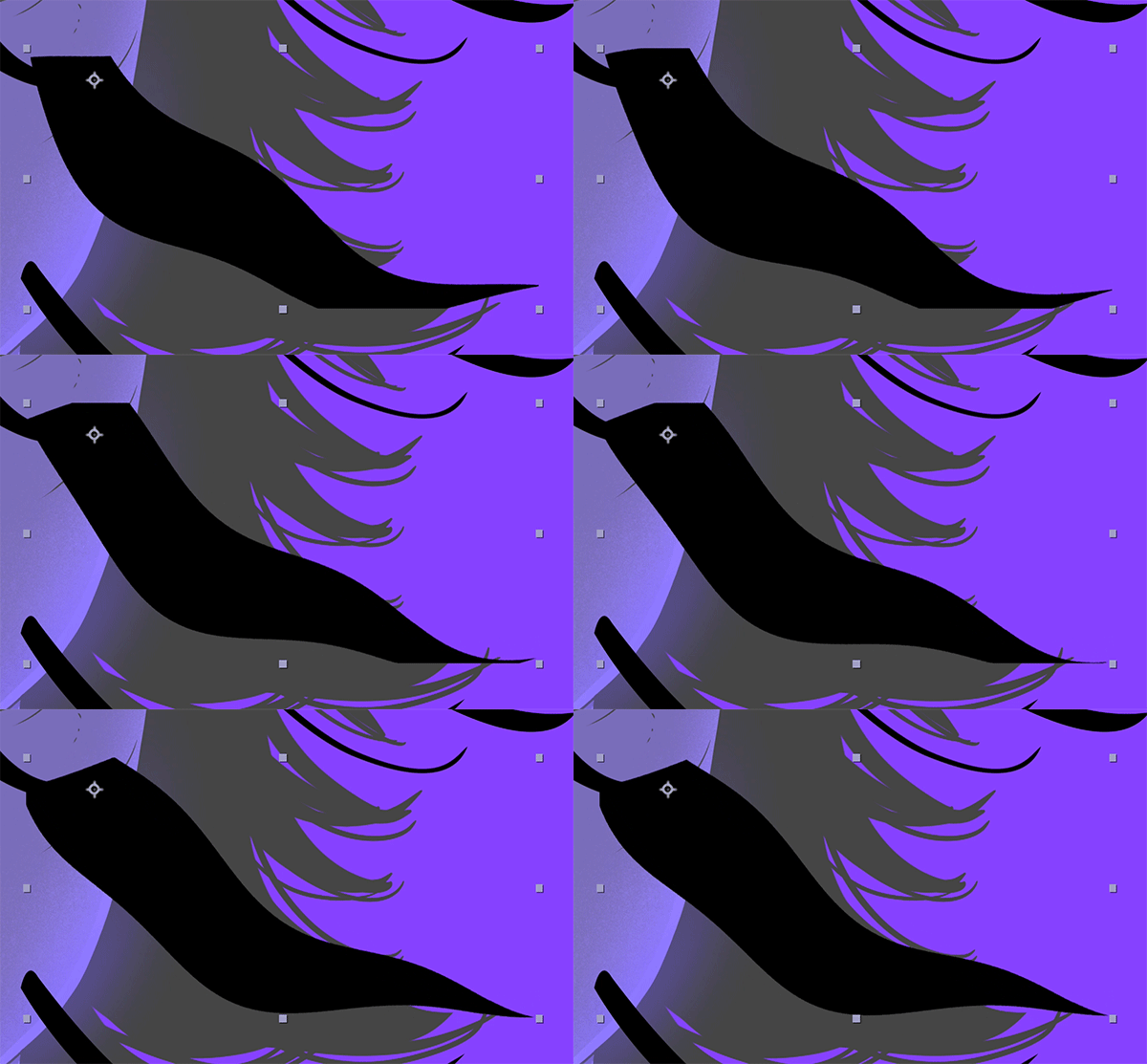
So I didn't quite know how to phrase this, but when I add an effect to an object, the effect makes it move beyond the bounding box and everything outside of it gets cropped (as seen on the bottom edge in the gif)

How do I change it so the whole object is visible?
This topic has been closed for replies.

1 reply

Kyle Hamrick
Community Expert
Community Expert
March 6, 2023

Since you don't need a ton more, I would just add the effect Grow Bounds above your Wave Warp (I presume) effect. Crank the "Pixels" value up until nothing is being cut off. Should do the trick! 

Danny51
Danny51Author
Inspiring
March 6, 2023

It worked, thanks! But kinda seems like a work-around...isn't there a setting to make pixels outside the bounding box visible? Because I remember having the problem before but then clicked on something that fixed it, just can't remember what it was^^

Kyle Hamrick
Community Expert
Community Expert
March 6, 2023

In some cases, the little "sun" icon in the Switches column can solve issues like this. Depending on the context, that's either enabling "Continuous Rasterization," (when dealing with an imported Adobe Illustrator doc/layer) or "Collapse Transformations," (when dealing with a pre-composition). 


Without knowing more about what kind of layer you were working with here, the workaround seemed like the best suggestion. There are plenty of cases where that "workaround" is the totally-correct solution, too!