

Bounding box of imported Illustrator layers broken
Here is a layer from an Illustrator file:

Here is the same layer imported into After Effects:
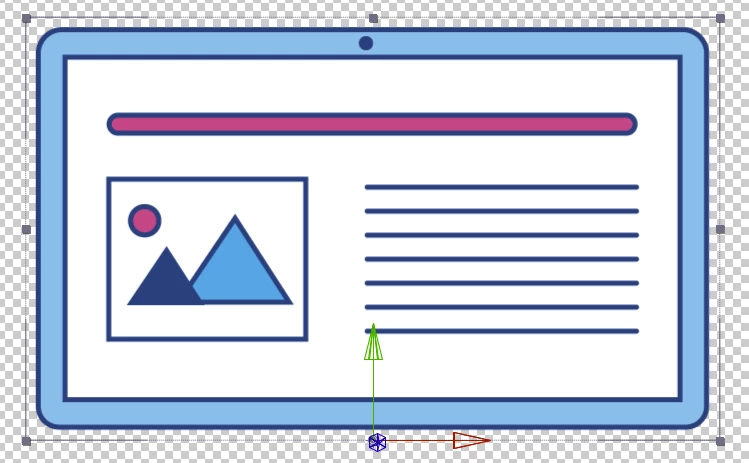
Notice that the layer's bounding box in AE is not the same as that in Illustrator.
Result? I can no longer accurately snap the anchor point to the edge of the layer using something like the 'Move Anchor Point' script (which apart from anything else should have been added as an AE feature *years* ago). Instead, I now have a gap between the anchor point and the actual edge of the artwork, which means if I now want to make that layer fold downwards (it's the lid of a laptop illustration) it's not rotating from the correct point. I now have to manually fiddle each time I want the anchor point on the edge or corner of a layer. A 2-second operation now complicated into a 10-second operation. These things add up.
Message was edited by: Ian Davies Genius! The forum allows you to paste images into a message but then immediately loses them so you just get 'broken graphic' icons instead.


 AdChoices