Participating Frequently
January 5, 2022
Question

Camera follow a 3d path problem

  • January 5, 2022
  • 1 reply
  • 381 views

Hello,

My goal is to create a 3d “road” and make the camera follow it (like it’s driving on it).

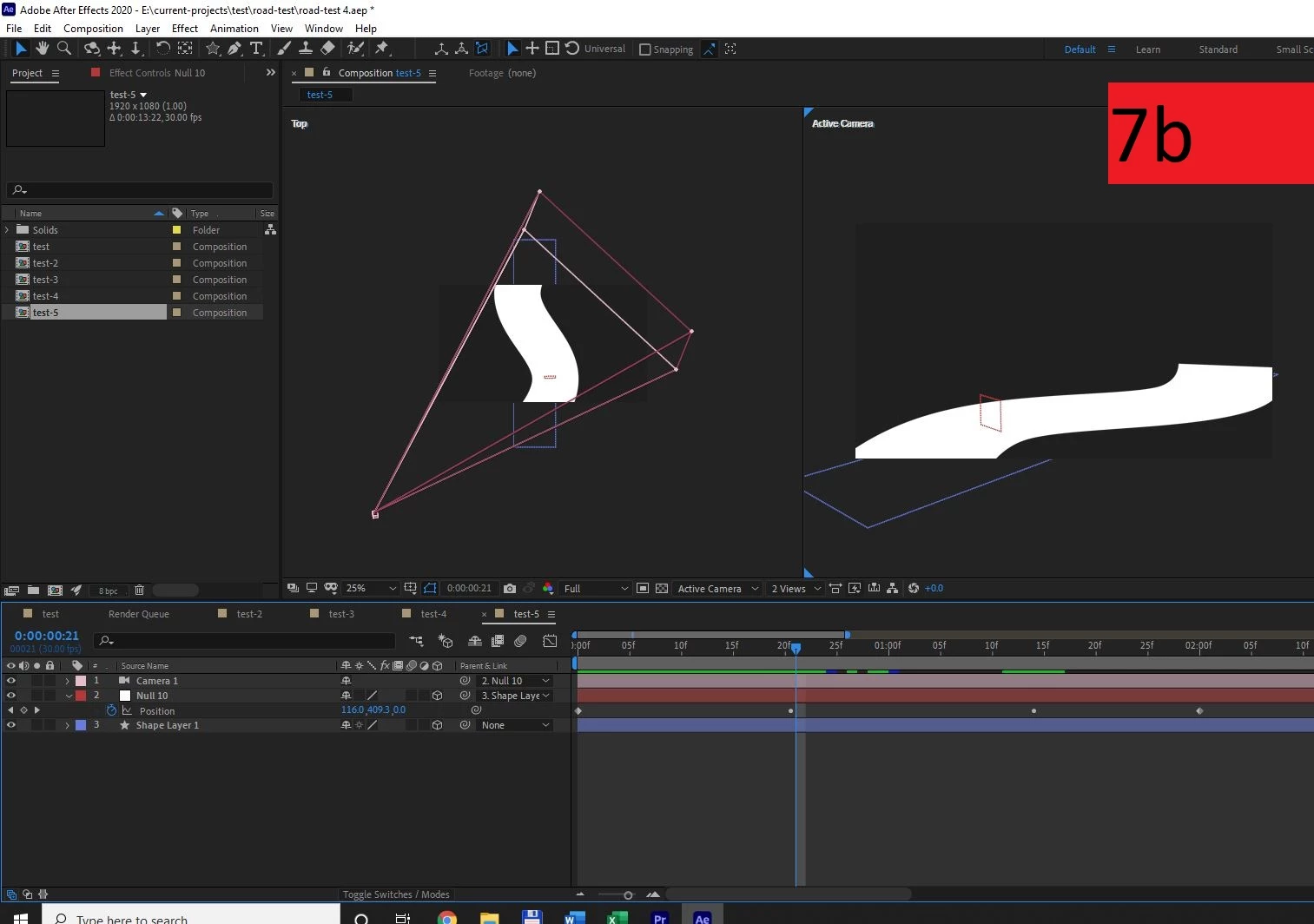
I succeeded to make a null follow it but when I parent the camera to it – the camera jump to another place (when there is a change direction).

How can I fix it?

Should I use another workflow to achieve it?

My workflow was:

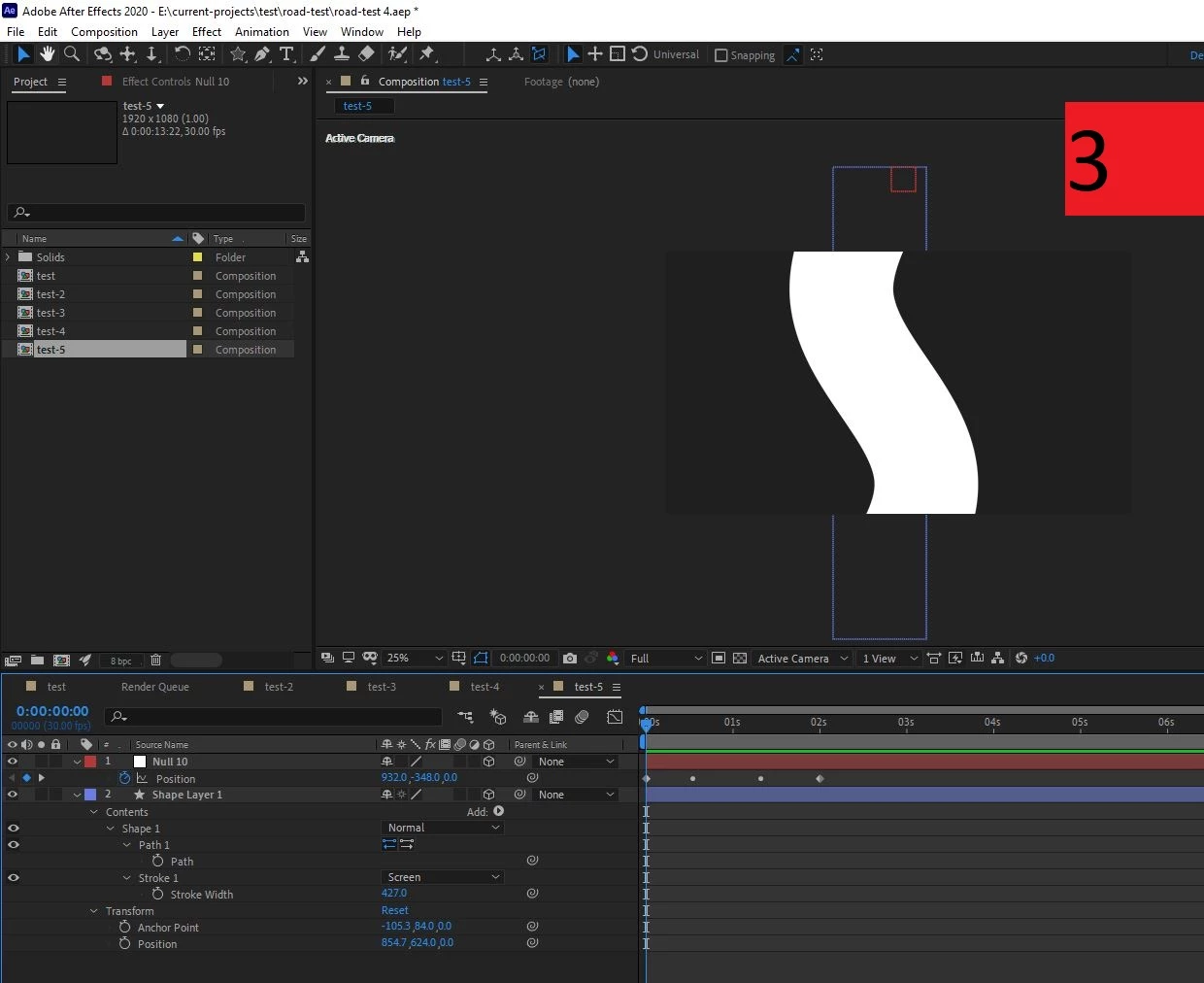
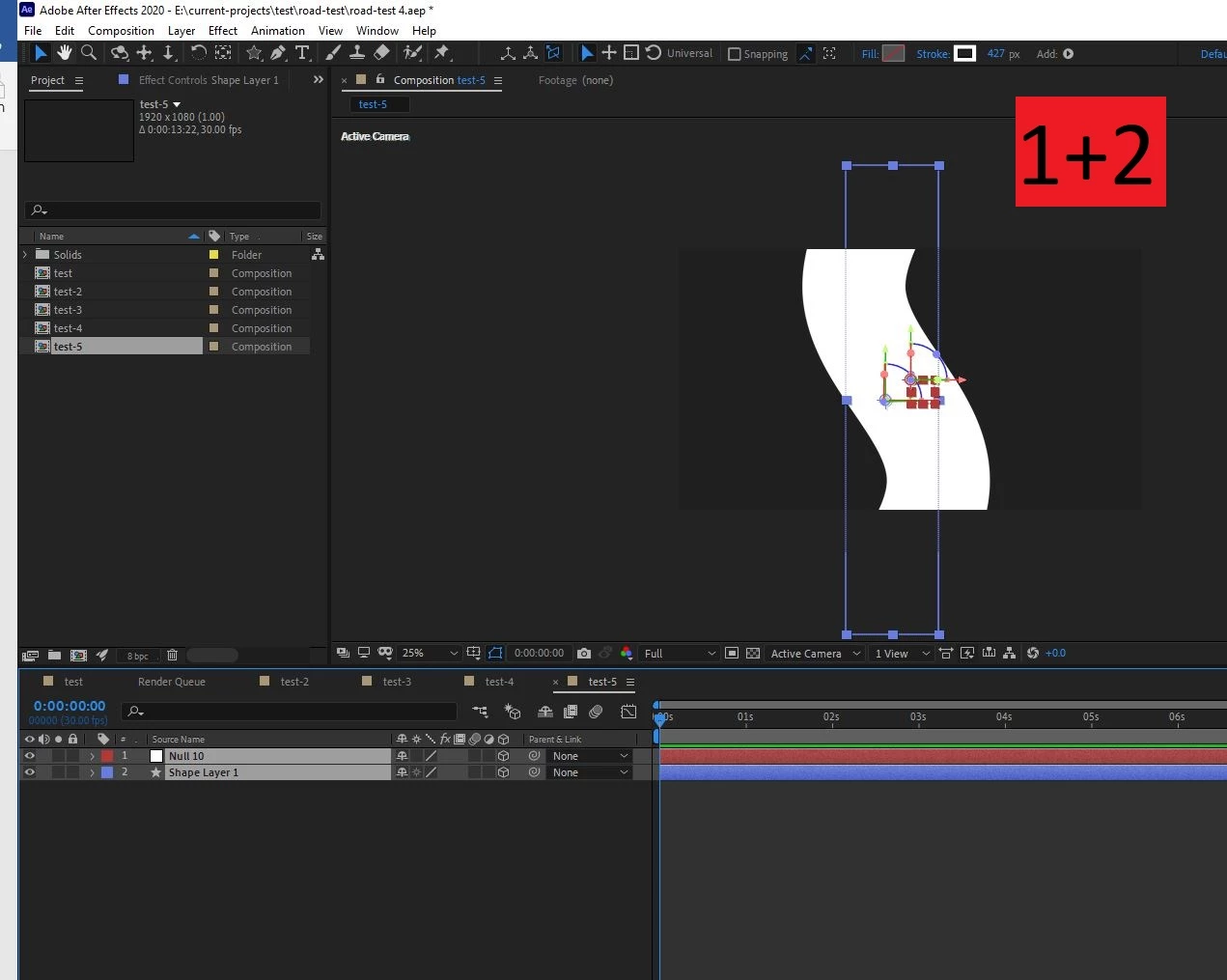
  1. Creating a road with the pen tool (stroke on, no fill) + making it 3d.
  2. Creating a null + making it 3d.
  3. Copy the path of the road + paste it on the null’s position.
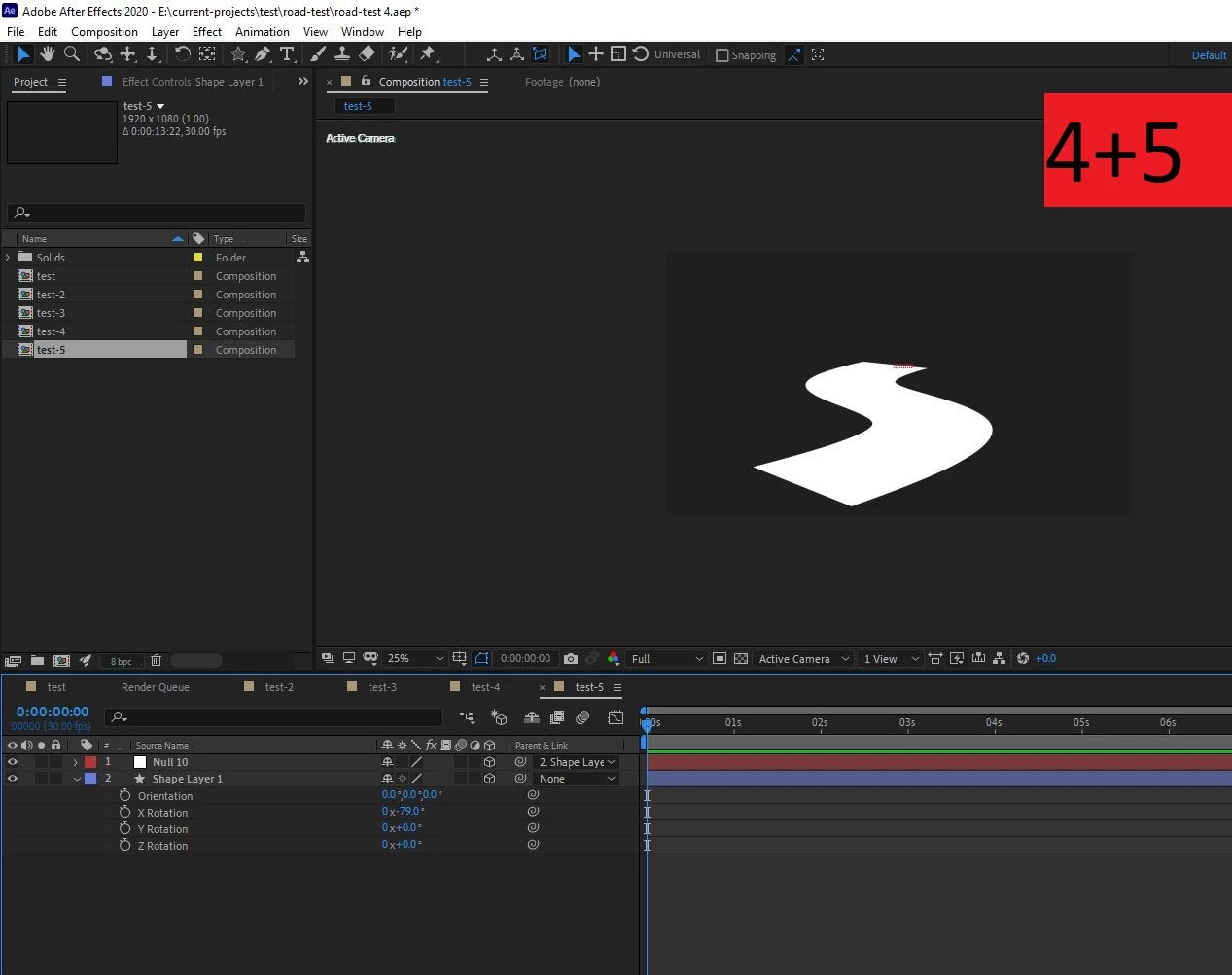
  4. Parent the null to the road.
  5. Then change the x rotation of the road.
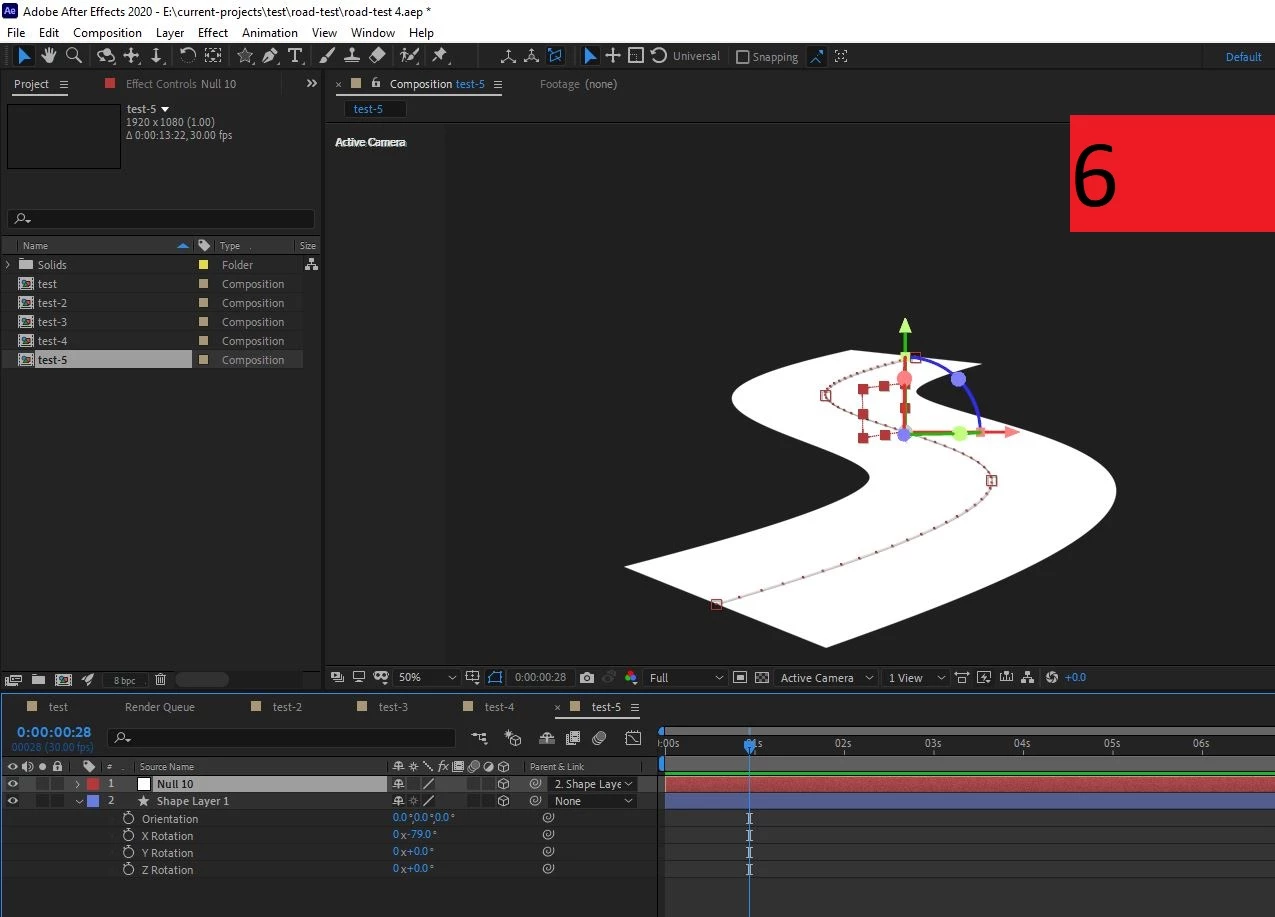
  6. Orient along path – the null.
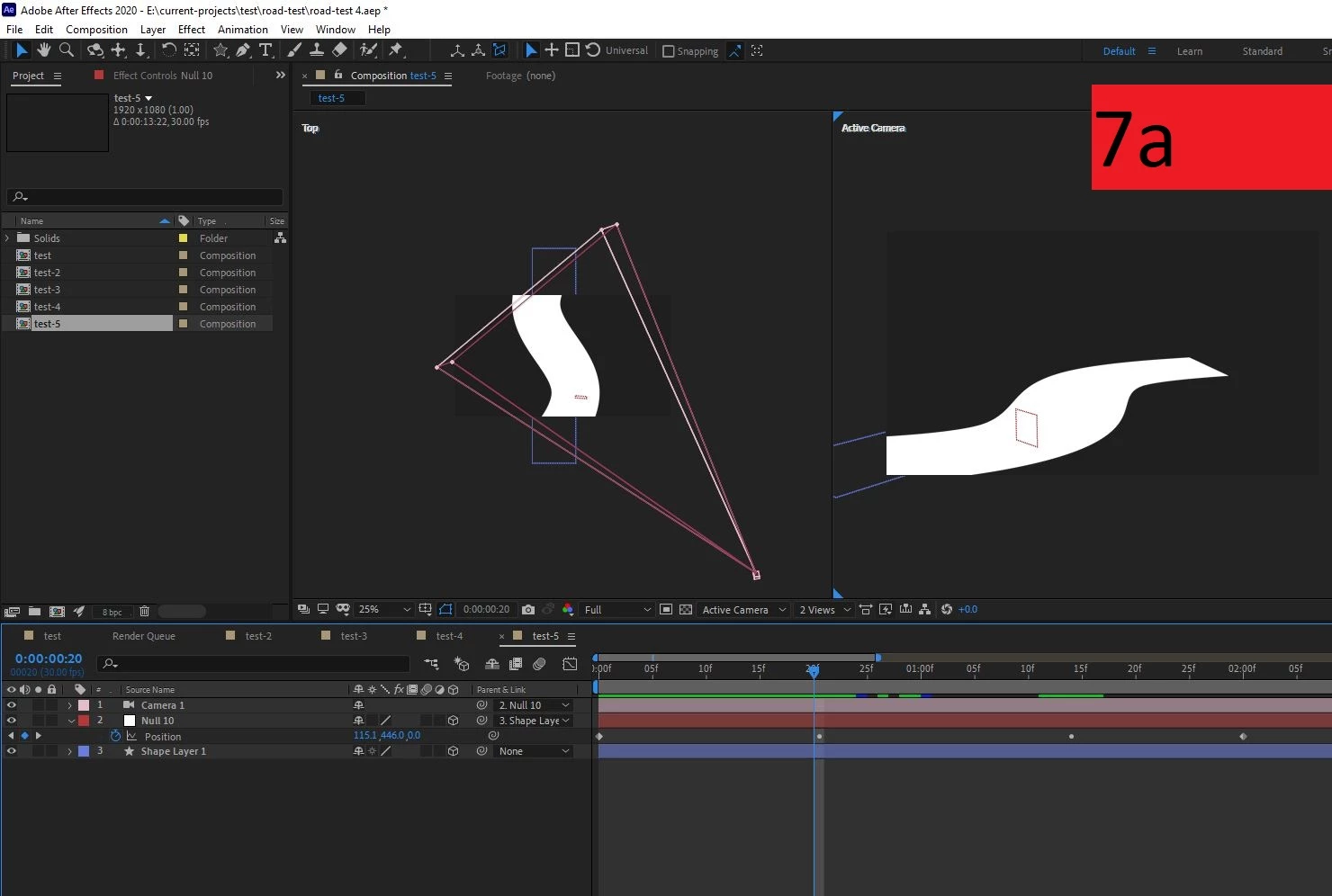
  7. Create a camera (one-node) + parent it to the null.

Now there’s a jump in the camera position from frame 0:20 to 0:21 (in the position keyframe of the null).

*I also tried changing the anchor point of the null to the middle – but it didn’t work.

Thanks in advance!

Moran


This topic has been closed for replies.

1 reply

Mylenium
Legend
January 5, 2022

Perfectly normal. You need to define an up vector for the camera in such scenarios to stabilize the rotation. there are several scripts at AEScripts.com that take care of this and create more elaborate rigs to that effect. You could of course create your own expression as well or just bake the keyframes and mangle them in the graph editor. That and your values are very small to begin with for 3D work. Scaling up the scene alone might improve matters


Mylenium

Moran5FB0Author
Participating Frequently
January 5, 2022

Thank you so much for the response.

However I don't understand the meaning of "define an up vector".

Can you explain it in other words please?


Community Expert
January 5, 2022

Maybe this will help:

I created this simple tutorial a long time ago. I use this kind of workflow all the time.