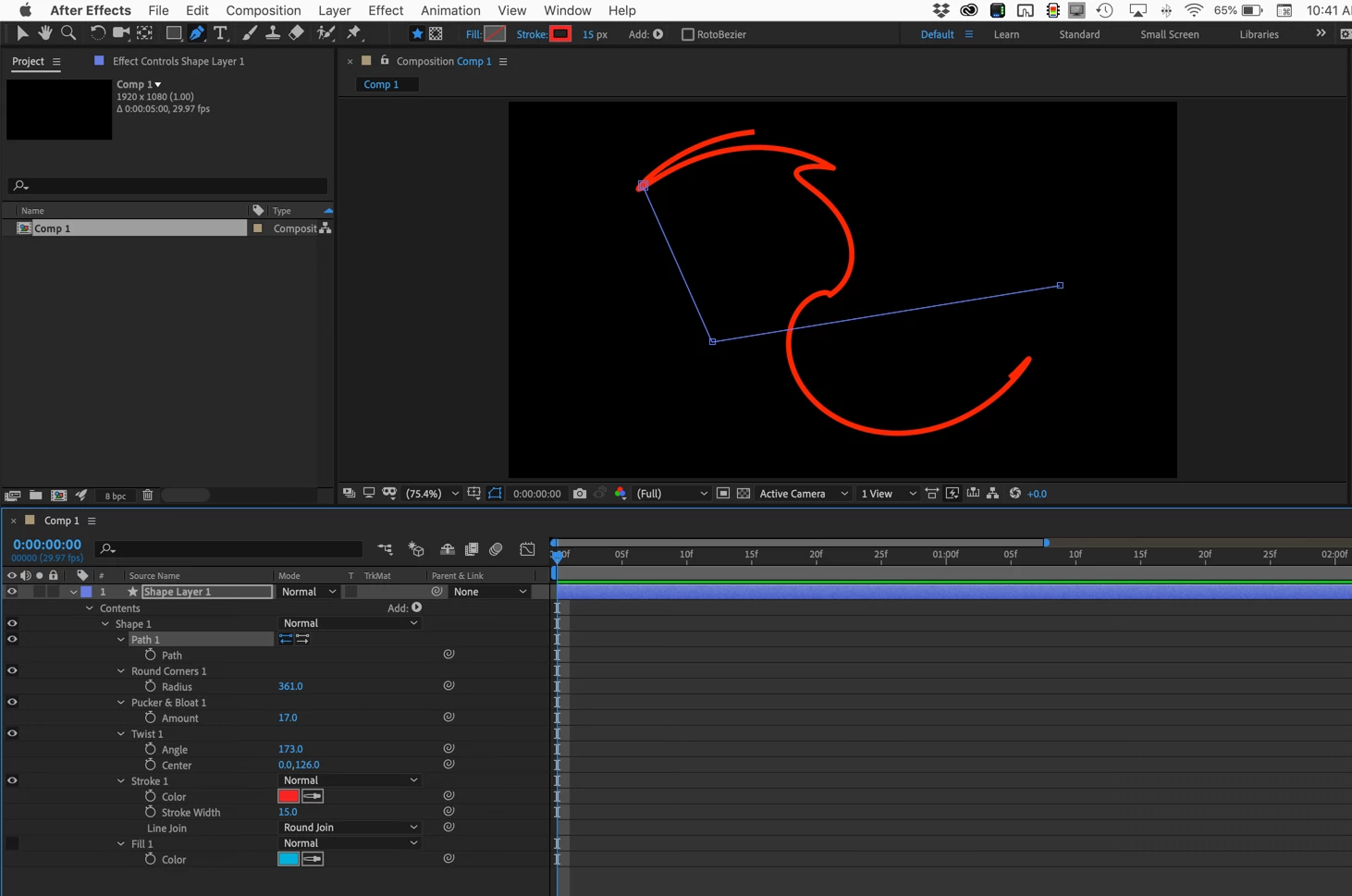
Sorry if I was not clear. You added a shape layer animator. All of these modify any path but they do not convert the modified path to a bezier path. If you select the path in the timeline you will see that the path does not have round corners. If you copy and paste the path to a motion path the original path, not the modified path, will be applied to the motion path. Takunch of e this example. I've applied a bunch of shape layer animators to the path but as you can see, the original path is still a simple lazy L.
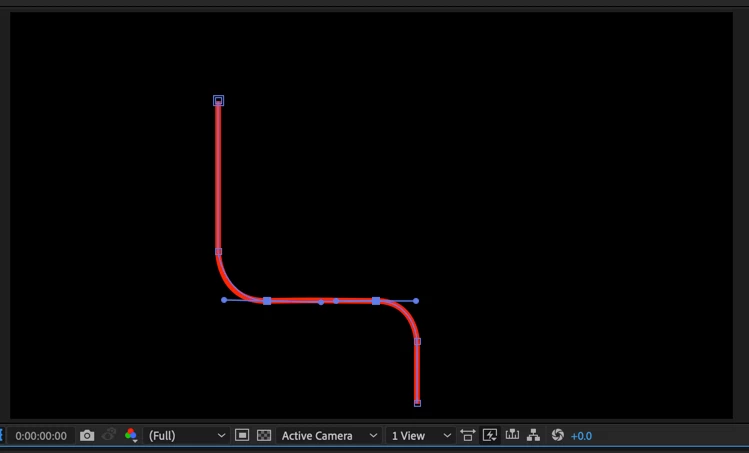
Your only option would be to redraw the motion path. It's pretty easy to make symmetrical radius corners using pen tool, it would just take 5 points instead of 3. If you enable the grid it even gets easier. Here's a shape I drew freehand by just holding down the shift key, setting all vertices, then using the Alt/Option key and Convert Point tool + Shift I just extended the handles on the third and 5th point.
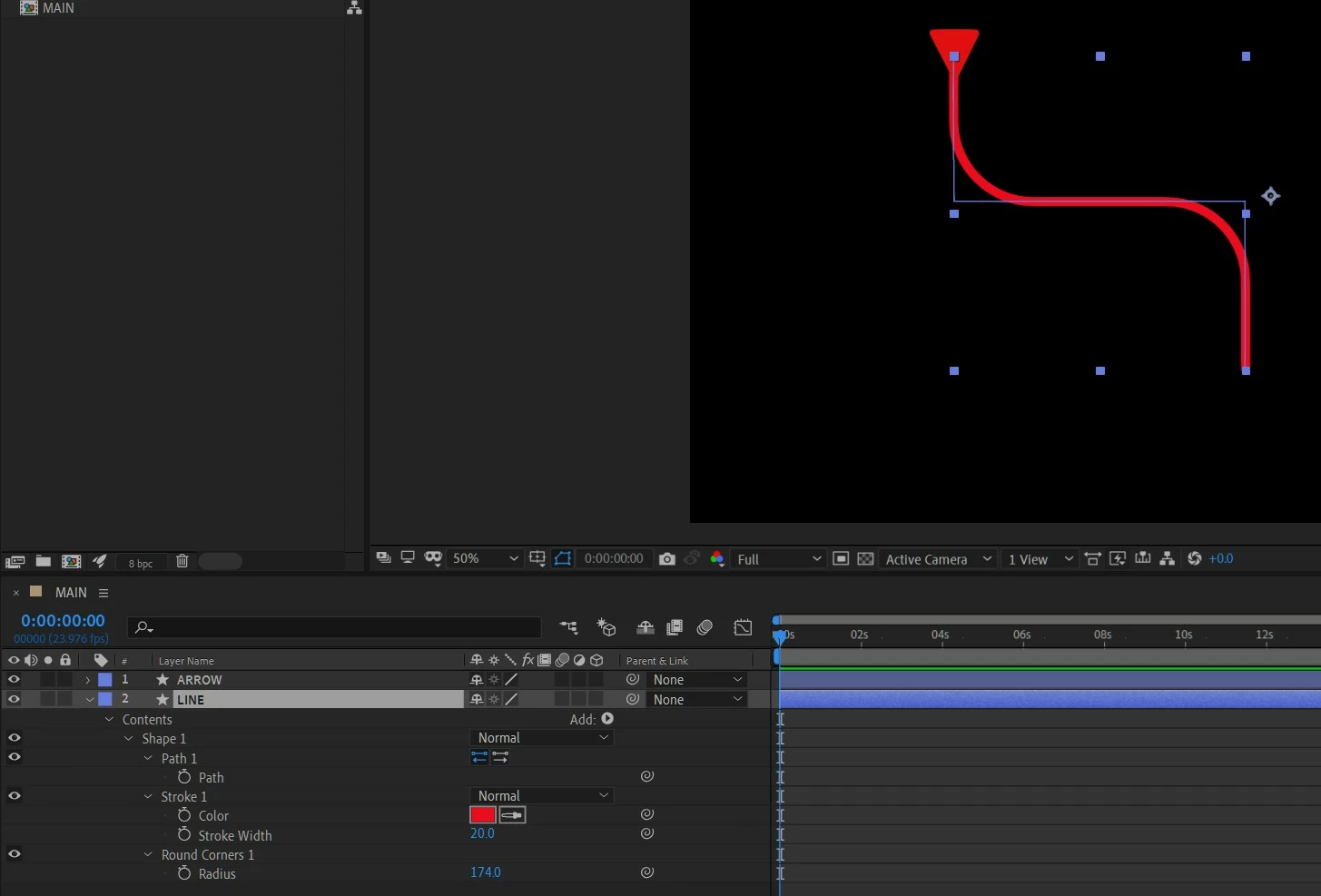
If you try and use Auto Trace you will end up with a closed path that is not very suitable for a motion path. It's possible to set the first vertex, then delete as many keyframes as are necessary to keep the motion from going down one side of the line then up the other, and you could parent the motion path layer to a null and try and line it up with the original center of the line, but just redrawing the line is by far the easiest option.
I hope this helps.

 AdChoices